
Inverse Layer Selection?
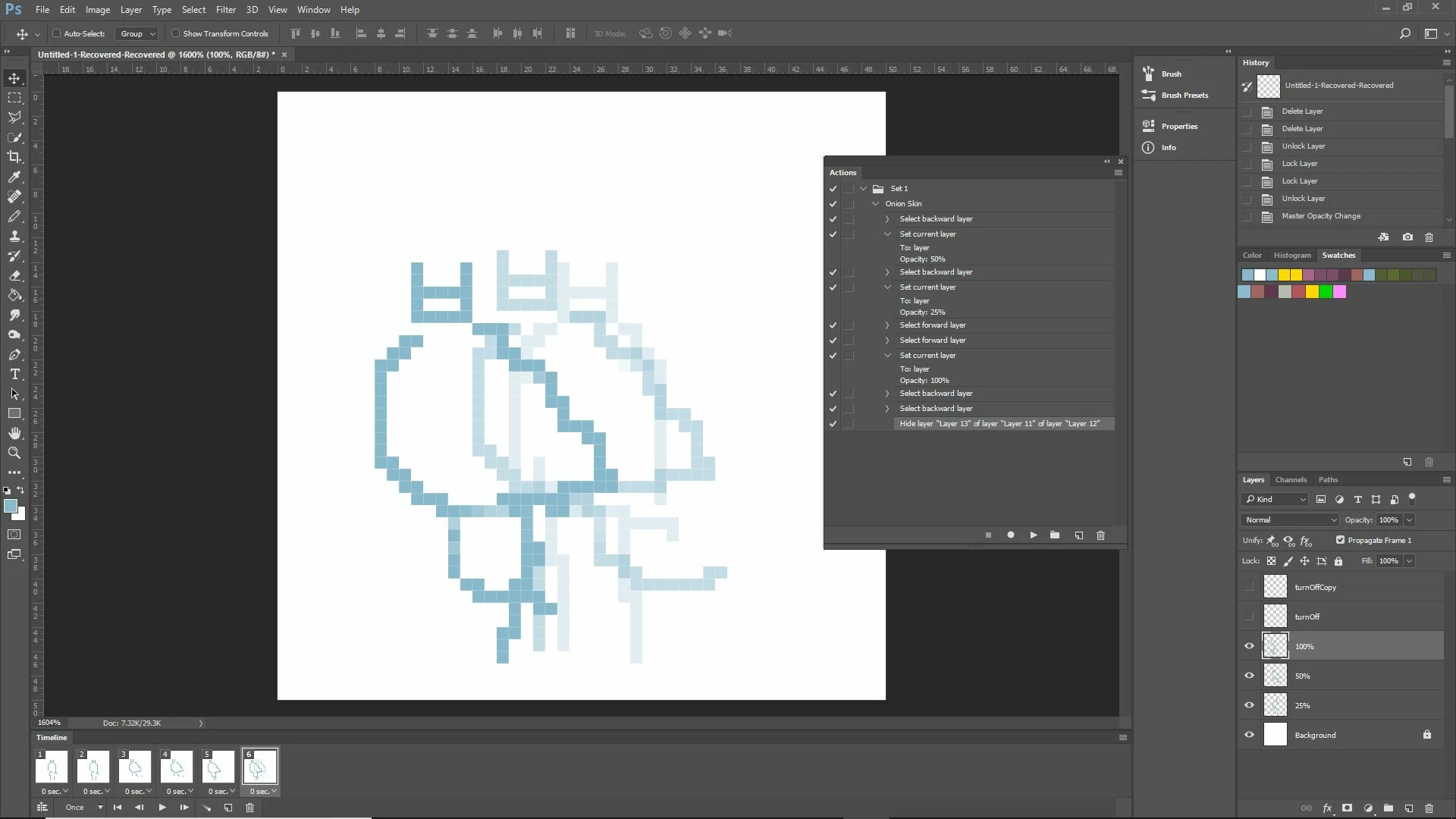
Hey, everyone. So, I was working on an action in Photoshop that will take the currently selected layer and force it to 100% opacity then take the layer directly below it and force to 50%. The layer below that one is then forced to 25% while all other layers are changed to no visibility. I also have the action linked with a layer select event so that it plays every time I change active layers.
It works fine up until the end where repeating turning off the visibility of other layers since there really isn't a way for Photoshop to record it. I tried using the "show/hide all other layers" option, but the action manager records the instance with unique individual layers. You can see this at the very end of the action where it discretely refers to "layer 13,12, and 11" (These are renamed to "turnOff, turnOffCopy, and Background" in the layer panel). As well, I checked the event listener log and it refers just to the discrete layers.
I checked the event listener and it was giving discrete layers as well. Does anyone have an idea of how to work around this? Possibly a way to invert my current layer selection that the action manager can recognize?
Thanks in advance!
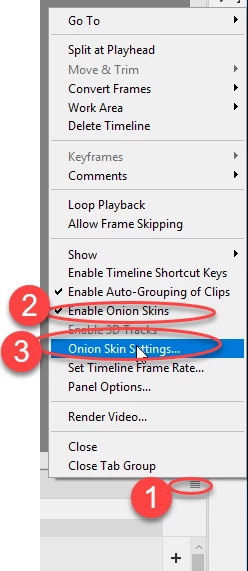
P.S. I'm trying to use the action so that I can create an onion skinning effect for animating. It's just a pain to keep going back and forth between layers since there isn't a shortcut for changing layer opacities quickly.


 AdChoices