
Inspiring
August 19, 2018
Question

Invert Crop

  • August 19, 2018
  • 5 replies
  • 14089 views

Is there any way to invert a crop?

Like say in the image below, I select a portion of image, as if I'm cropping it normally.
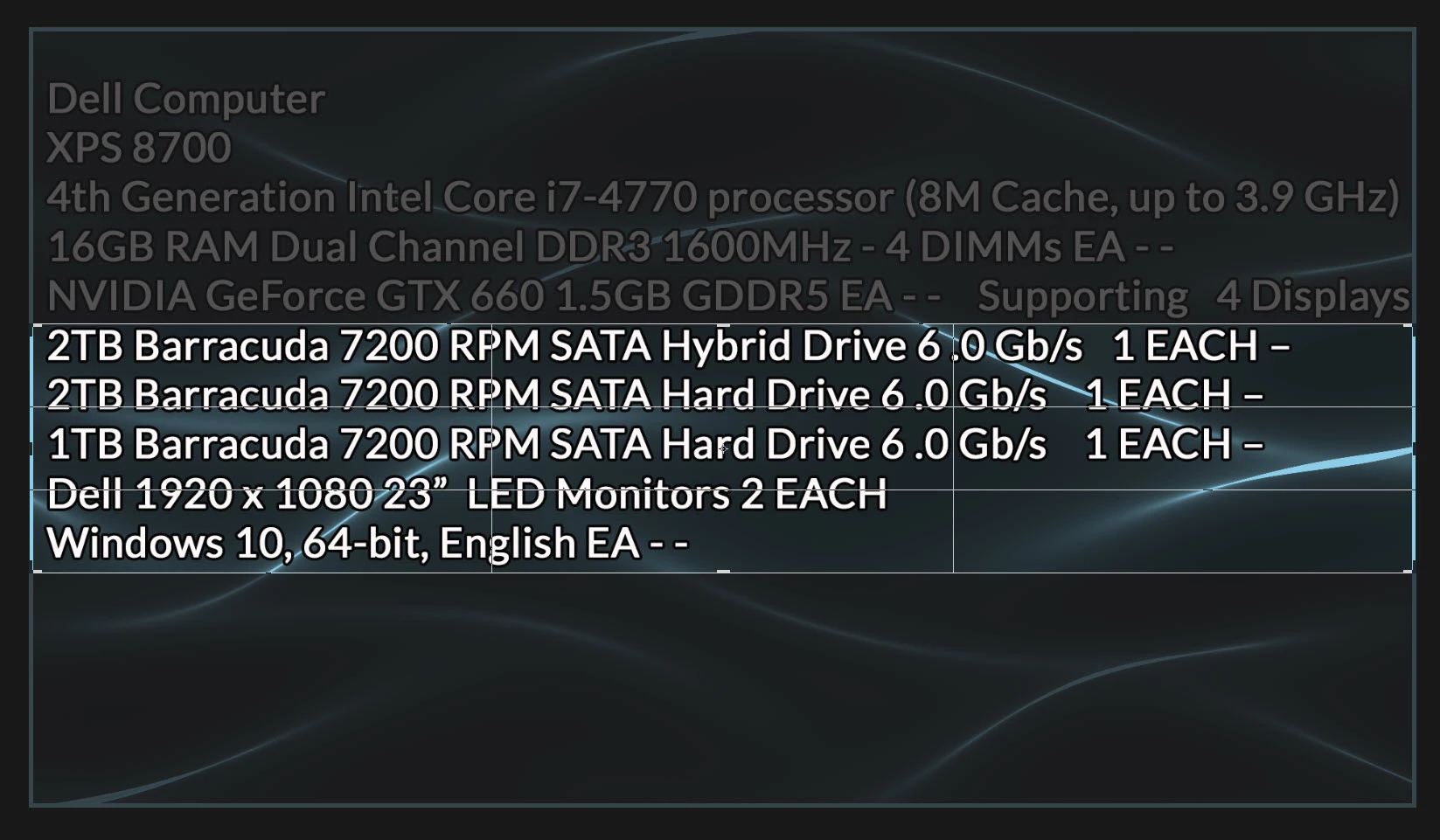
But instead of cropping it, I want to delete that portion. Plus, close the gap at the same time. So a Reverse Crop: sort of.

I know how to do it using selections. I don't need guidance for that standard procedure. I need a faster approach.

Thanks in advance, Terry

This topic has been closed for replies.

5 replies

Stewart Shevin
Participating Frequently
June 16, 2023

My workaround is to apply a mask in the opacity section of the Effects Controls. Then click the check box for "Inverted". Depending on the look you're trying to achieve, you may want to duplicate the layer, or put black on layer two. Then apply the mask to it.

cor3_one
Participant
March 6, 2020

I know what you are saying, and would love the exact same functionality. hey Adobe, how can we get a feature request in for this? why not add ctrl+I functionality to the crop tool to select the part you want to subtract from the image?


davescm
Community Expert
Community Expert
March 6, 2020

".....hey Adobe, how can we get a feature request in for this? ...."


You can raise feature requests at the link below , where they will be seen by Adobe staff.
https://feedback.photoshop.com/photoshop_family


Dave

Kukurykus
Legend
August 19, 2018

So you want after it deletes selected part it copied into a first part of text (above one). How it has to know position of that other text and its content. Woud be it previously selected and copied to clipboard?

lambiloon
Community Expert
Community Expert
August 19, 2018

one of shortcut of it is content aware move tool but its not do it fully accurate because background is colorful but you can try...thanks

Ali Sajjad / Graphic Design Trainer / Freelancer / Adobe Certified Professional
Stewart Shevin
Participating Frequently
June 16, 2023

That tool does not exist in Premiere.

Chuck Uebele
Community Expert
Community Expert
August 19, 2018

No, there is not feature like that. You would have to do it as you described using selections.

Edit: I suppose you could write a script that would cut out the selection, then move up the removed section.