

Is it possible to place images at their actual, original, 100% PIXEL dimensions while ignoring resolution?
I know this has been asked before but none of those posts had the answer I'm looking for. Maybe if we complain enough Adobe will add an option for us?
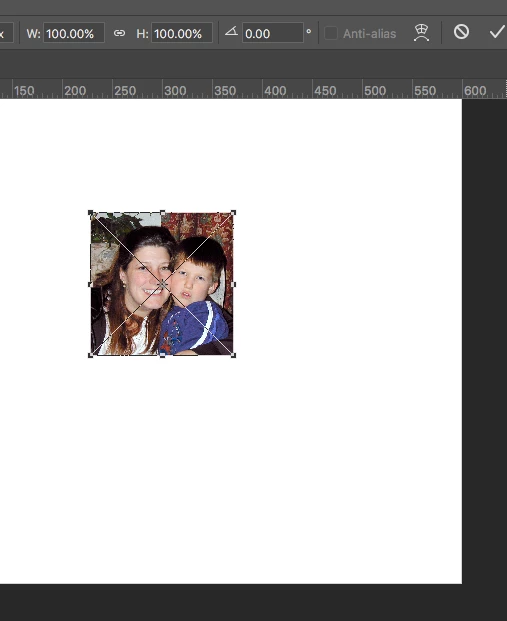
The problem I'm having is when I drag an image into a photoshop file to place it, it gets shrunk down considerably. It's not that it's placing it at, say, 25% to make it easier on me--it's telling me its at 100%. I know that's not true, cause if I copy/paste the image in the old fashioned way, its FAR bigger. I really need these images at their original honest-to-god size, so I know what I'm actually working with.
From what I've gathered this is because of the image's resolution. I design for the web so I don't care about inches/resolution, only pixels. I feel like that's a perfectly valid use case so I'm surprised this doesn't seem possible. It's really not practical for me to go through aaalllll of my image assets and change their resolution.
I've tried every combination of checking/unchecking:
- Resize Image During Place
- Skip Transform When Placing
- Always Create Smart Object when Placing
But none of those solve it.
Am I missing something, or do we need an "Ignore Resolution when Placing" option?
Pretty please?  ?
?
 AdChoices