
Known Participant
July 8, 2024
Question

Is it possible to see custom shapes without folders?

  • July 8, 2024
  • 2 replies
  • 426 views

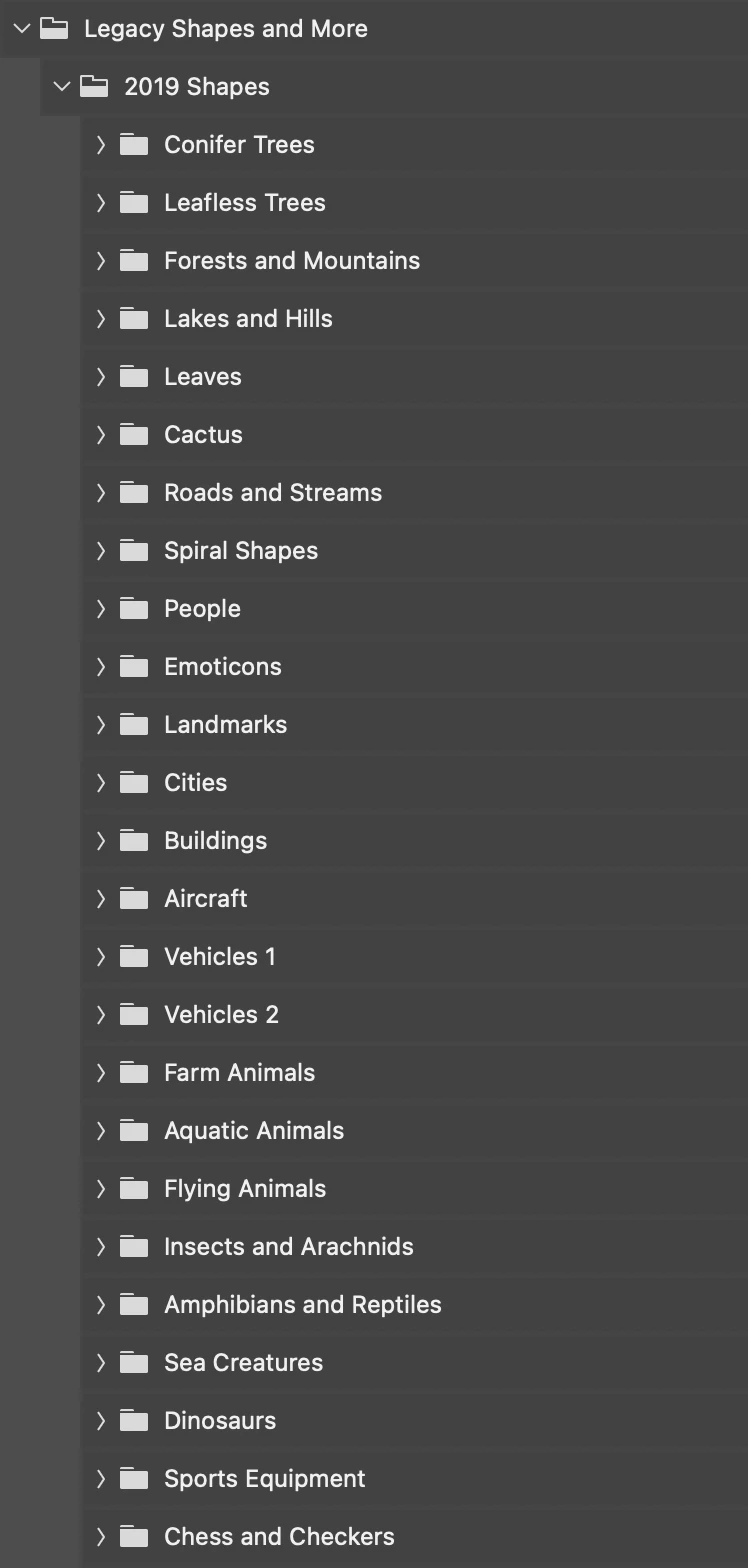
When I'm looking for a custom shape within PS, it shows me a huge list of dozens of folders. Is there some way I can set PS to default to showing me the images without the folders?


Thanks!


(I've attached a screenshot of the folders-only view.)
This topic has been closed for replies.

2 replies

Stephen Marsh
Community Expert
Community Expert
July 8, 2024

That's how things used to be, Adobe added folders as users wanted more management options. I guess you can't please everyone!  :]

Bojan Živković11378569
Community Expert
Community Expert
July 8, 2024

Ctr + clicking on the triangle next to Conifer Trees will expand all groups or folders at that level.


Another option is to gather all shapes into a single group or folder and then save them. This method allows you to view all shapes within a single group.

Anon1066Author
Known Participant
July 8, 2024

Thanks, but do you know the location of the custom shapes folder for PS 2024 on Mac? I Googled it, which said they're under Presets, and they're not there. I've attached a screenshot showing all my folders under presets.

Stephen Marsh
Community Expert
Community Expert
July 8, 2024

@Anon1066 


On a Mac, go to your applications folder and contextual menu right-click on the Photoshop.app icon, then select "Show Package Contents":


/Applications/Adobe Photoshop 2024/Adobe Photoshop 2024.app/Contents/Required/Default Custom Shapes.csh


I'm not sure if that actually solves your problem though!


I believe that Bojan was telling you to use the Shapes panel to select and move and organise the shapes into a single folder and then to save that from the panel, not to use the folders in your actual operating system.