
Participant
November 1, 2024
Answered

Is there any way to erase a small part of a generative fill in photoshop.

  • November 1, 2024
  • 2 replies
  • 424 views

Is there any way to erase a small part of a generative fill in photoshop. I've tried putting a mask over it but that doesn't work. I've tried generating similiar but that is making everything look weird.  I just want to erase a small part of it. Thanks.
    This topic has been closed for replies.
    Correct answer Trevor.Dennis

    It might be easier if you showed us an example.  Right now I am thinking that:

    You could think about the prompt you used, and make it clearer.

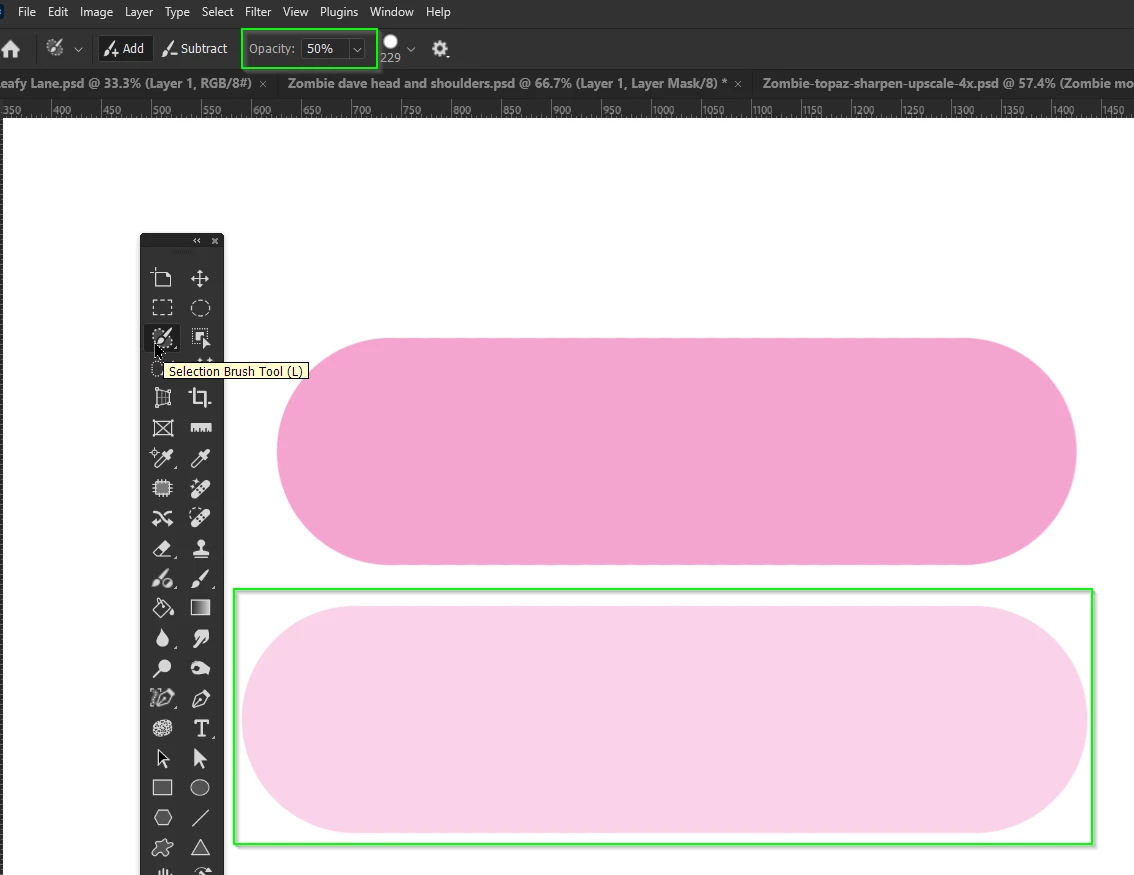
    Modify the selection you made. Do you know that you can use different opacities for different parts of the selection?  If you use the new Selection brush, for instance, you could reduce its opacity to select the area you are unhappy with.


    You mentioned trying to mask out the problem area. How did you go about that?

    The Generative Fill layer has a layer mask, but if you make it a Smart Object, you can add a new layer mask and paint out the problem area with black. 

    2 replies

    Trevor.Dennis
    Community Expert
    Trevor.DennisCommunity ExpertCorrect answer
    Community Expert
    November 1, 2024

    It might be easier if you showed us an example.  Right now I am thinking that:

    You could think about the prompt you used, and make it clearer.

    Modify the selection you made. Do you know that you can use different opacities for different parts of the selection?  If you use the new Selection brush, for instance, you could reduce its opacity to select the area you are unhappy with.


    You mentioned trying to mask out the problem area. How did you go about that?

    The Generative Fill layer has a layer mask, but if you make it a Smart Object, you can add a new layer mask and paint out the problem area with black. 

    kglad
    Community Expert
    Community Expert
    November 1, 2024

    in the future, to find the best place to post your message, use the list here, https://community.adobe.com/

    p.s. i don't think the adobe website, and forums in particular, are easy to navigate, so don't spend a lot of time searching that forum list. do your best and we'll move the post (like this one has already been moved) if it helps you get responses.


    <"moved from using the community">