
Participant
September 12, 2022
Question

Issue in Edge pixellate.

  • September 12, 2022
  • 2 replies
  • 231 views

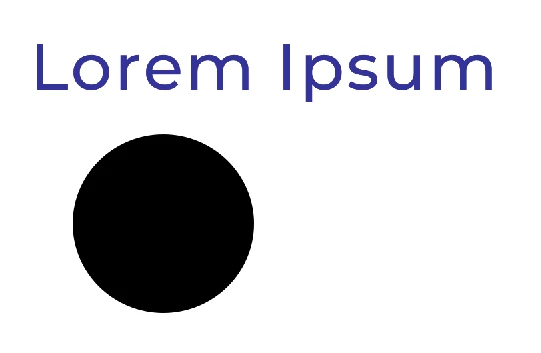
while creating any shape or I type anything, the edges gets pixellated when Zoom Out. It is good in its original size but when I zoom out the artboard, the edges get pixellated.
Below is the screenshot of the issue :
 

This topic has been closed for replies.

2 replies

Trevor.Dennis
Community Expert
Community Expert
September 12, 2022

When you say 'Zoom out' do you mean that you are making the artwork larger on the screen, or smaller?  I understand zooming 'out' to mean making the artwork smaller. i.e. less than 100%  There should be no pixelation when zoomed out, but there is bound to be when zooming in.  


If I am not understanding your issue, could you explain in more detail.  Screen shots are very helpful, but you need to show the entire workface because the tabs and status bar have helpful information.

Participant
September 12, 2022

Exactly, you understood my issue..  Zooming out means making the artwork smaller. i.e. less than 100% .
Here is some example : 

the artboard is 1080 x 1080px .. I have zoomed out 1 click below.


Ged_Traynor
Community Expert
Community Expert
September 12, 2022

Hi

Can you tell us which Adobe application you're using so we can move the thread to the correct forum

Participant
September 12, 2022

It's Adobe Photoshop.

Ged_Traynor
Community Expert
Community Expert
September 12, 2022

Thanks, I'll move the thread to that forum