Nic-B
Known Participant
March 9, 2023
Question

Issue with bounding box detaching from object—Transform tool—Mac Ventura — Mac user help required

  • March 9, 2023
  • 1 reply
  • 1531 views

Hi everyone,


I'm having an issue with bounding boxes (for every layer/images/object - all projects).

Weird behaviour in general (lines/boxes being left behind, or disappearing etc) but for the most part it seems the bounding boxes are somehow detaching from the actual object.


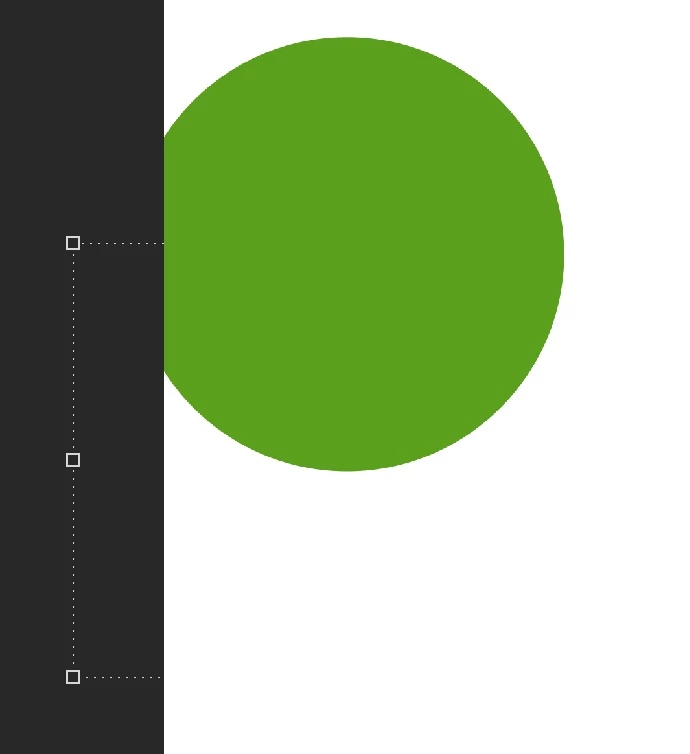
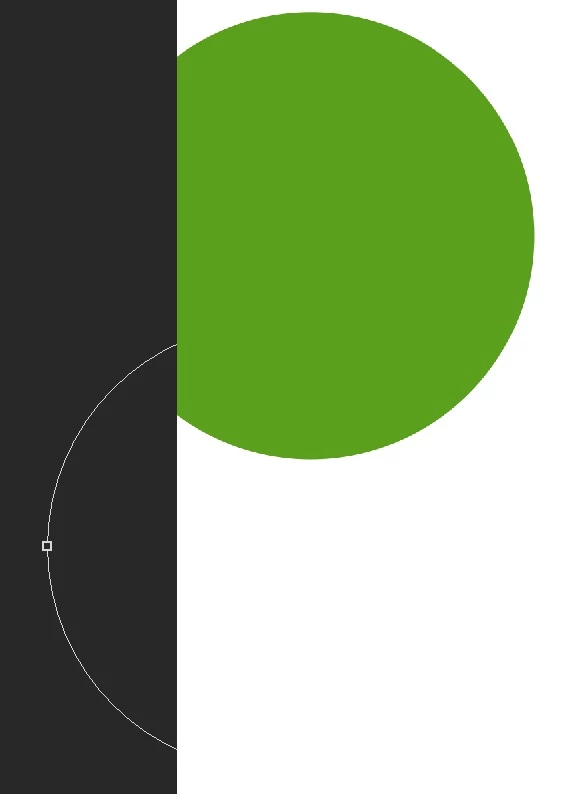
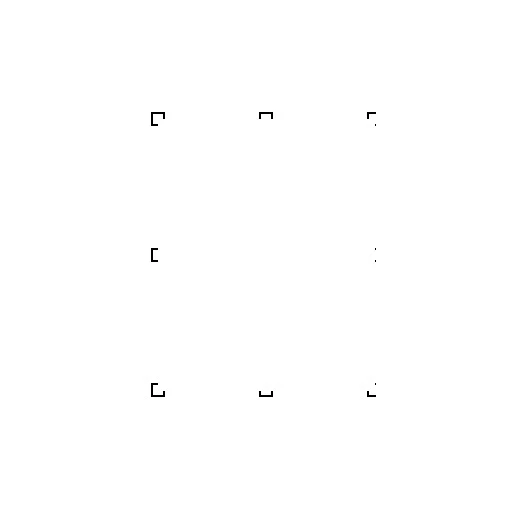
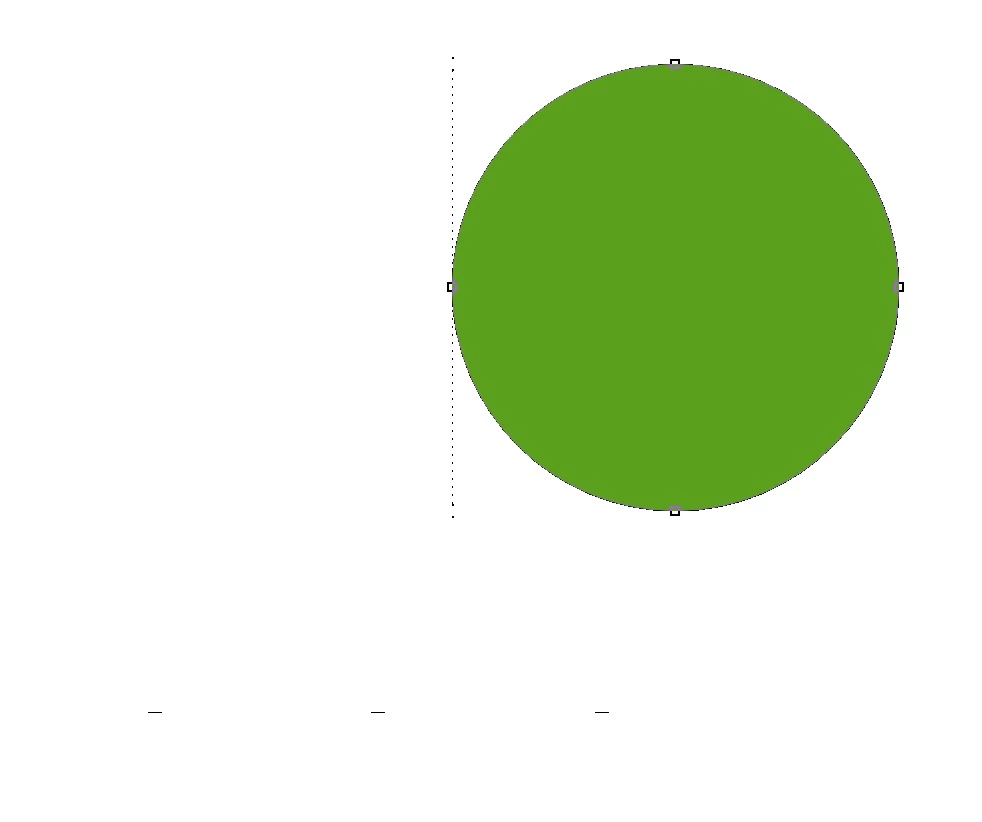
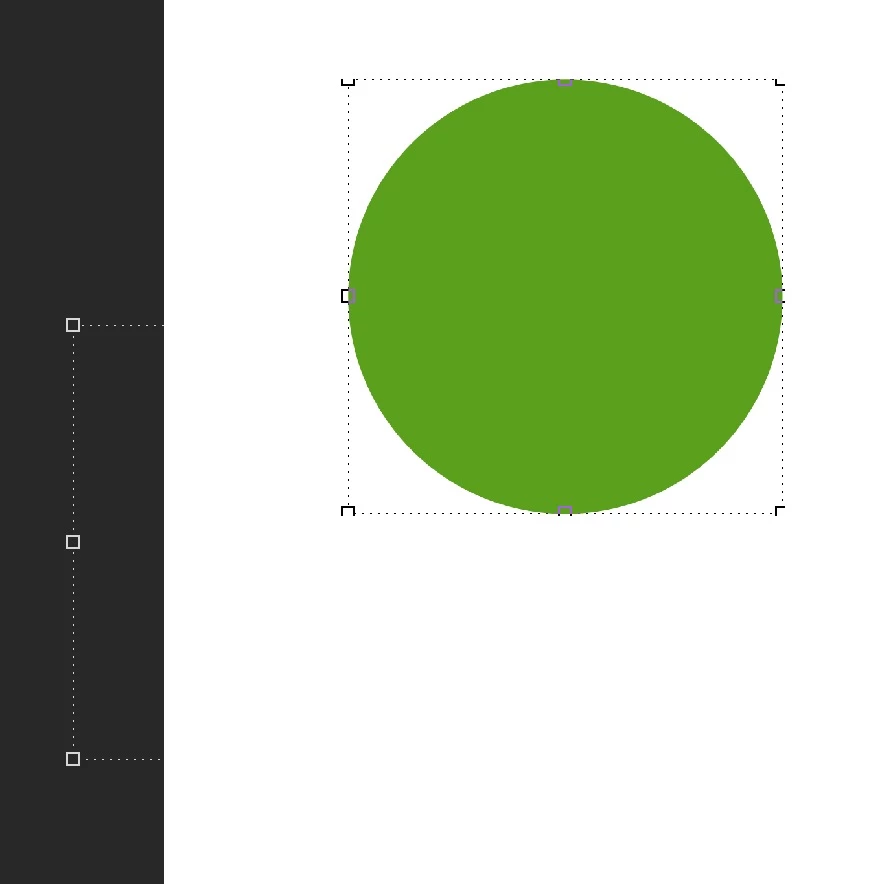
I've done an example using a circle shape (attached images). 

**In one of the images it created two bounding boxes for the one object (and I could even erase the bounding box lines using the eraser tool!)


Just say I want to move the circle, or resize it, assuming the bounding box doesn't just completely disappear and reappear etc, once the circle is moved the bounding box will remain behind, making it impossible to continue to transform the shape further. 


This has been a consistent issue for many months, using different versions of Photoshop (I always keep it updated) and it only seems to be getting worse, the only way to "reset" the bounding box, to return it to the object, is to zoom in or out.


Hopefully someone might have some insight to what might be causing this? The issue is making it impossible to use photoshop.


Thanks so much! 


Runnin macbook air M2 / Ventura 13.0.1 / Adobe 2023 
 

This topic has been closed for replies.

1 reply

Trevor.Dennis
Community Expert
Community Expert
March 10, 2023

Looks like a display issue.  What version of Photoshop are you using?

Try checking Deactivate Native Canvas

Nic-B
Nic-BAuthor
Known Participant
March 13, 2023

Hm, unfortunately the issue persists, such a shame! It initially seemed to be fixed but as I continued to use photoshop (with various projects) sadly the issue definitely still seems to be there, I wonder if you might have any other thoughts in mind about what it could be? 

Thanks so much for your help!


Trevor.Dennis
Community Expert
Community Expert
March 14, 2023

Thank you 🙂 


I'm currently using the M2 (2022) Macbook Air / Ventura 13.2.1 *latest*  / Photoshop 24.2.0.

The issue has been around for previous Ventura and Photoshop versions (I constantly hope updating either one will fix it). 


Unfortunately I'm not sure how Mac video card updates work, I suppose maybe they just update them when the OS updates, definitely quite different to Windows in that sense. 

Hm yeah unfortunately if I turn off the GP it would remove quite a few tools I use all the time and make photoshop unusable in other ways. Hm! 


Hopefully other Mac users might have an idea in mind 🙂 


There's another Preference setting that might help.  AFAIK it's a newish thing, or I don't remember seeing till recently.  If this does not work, then give it a couple of days and start a new thread calling it something like Mac Ventura Display Issues  Say that you are using the MB Air and M2 chip.  


Try researching using  M2 as a search parameter  Check this thread for instance.

Would the MB Air use different display driver to something like an MBP which I am guessing has a bigger screen?  Another link


Start a similar thread on the Lightroom forum.  


@jane-e can you think of any Mac users withgg recent hardware that might be able to help.  I'm struggling here being a Windows user, and I am hoping to get some more people to Nic's thread.