Participant
December 29, 2019
Question

Issues cloning a reized .png to .jpg in 21.0.2 version

  • December 29, 2019
  • 1 reply
  • 473 views

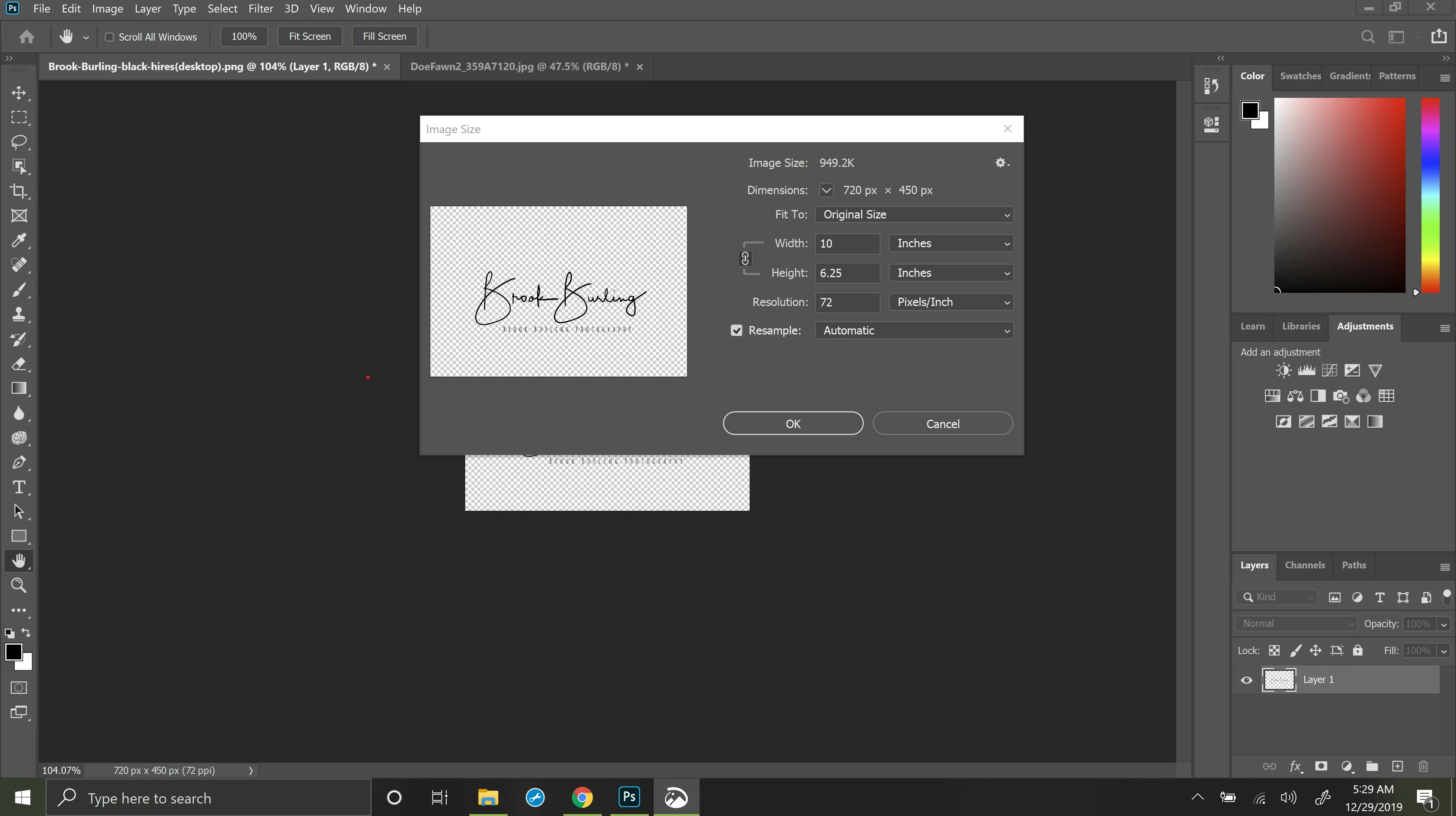
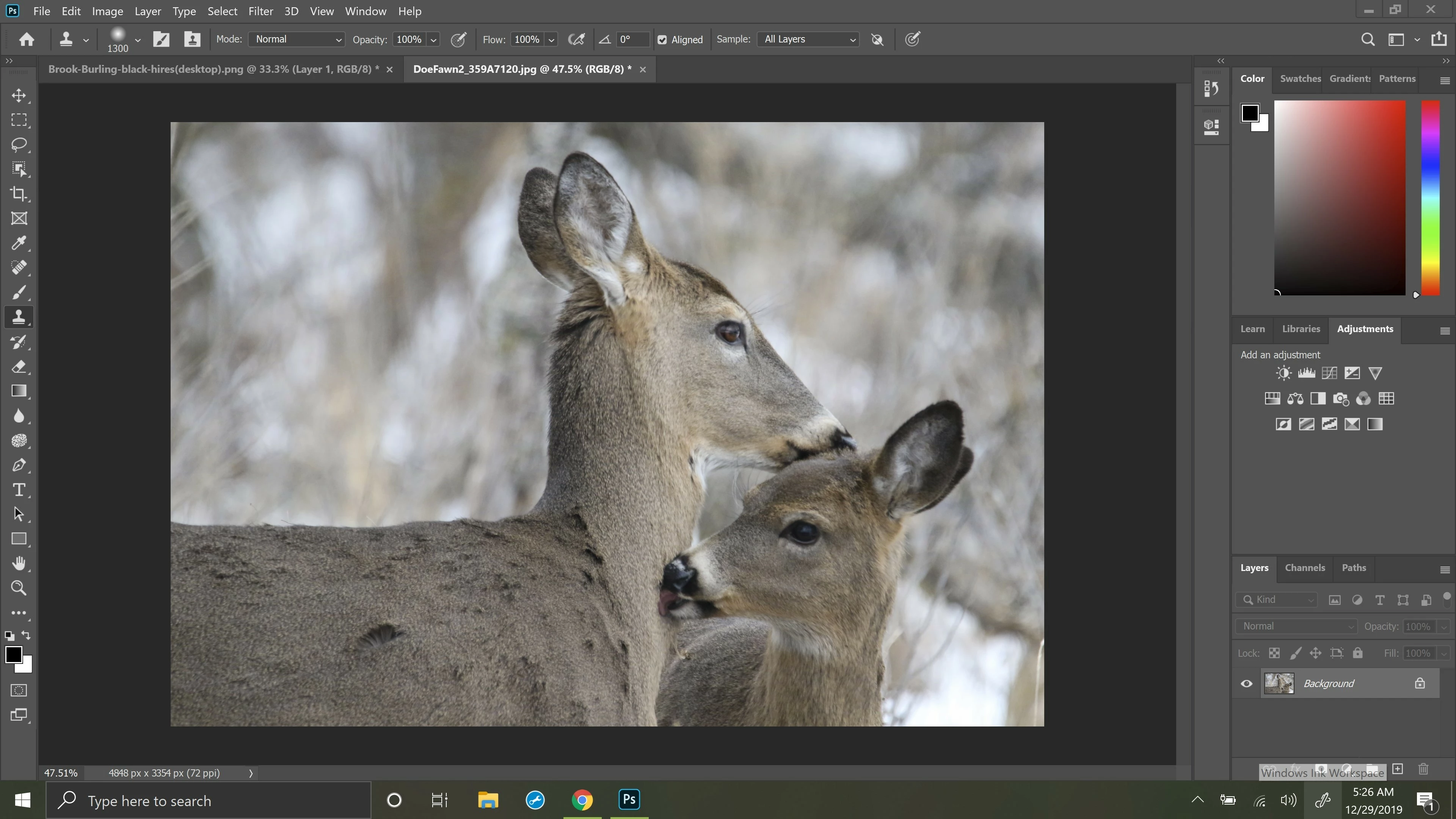
I am having troubles cloning a resized .png watermark to a .jpg. This only seems to be an issue in the 21.0.2 version. I checked all my setting and Mode is normal, opacity 100%, flow 100%.  I've tried to reset the tools and tried chatting with an Adobe person to help me with this issue.  I opened older versions of photoshop and the clone tool works as it is expected too.  


Any help would be appreciated.
 

This topic has been closed for replies.

1 reply

jane-e
Community Expert
Community Expert
December 29, 2019

Can you clarify the “troubles” you are having? What is happening? 

Participant
December 29, 2019

After I resize the .png water mark down to a smaller size, I then Alt and left click to copy with the clone tool.  When I switch to my .jpg image and click to paste the watermark onto the .jpg nothing happens. 


The clone tool does work only when I do not resize the .png watermark.

JJMack
Community Expert
Community Expert
December 29, 2019

 I have never tried to use the Clone tool between documents.  If it is possible it sounds like you may have a problem.  IMO you work-flow is not the best.  You should not use the clone tool for this Process. Instead Place the png file into your image document as a smart object layer and use the Place transform to size and position the smart object layer to where you want it over your opened jpeg image document.  That whole process can be automated by using my place watermark script which you have modify the first vars to customize the script to use your png file and to size and the locate the png image to some percentage of the jpeg document height and position it to the bottom right or left. You can save a jpeg from your layered document or flatten the document. As a layered document you can move, size and position your watermark. 


PlaceWatermark.jsx 

JJMack