

Issues with Brushes - Color Dynamics
Hi
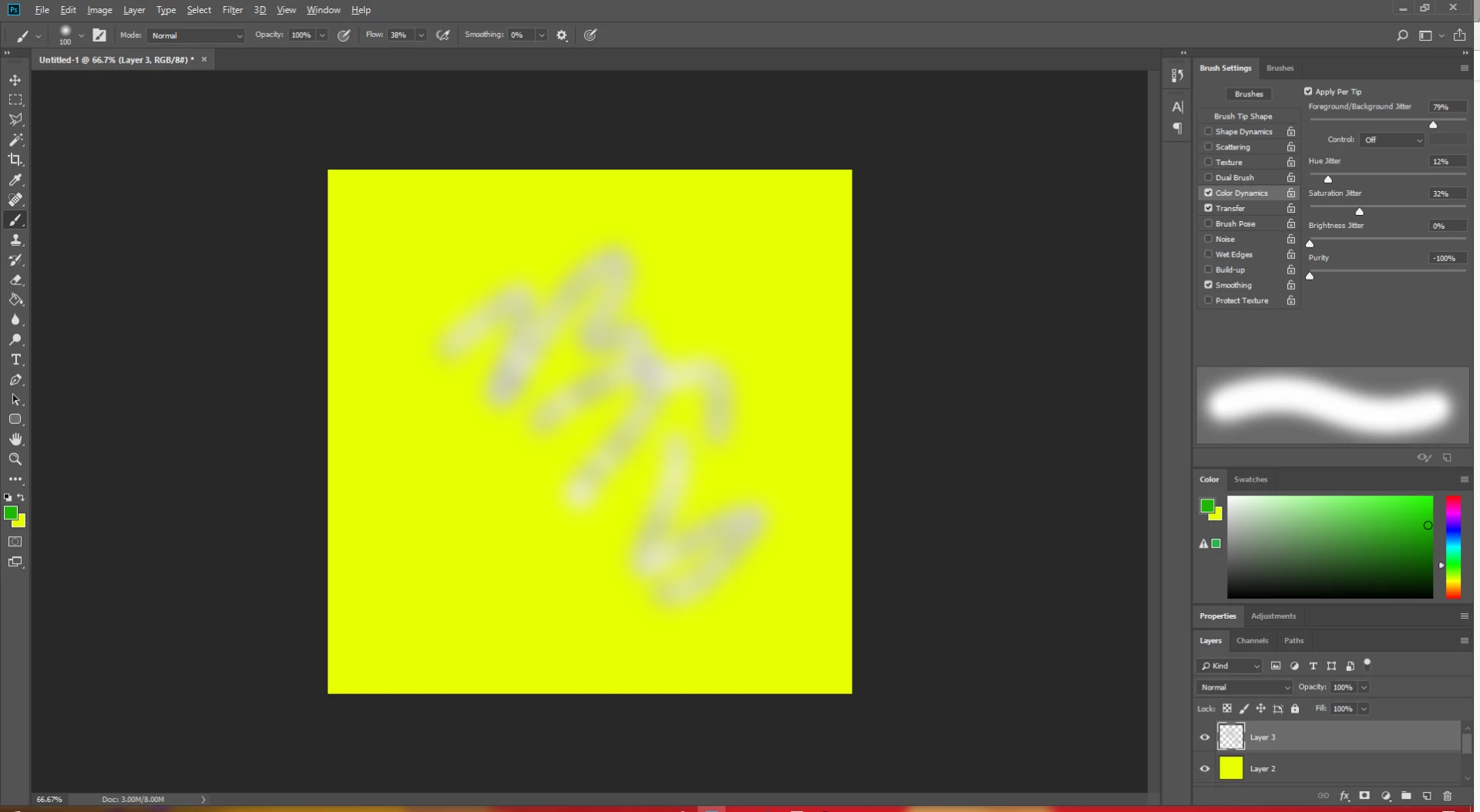
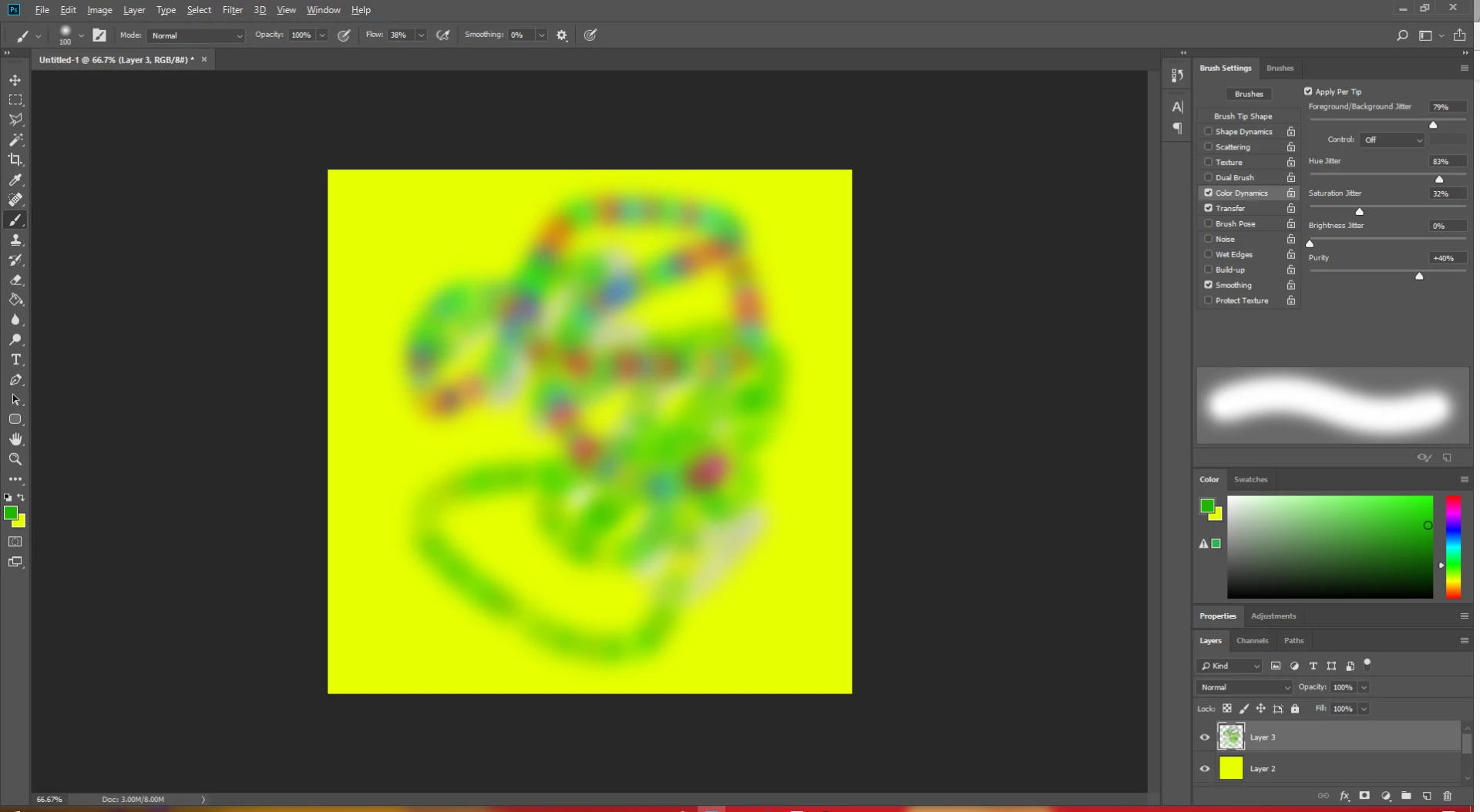
I can't for some reason get Color Dynamics under the brushes menu to actually maintain my color selections. For example: I've got dark green for my foreground color and a Yellow as my bakground color, the colors come out fine when Color Dynamics is not selected but If I select Color Dynamics, when I use the brush, they come out in greyscaleish colors, pale browns, greys, blacks and whites instead of my selected colors of green and yellow. And I cannot figure out for the life of me why this is happening! So any help is greatly appreciated.
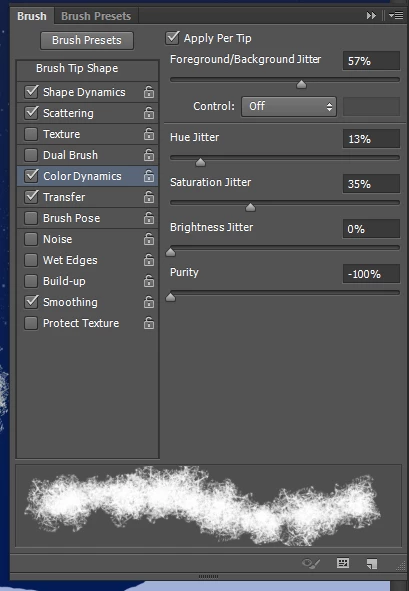
My document is set to RGB color, so it's not that. It's doing it with all my brushes - not just the ones I'm trying to use. And I've done this before so I'm not sure why it's not working now. I'm running CS6 on Windows 10 - 64-bit. I've attached a screenshot of my Color Dynamics settings below - let me know if you need any other screenies!
Thanks
B
 AdChoices