
Participant
June 23, 2023
Answered

Issues with Photoshop brush — PLEASE HELP!

  • June 23, 2023
  • 2 replies
  • 1553 views

I need help with my brush settings! PLEASE! 


I have been running PS 2020 for a while now and have had no issues — but when I updated to PS 2023
I cannot get the brush tool to behave in the same way!


The problem when I use PS 2023 is that the brush doesn't completely fill in with the color — there is a ring around it that is still unfilled.
BUT! In PS 2020 the brush color fills the circle all the way to the edge of the brush outline (the full dimensions aka: 250px).


I am not using a tablet — just a mouse — so it isn't "pen pressure" or something like that.

WTH is going on here? There is a setting somewhere but I can't find it! I have opened both versions side-by-side and checked all the brush settings but they are set exactly the same, so it must be some other setting menu that I can't find. 

I am on an iMac.
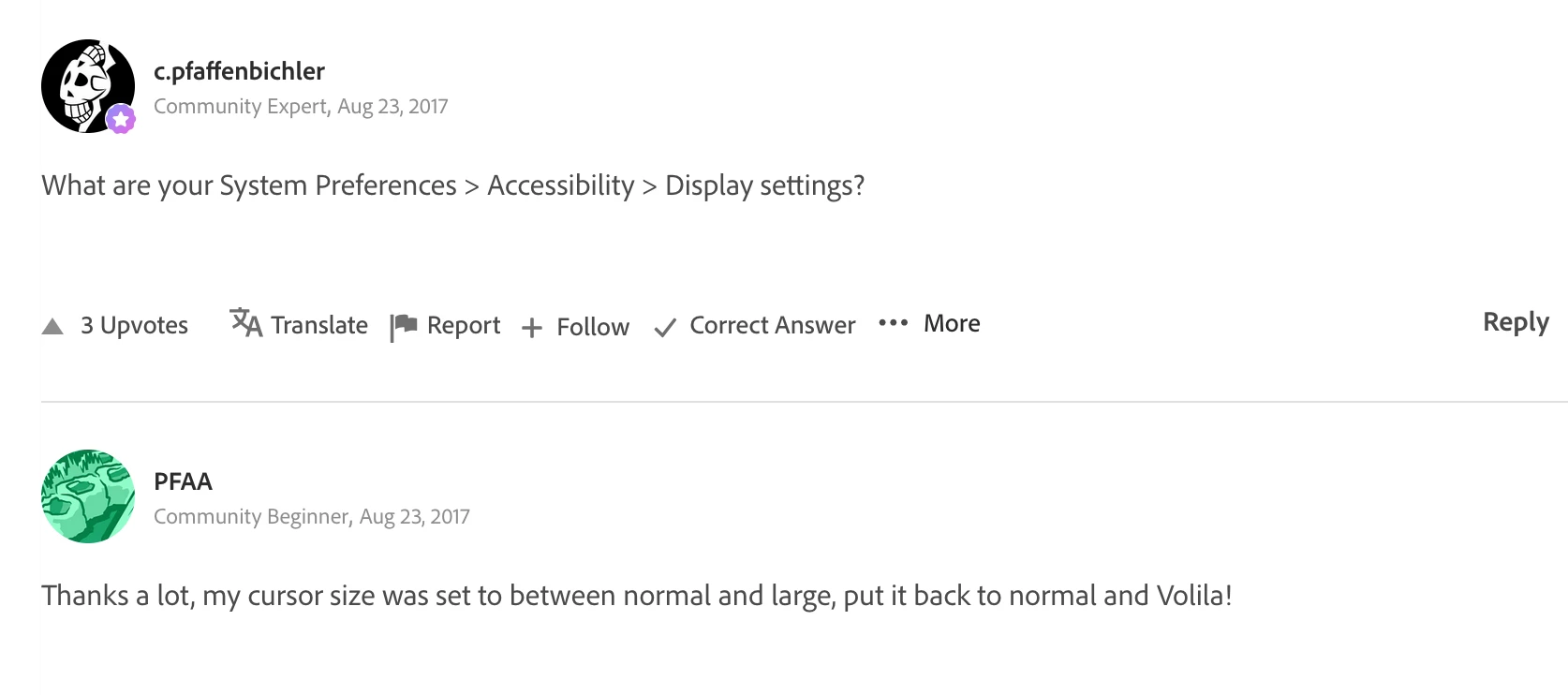
Correct answer Kevin Stohlmeyer

Everything looks in order - I would review some of @thejanebradbury 's links below - but this one seemed to resolve for many:

https://community.adobe.com/t5/photoshop-ecosystem-bugs/p-decoupling-the-presetted-quot-usual-quot-brush-size-from-os-operating-aids-macos-2016/idc-p/9337046#M114721


Specifically:


2 replies

thejanebradbury
Community Expert
Community Expert
June 23, 2023

And ignore me because @Kevin Stohlmeyer knows far more than I do and was quicker answering while I was pootling around the forum!


I don't have a Mac but searching this forum I found two posts that may offer help: 
#1.  https://community.adobe.com/t5/photoshop-ecosystem-discussions/eraser-tool-doesn-t-fill-cursor-shape-on-laptop/m-p/12904949

#2. https://community.adobe.com/t5/photoshop-ecosystem-discussions/brush-tool-cursor-size/td-p/9337046


From what I understand it's something to do with Accessibilty settings on a Mac. 

Kevin Stohlmeyer
Community Expert
Community Expert
June 23, 2023

Hi @mackatee13 go to preferences(settings)/Cursors and set your brush size to Full Size Brush Tip.


Participant
June 10, 2025

@Kevin Stohlmeyer Hello! I am having the same issue in Photoshop. I have reset preferences, checked brush hardness, set cursors, turned off dual brushes, etc. I've tried everything and still getting the same result with brush and erasure where just the middle of the brush is being used. I've restarted Photoshop several times to see if anything changes, but no luck. Any other advice?

Kevin Stohlmeyer
Community Expert
Community Expert
June 10, 2025

@dezignchik That looks like a custom brush. I would start with a basic hard round brush and see if the behavior continues. If you need this brush, uncheck "Transfer" and try again.

If it does continue please send over your System specs using Help Menu>System Info. Copy and paste the full report in a reply.


Also please confirm you are on the standard brush not the mixer brush or other tool.