
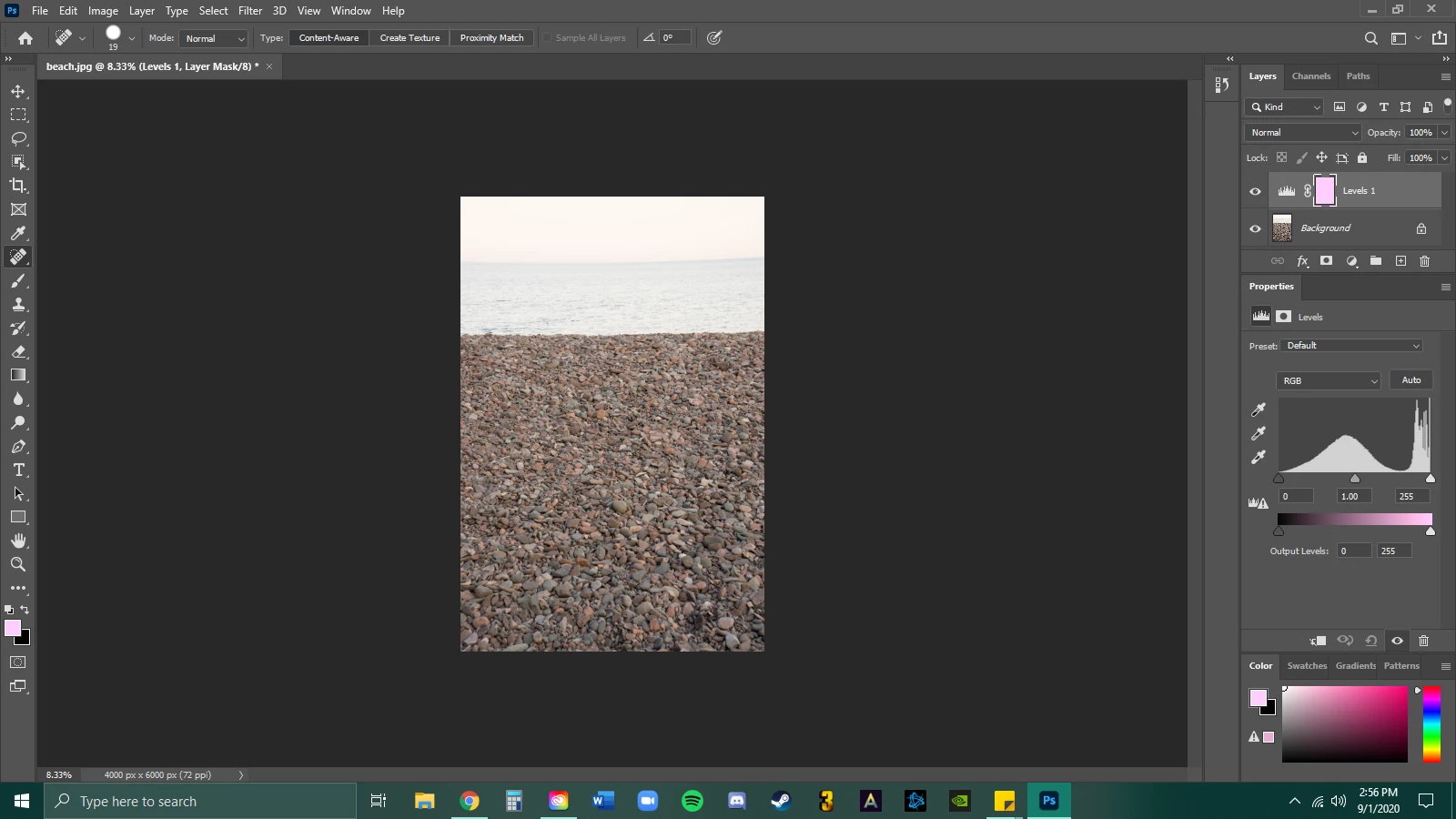
Issues with pink mask layer and image looking like it has a pink filter
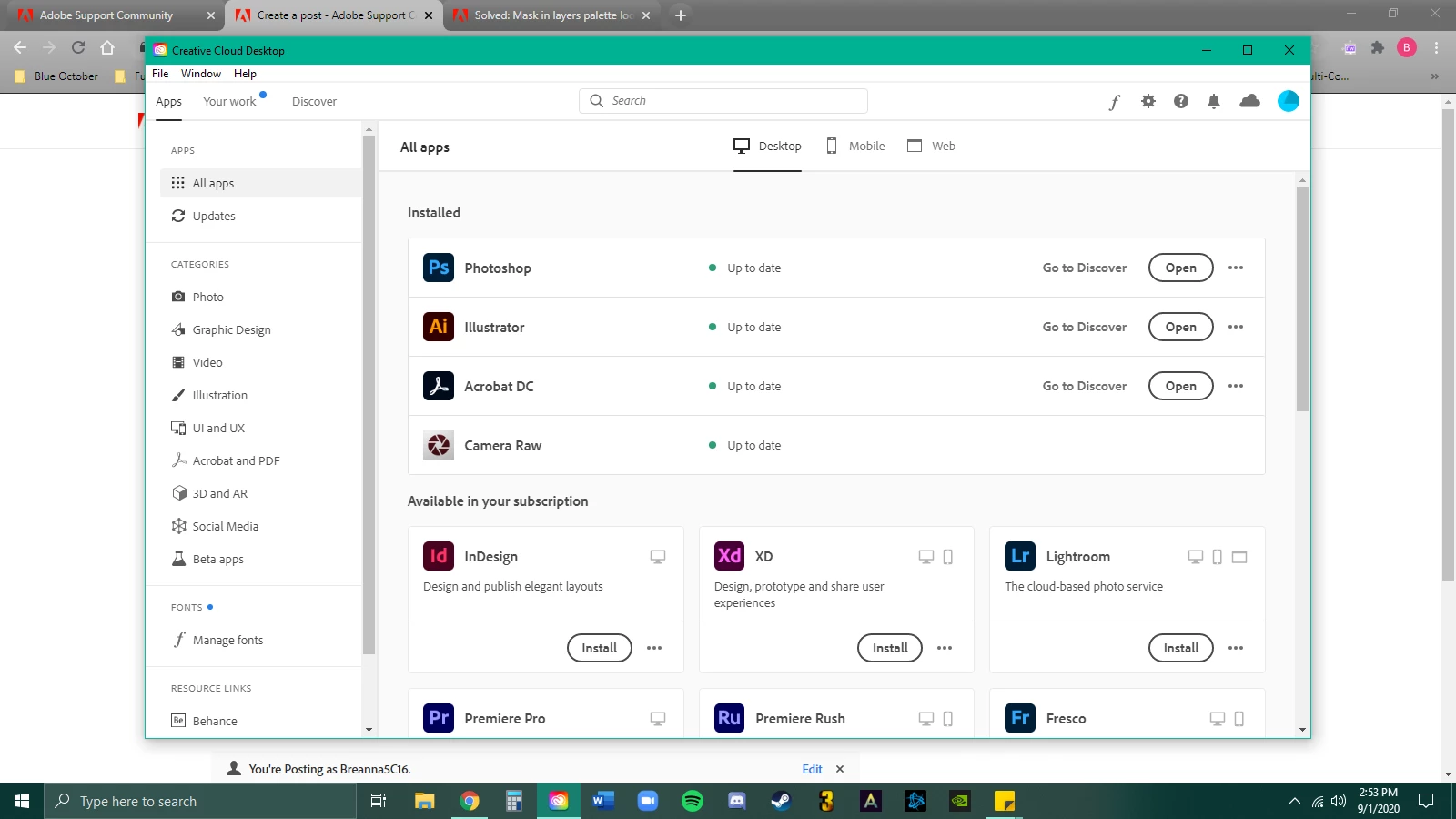
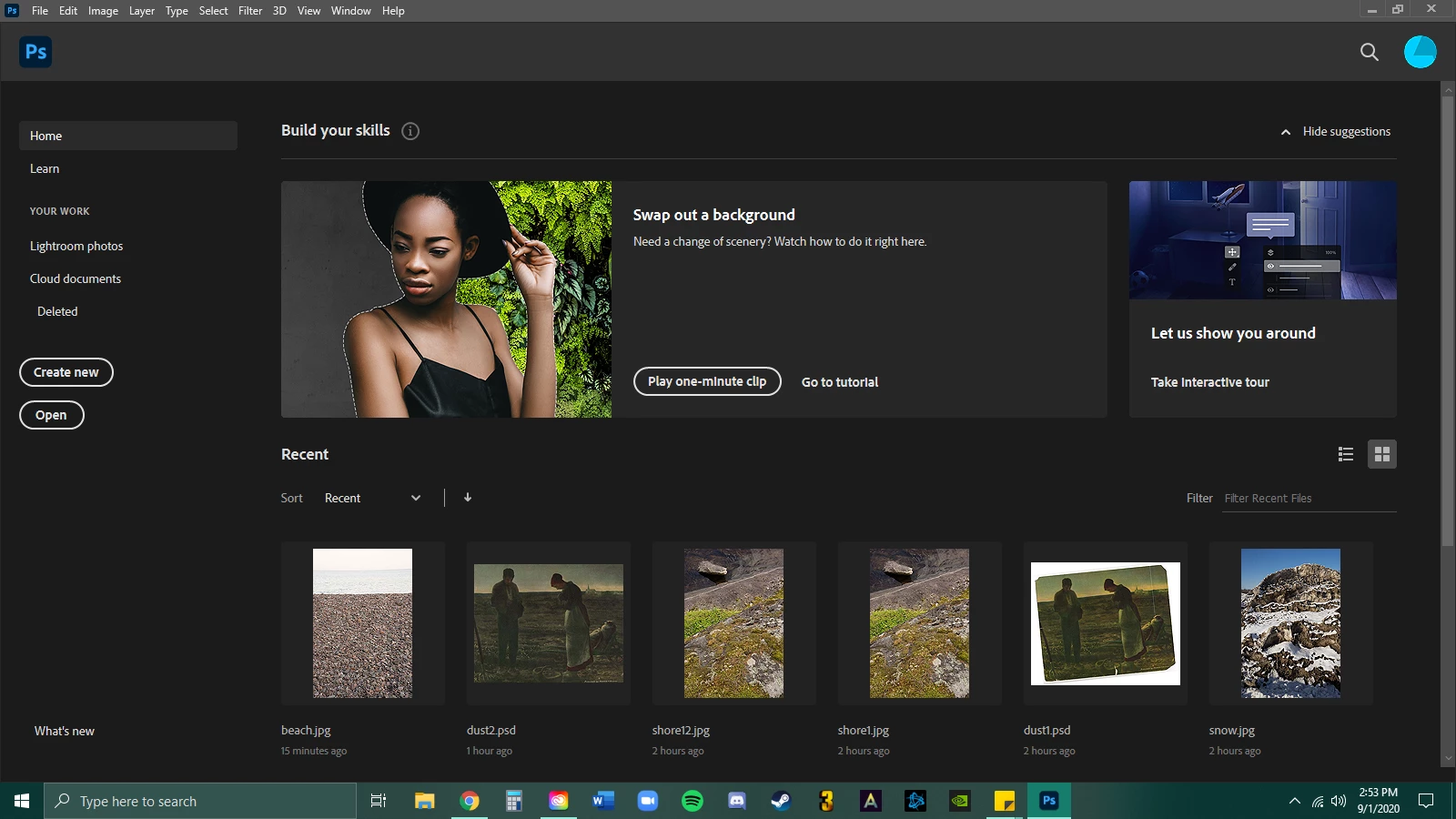
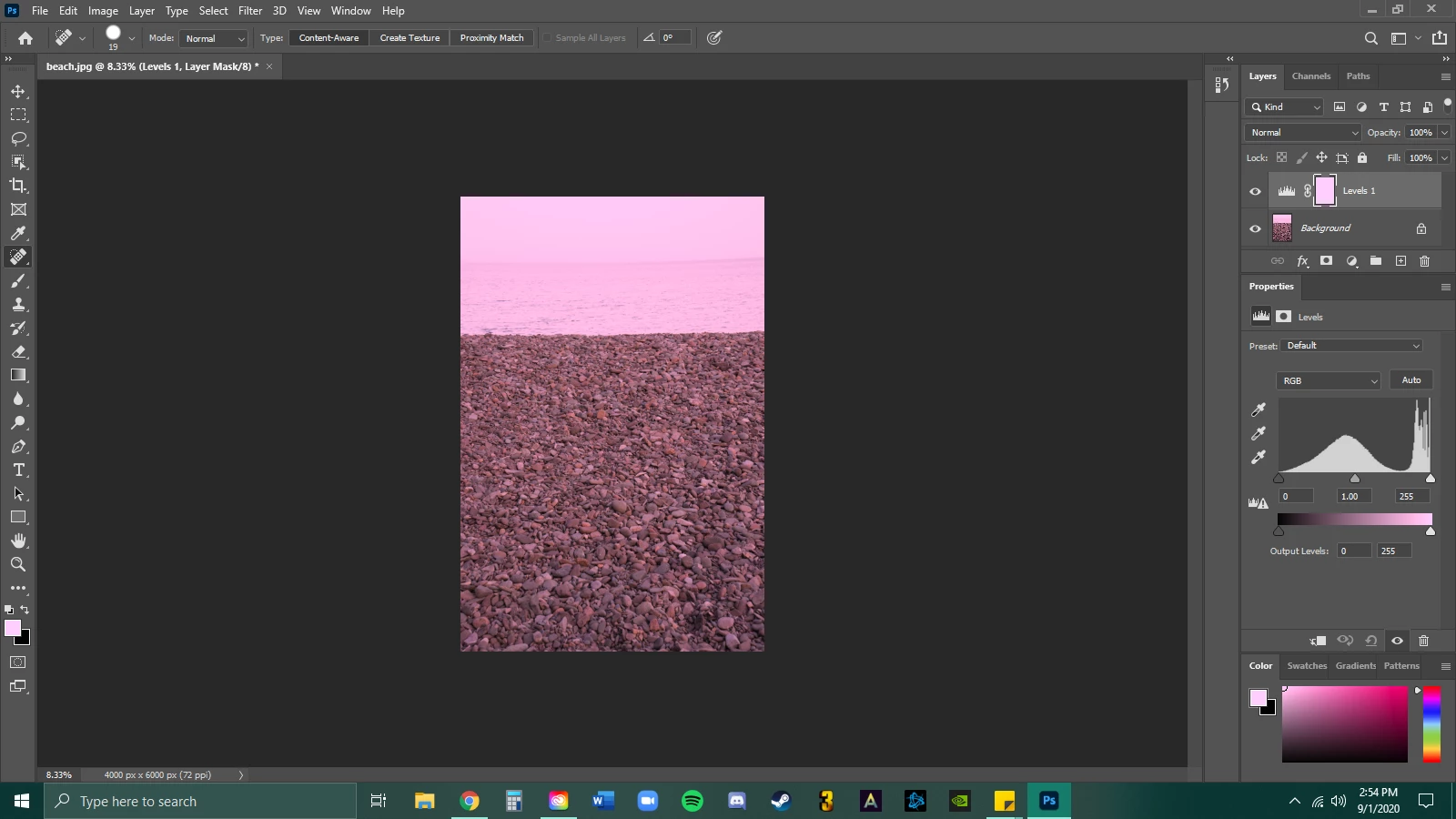
My photoshop is UTD as well as my drivers and windows. I just opened photoshop today (first time) and for some reason the photos are opening with a pink-like filter and my mask layer box that should be white is also pink. I haven't found a way to turn the mask layer box to white. I select white in my color and it stays pink.
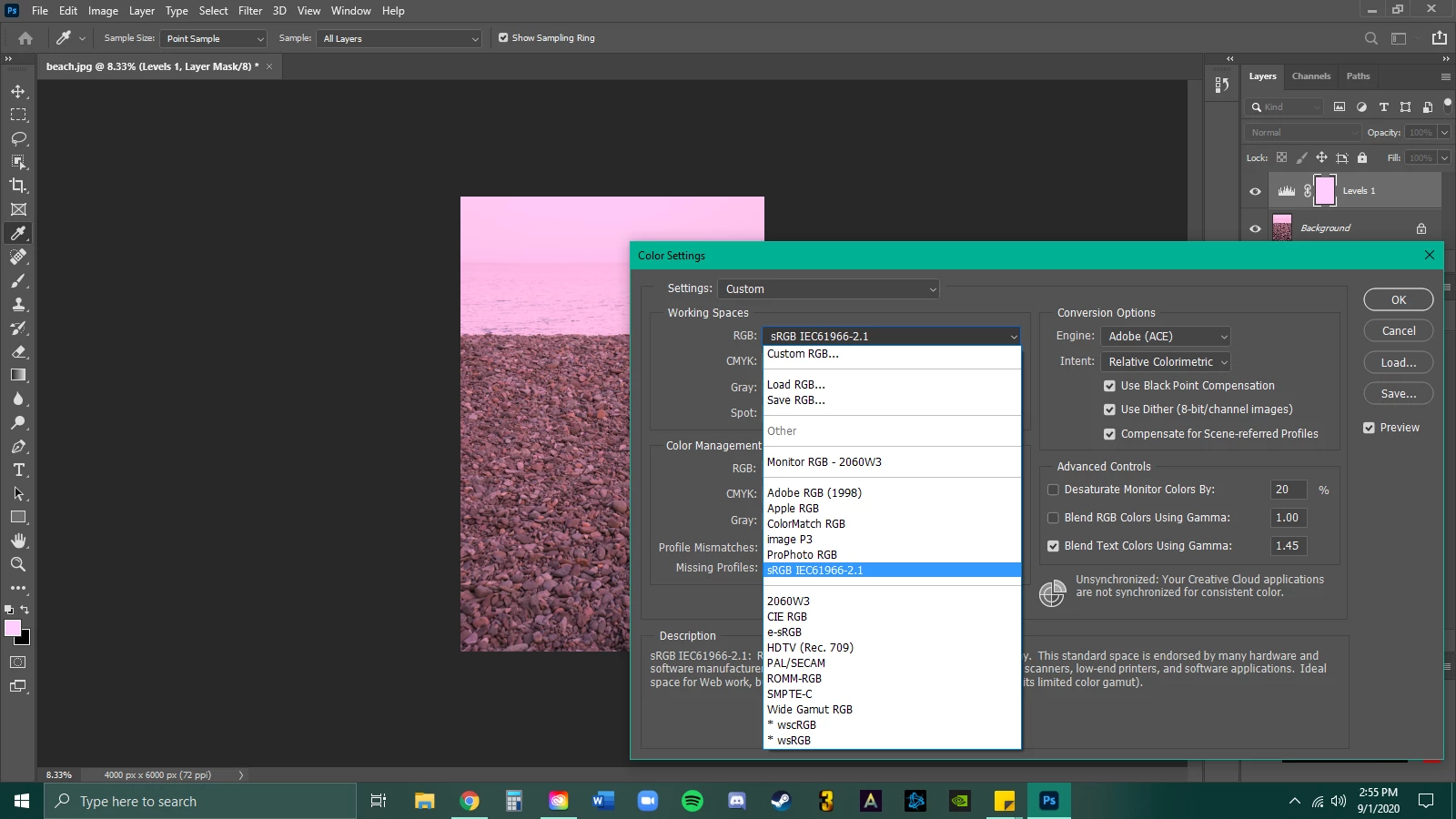
I was able to find a work around for my images to appear correctly by changing my color setting to 2060W3. This doesn't help the other issue. I'm not sure if changing my color to that setting is a good fix or not as it is not the standard setting and I don't know if the mask layer color actually makes a difference or if it will just bother me.
Any help would be greatly appreciated! I am using photoshop for a college class and need it to function properly.
 AdChoices