Participating Frequently
March 13, 2019
Question

Jagged - Pixelated

  • March 13, 2019
  • 6 replies
  • 487 views

Hi,

I have been having this issue on my home computer where things in the canvas look jagged or pixelated. I have read many forums mentioning that I must be at 100% for them to look okay, though I need to be able to zoom out, which when zooming out the borders of everthing look jagged and pixelated.

My cache leves are at 8. This happens only on my main computers, it does not happen in my laptop.

I am using a i5 CPU, 1050ti GPU, 16GB of RAM computer.

I have tried with large resolution documents, with high DPI. 5000x5000 px 300 dpi and 16bits. It does not fix the issue.

EDIT:


I must mention, I have already resetted my PC, updated drivers, re-installed photoshop too. I also resetted my preferences.

Any help?
    This topic has been closed for replies.

    6 replies

    NaniuxAuthor
    Participating Frequently
    March 31, 2019

    Hi, after some tinkering I managed to fix this issue. For anyone else having it, this is what I did.

    I unistalled all adobe apps from my PC, including the Creative Cloud App.

    I went to AppData and deleted all Adobe Folders I could find, in: Roamin, Local and Localow.

    Then i restarted my PC. I then re-installed Photoshop and now its fixed. This, of course removed all settings so beware of that.

    Thanks for the help ^^

    Legend
    March 14, 2019

    That's quite a tough one. I hope someone has some good advice on how to show us exactly what you are seeing, rather than what the forum wants us to see.

    Legend
    March 13, 2019

    We're not seeing what you're seeing. I can say that with reasonable certainty because picture the "200%" image is smaller than the "100%" image. This isn't your fault, it's an annoying thing the forum sometimes does.

    NaniuxAuthor
    Participating Frequently
    March 13, 2019

    Oh, i see, this is my first time in the forums, what should i do?

    Legend
    March 13, 2019

    If you see wavy edges at 100% my thought is that the edges really are wavy, and that's the real problem to fix; and the difference between your two systems is whether your stuff is wavy.


    To check whether it's a Photoshop display issue, save as PNG and open at 100% in another app. Do you see waviness there, or not?

    NaniuxAuthor
    Participating Frequently
    March 13, 2019

    Hi, I just double checked and you are right, there was spacing settings in my brush causing the wavyness, apologies for that mistake. Though, I still see jagged edges when not in 100%. And as stated before, this makes it hard to work with. I used other programs such as Clip Paint Studio and Krita, which does not seem to have this issue. Also, used photoshop in my laptop and does not have this issue either..

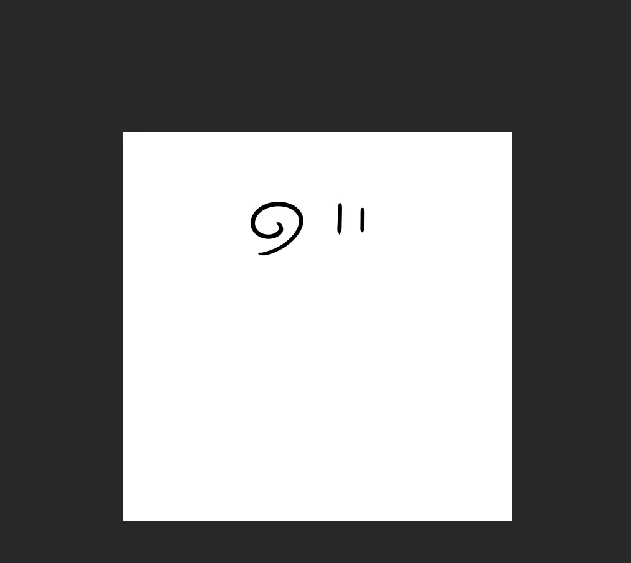
    This is how i see it at 20%

    This is how i see it at 100%

    This is how i see it at 16%

    Legend
    March 13, 2019

    The many comments you've read that you must be at 100% seem to be completely correct. Expect pixellation when you zoom out to work; ignore it and do the work, then zoom back to 100% to see what you actually have.

    NaniuxAuthor
    Participating Frequently
    March 13, 2019

    Hi,

    As i mentioned in my post, this does not  happen in my laptop. Its not just a bit of pixelation, it makes some fonts unreadable and brushstrokes look too weird for me to be able to do actual artwork. This started happening a few months ago, and I had to move to a different software to do my artwork.

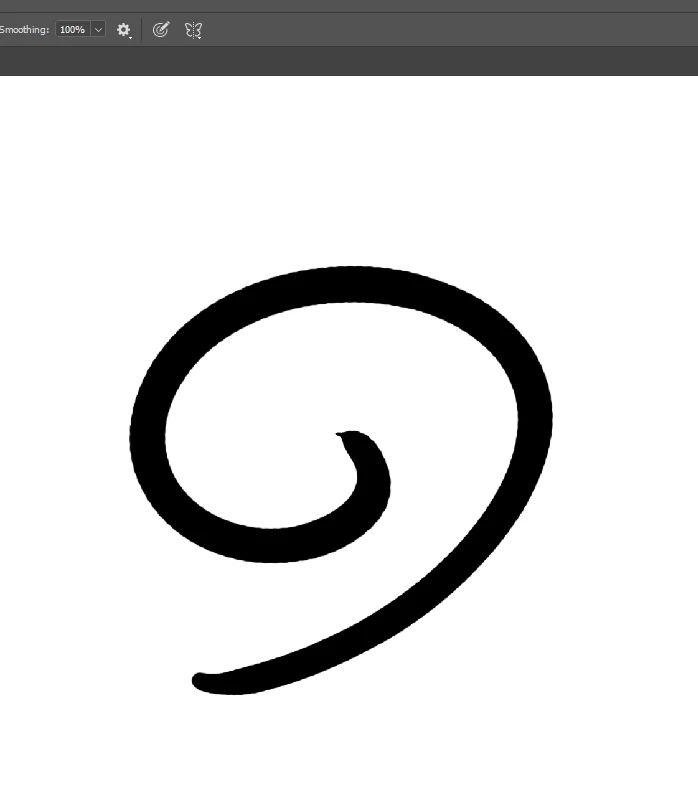
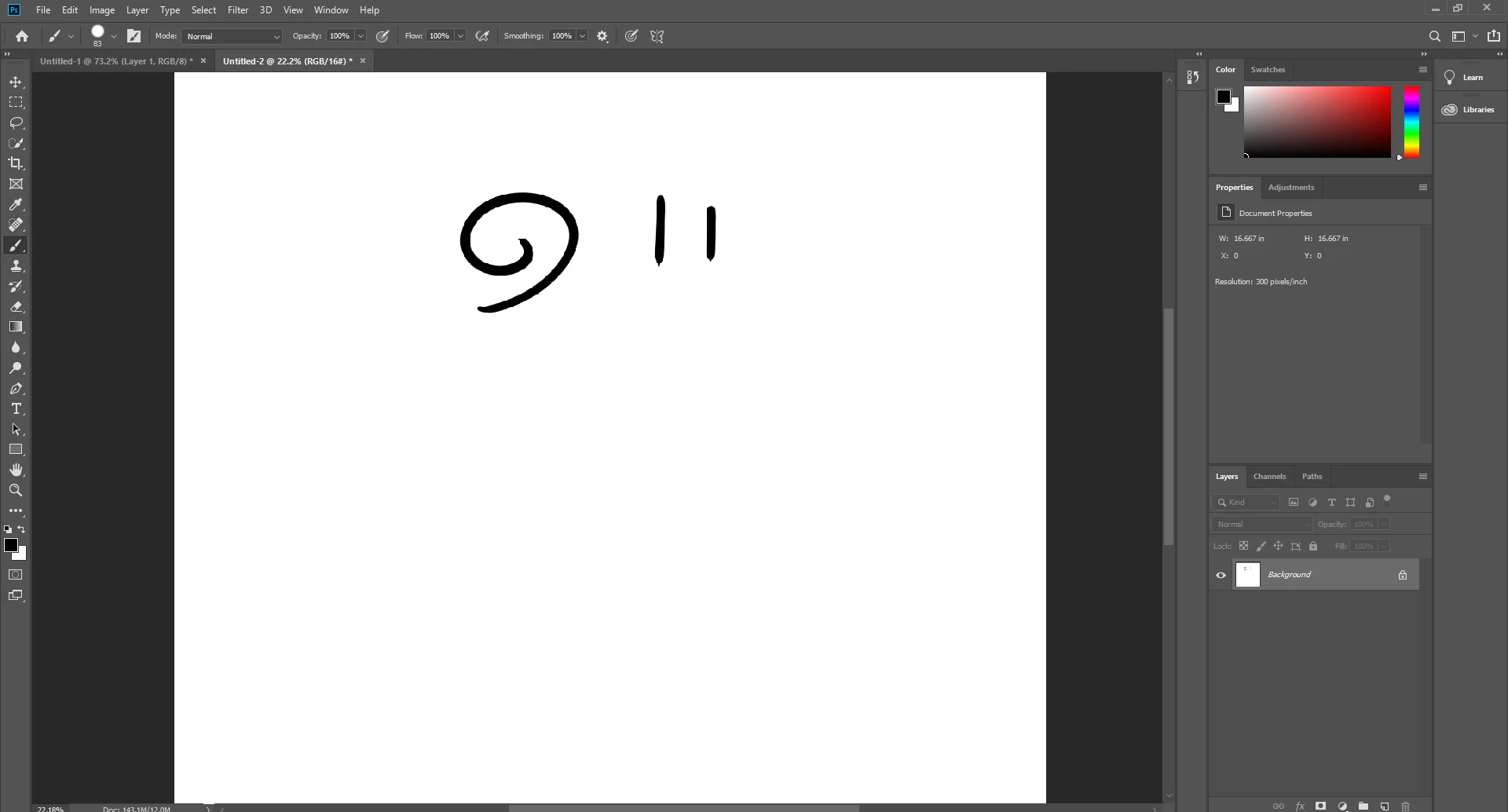
    Even at 100% I am still able to see jagged/wavy edges which, they should not be there. See an example below.

    c.pfaffenbichler
    Community Expert
    Community Expert
    March 13, 2019

    Which of the screenshots has been taken at View > 100%?

    Which other Cache Levels have you tried (and restarted Photoshop after changing)?

    NaniuxAuthor
    Participating Frequently
    March 13, 2019

    Hi,

    I have tried 4 and 8 cache levels. I did restart photoshop, and even re-installed and tried again.

    Here is a screenshot with 100%. As you can see the edges are still wavy/jagged.

    Jeff Arola
    Community Expert
    Community Expert
    March 14, 2019

    See if setting the Brush Spacing to 1% under Brush Tip Shape makes any difference.