

JPG to PDF with Color Adjustment
In the past I would receive pdf scans to work on. These were Epson color scans to PDF. These scans are of a publication from the 1920's. What I do is compile the pages into one issue. This is done from Photoshop (after making adjustments) and then compiled in Acrobat. This issue is known as an Original Raw newsletter.
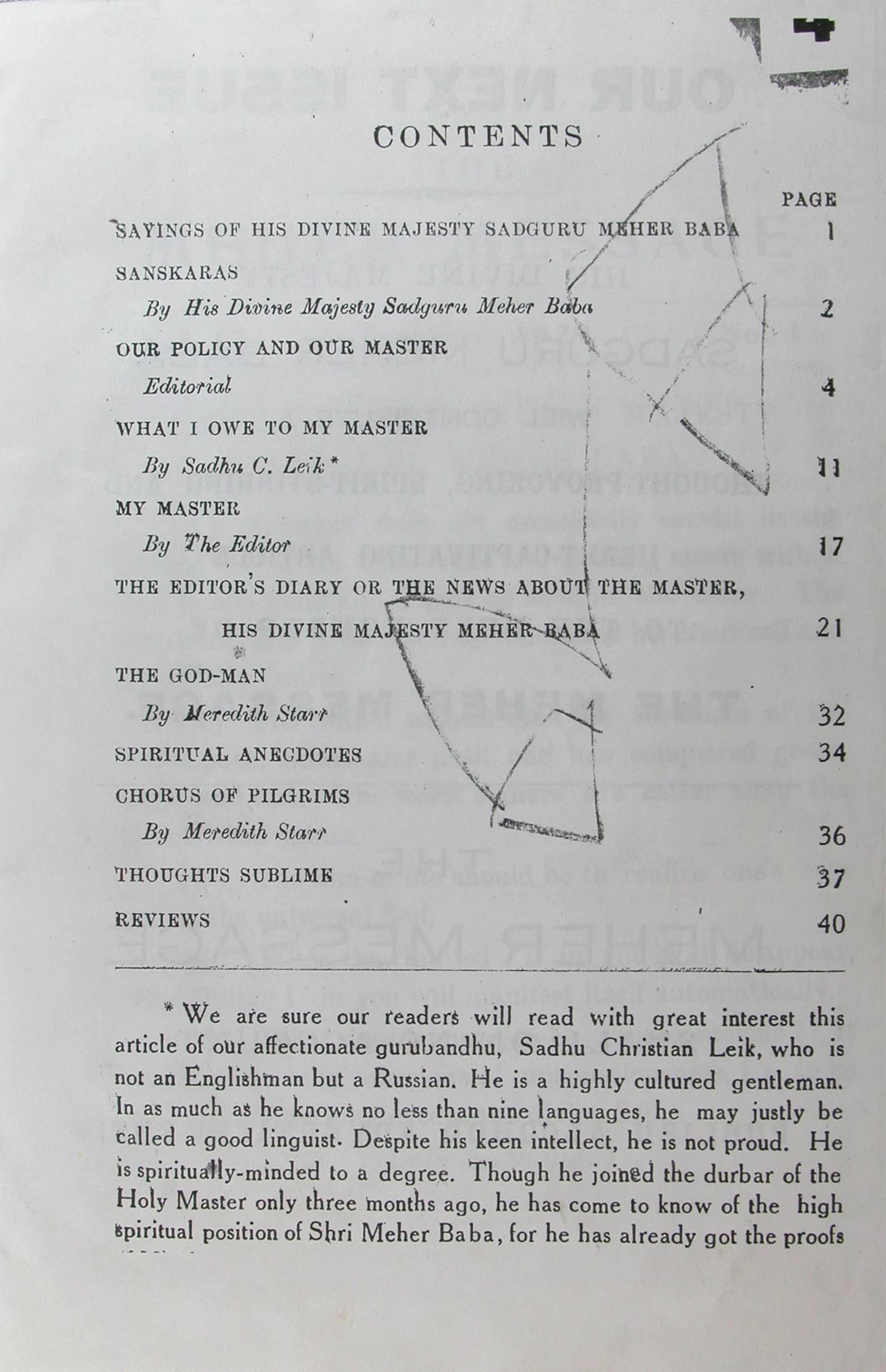
I received a batch of scans in JPG. This work was done overseas taking months for the worker to accomplish. I am unable to request another effort at scanning. An Epson scanner scans as is in color. The material I received must have been shot with a digital camera.
What I need to do is somehow 'colorize' the jpg so that it looks like my sample. I fiddled around with adjustments and at best all I could accomplish was to apply a photo filter, warming filter 81. It's that these JPGs (digital camera shoot vs scanner scans) are missing the feel of the color/PDF scans. Let me know if there is a method to alter the JPGs? And if so - can it be done in a batch run? I have a few thousand JPG that I need to give those shots a feel as though they were scanned.
Thanks!
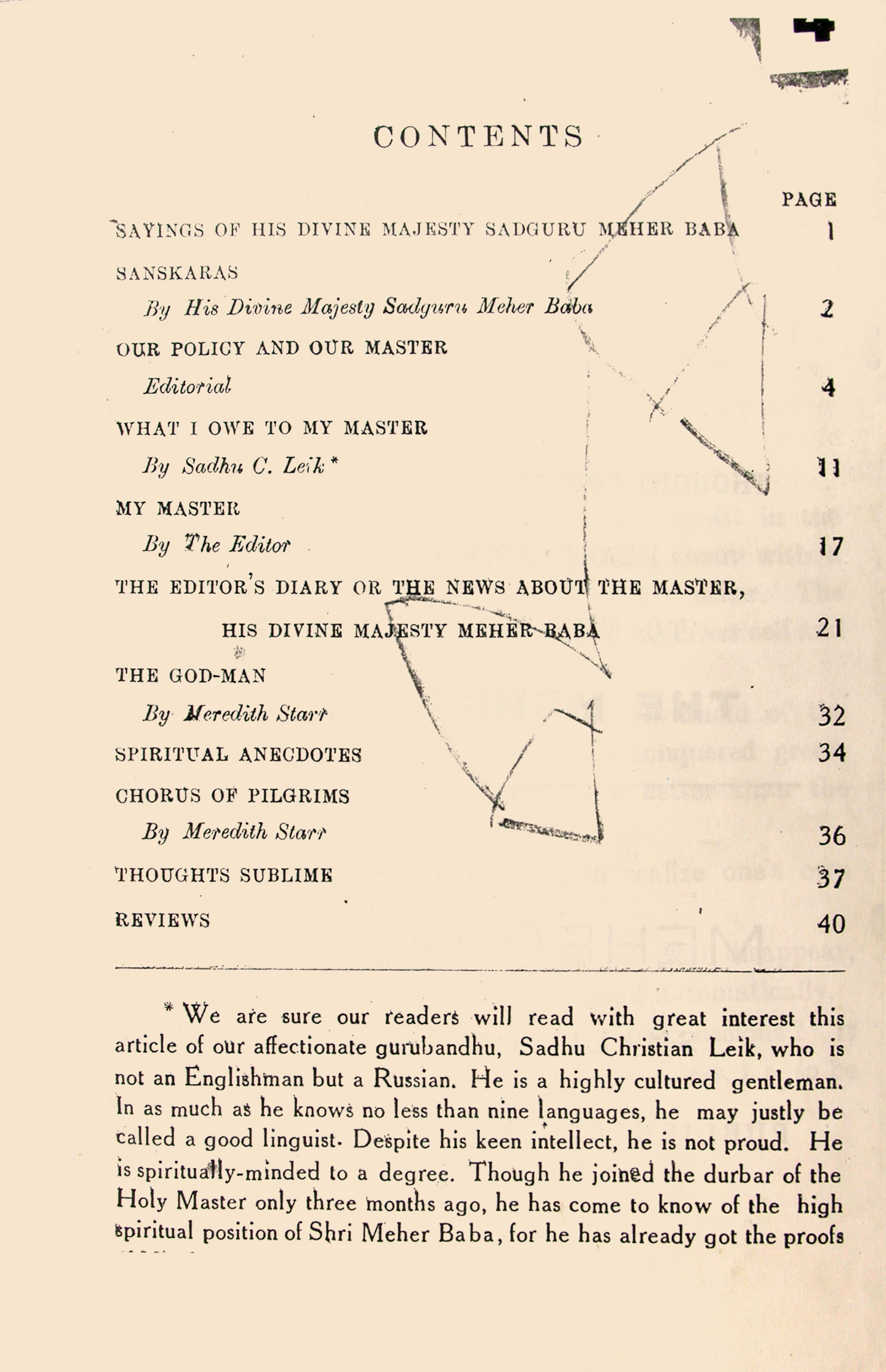
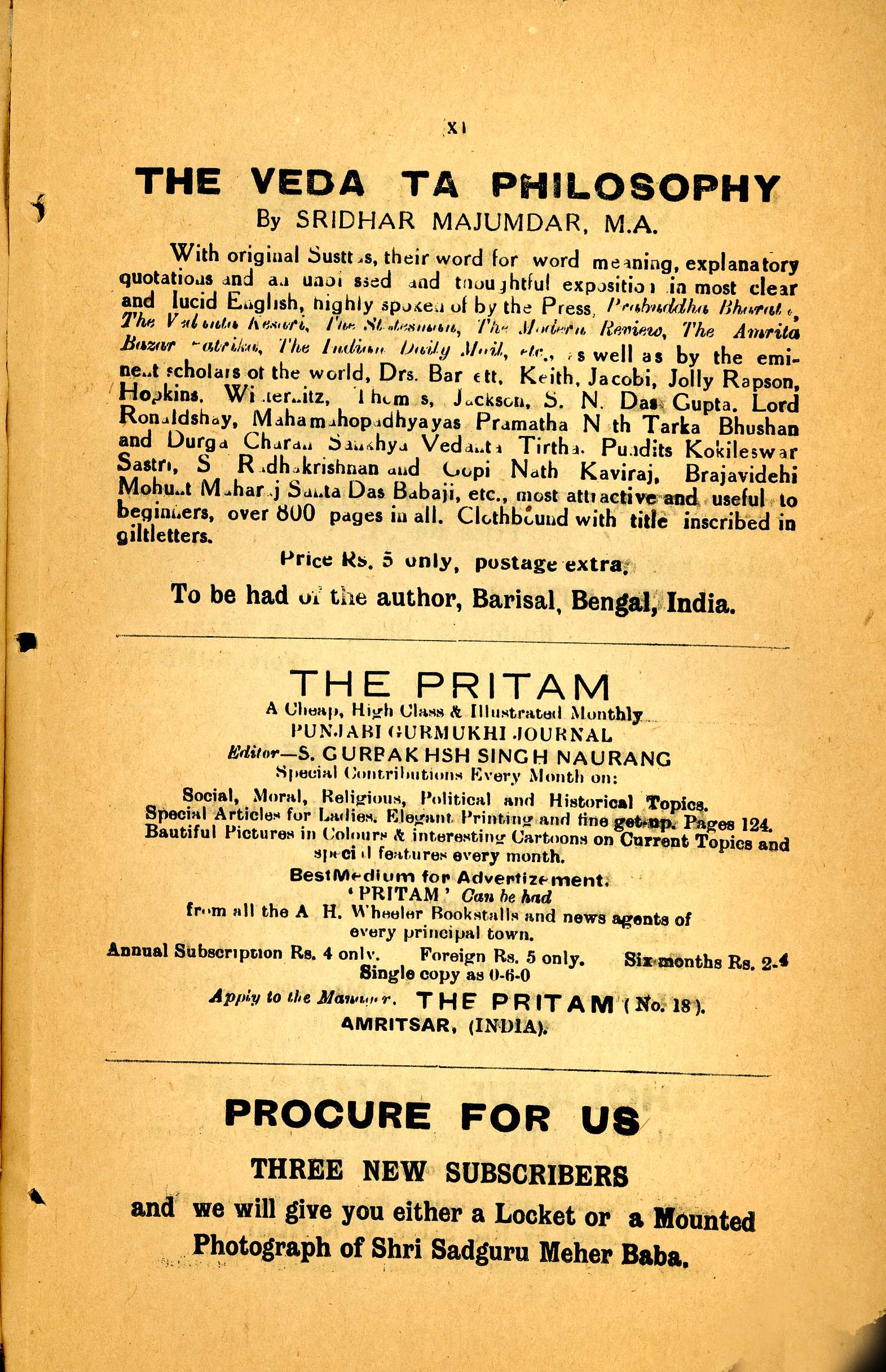
This is my sample, a PDF scan saved as JPG to fit upload criteria:
 AdChoices