
Participant
July 8, 2023
Answered

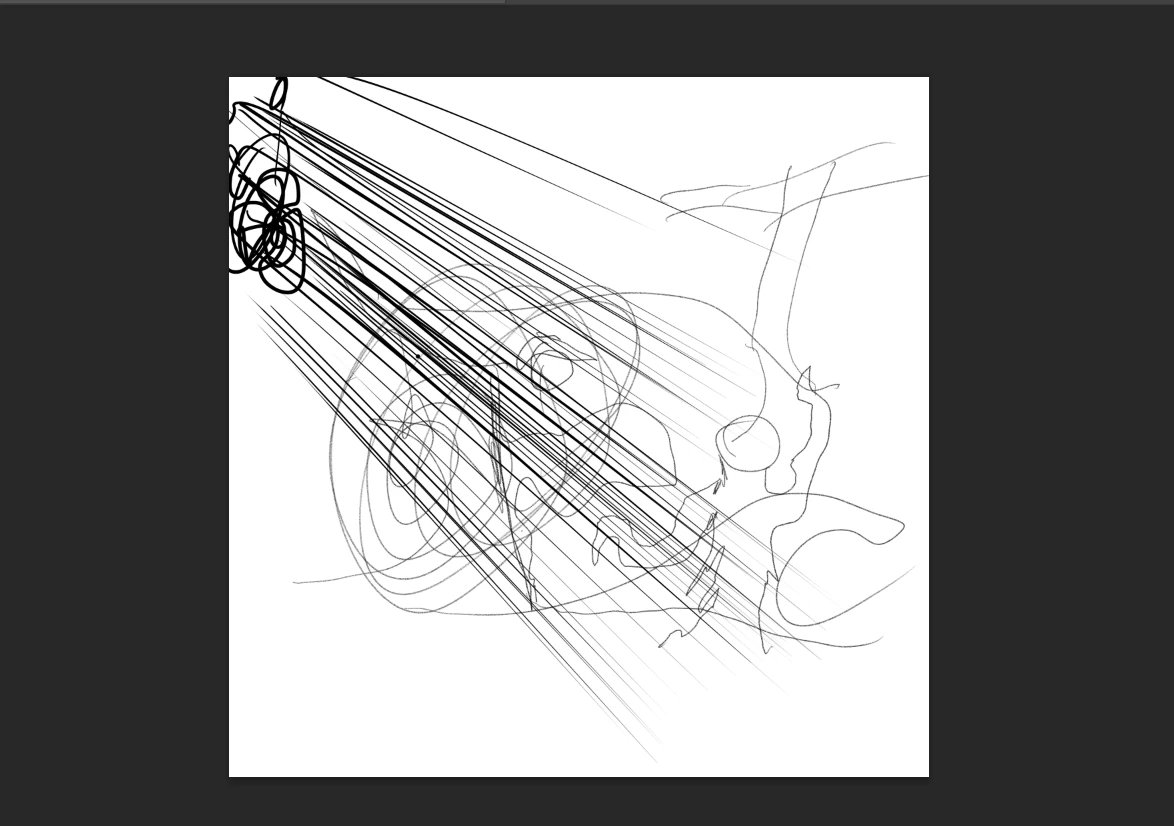
keeps drawing lines when i use my stylus on my gaomon tablet

  • July 8, 2023
  • 5 replies
  • 1121 views

my drawing tablet is a gaomon pd1161 tablet, and when i use the brush tool on photoshop it keeps making lines whilst drawing and is far away from where the pen is actually touching. fresco works, microsoft paint works but its just phototshop thATS doing this. i need to know how to fix it asap
Correct answer moe sufyan

my TABLET WAS ZOMMED IN BY 50 PERCENT ON THE SETTINGS!!

5 replies

Participant
July 25, 2025

Thanks...!

Participant
August 30, 2024

I solved the same problem, if you're using dual monitor, the DPI setting (under Control Panel ->Display section) should be same the both monitor, if one is 125%, another one should be 125% too.

Participant
October 2, 2024

Thanks!  I am working with my laptop monitor, another larger monitor and a gaomon pd2200 tablet.  I had the issue of the pen seeming to create streaking lines without any form of control.  Adjusting all monitors to have the same scale of 125% solved the issue and the pen began responding accordingly in Photoshop.  🙂

moe sufyanAuthorCorrect answer
Participant
July 9, 2023

my TABLET WAS ZOMMED IN BY 50 PERCENT ON THE SETTINGS!!

Participant
July 9, 2023

its the most recent updated one and the older one.

Michael Bullo
Community Expert
Community Expert
July 9, 2023

The Adobe Creative Cloud app allows for the simultaneous installation of multiple versions of Photoshop. Does the problem persist with all versions or just a particular one?