Inspiring
May 30, 2021
Answered

Keyboard shortcut to execute specific function from script

  • May 30, 2021
  • 1 reply
  • 10825 views

I work with custom Photoshop scripts and keyboard shortcuts.

Is it possible to have a keyboard shortcut execute a specific function within a script?

and, another keyboard shortcut executes another function in the same script?


For example?

Citrus.jsx

  • function pomelos(){}
  • function lemons(){}
  • function oranges(){}


Keyboard F1 executes the function Pomelos

Keyboard F2 executes the function Lemons

Keyboard F3 executes the function Oranges


This topic has been closed for replies.
Correct answer r-bin

Got it, I realized it is possible to add more than one keyboard shortcut per script in Photoshop.

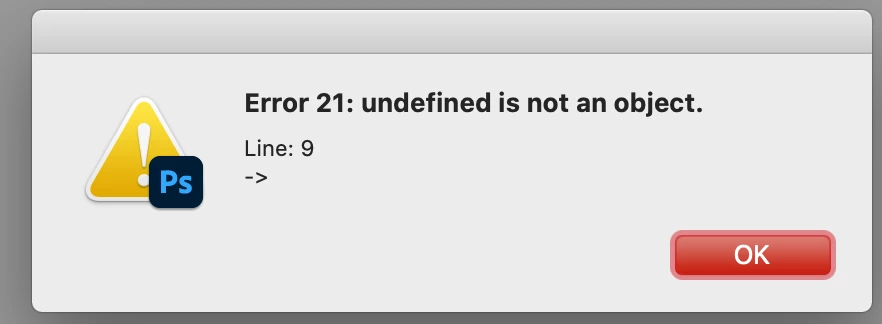
Each function key alerts the function key number followed by Error 21.


The Adobe UXP is the new Unified Extensibility Platform to build panels.

To make it user-friendly the button panel should stay docked to make it accessible.


[Profanity removed]

Remove the first test alert() and refresh() from the script.

1 reply

Kukurykus
Legend
May 30, 2021

Assiang F1 key to the script, basicly for pomelos function. When you want to trigger lemons then during refreshment change your finger from F1 key to F2. Similary if you want to initiate oranges, switch to F3.


refresh()

function pomelos() {alert(callee.name)}
function lemons() {alert(callee.name)}
function oranges() {alert(callee.name)}

({1: pomelos, 2: lemons, 3: oranges})[ScriptUI.environment.keyboardState.keyName[1]]()


Inspiring
May 31, 2021

I try the citrus.jsx script in Photoshop CC 2021 and get error 21 when I press the F1 key in a mac.

Then I get several erro 24 dialogs when I press F1 ket for one sec and then switch to F2 key.

What do these errors mean?


Legend
May 31, 2021

Thank you, I do like the button panel script! I think it will work well with a UXP panel that stays open and does not close on button press. 


In general, I try to avoid panels because interacting with a panel takes longer than executing a keyboard shortcut. Ideally, it would be useful to have both options. To trigger a specif script function through a panel button and alternatively trigger the panel button from a keyboard shortcut.


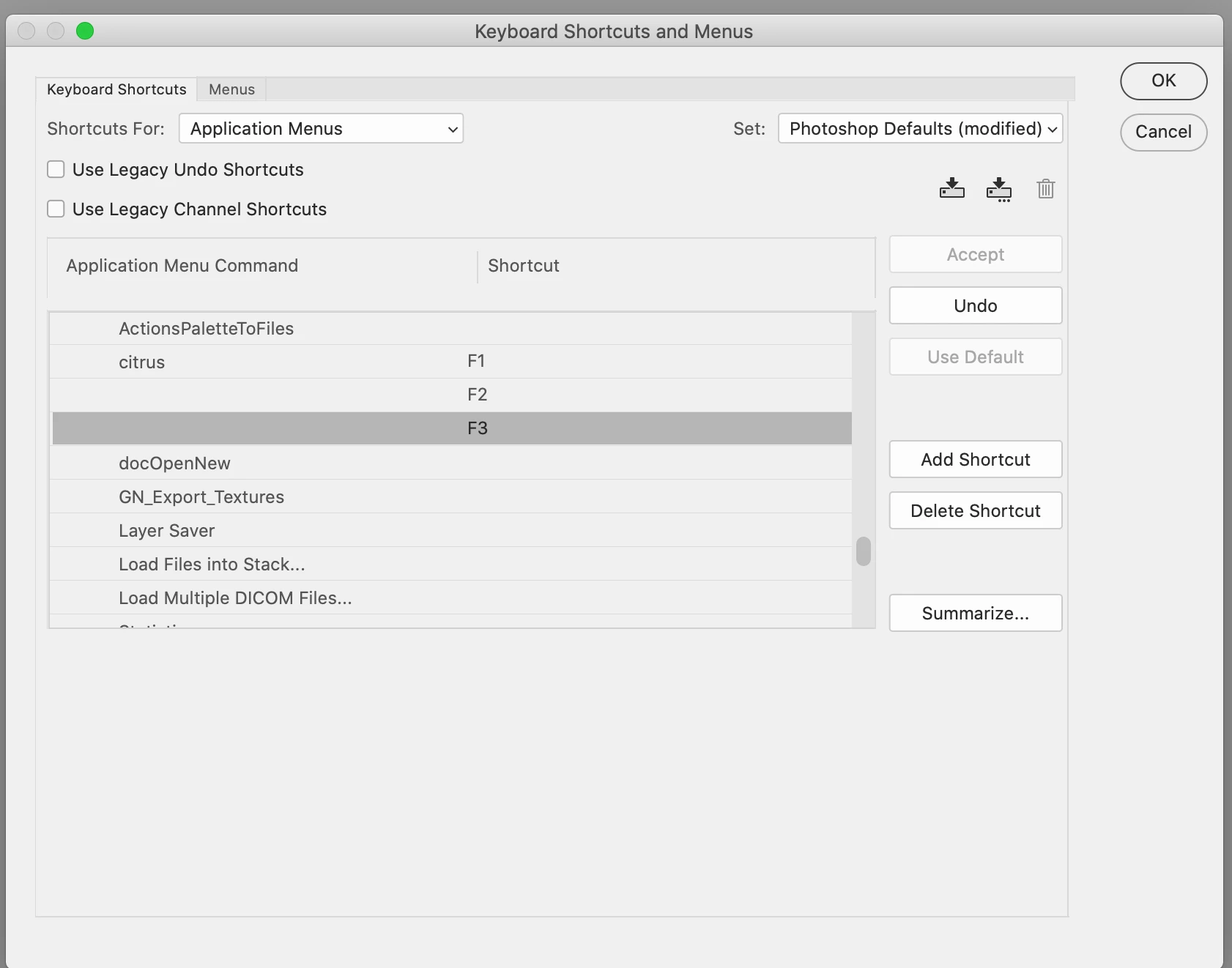
A question, how are you able to assign 3 separate shortcuts (F1, F2, F3) to the Layers to Files... script in your system? My system only allows one shortcut per script. 


Do you have an "Add Shortcut" button? Show a screenshot of the hotkey settings dialog.


PS. What is UXP panel? I already hear from you for the second time.