
Participant
March 24, 2022
Question

Lag while using Free transform tool in Photoshop

  • March 24, 2022
  • 3 replies
  • 3908 views

I've been living with this for a while, but I don't remember that my older mac had a problem with free transform.

Once I activate Free Transform (cmd+t) everything is just so slow and the fans start ramping up. Even just moving text is laggy. It is not related to the file size. 
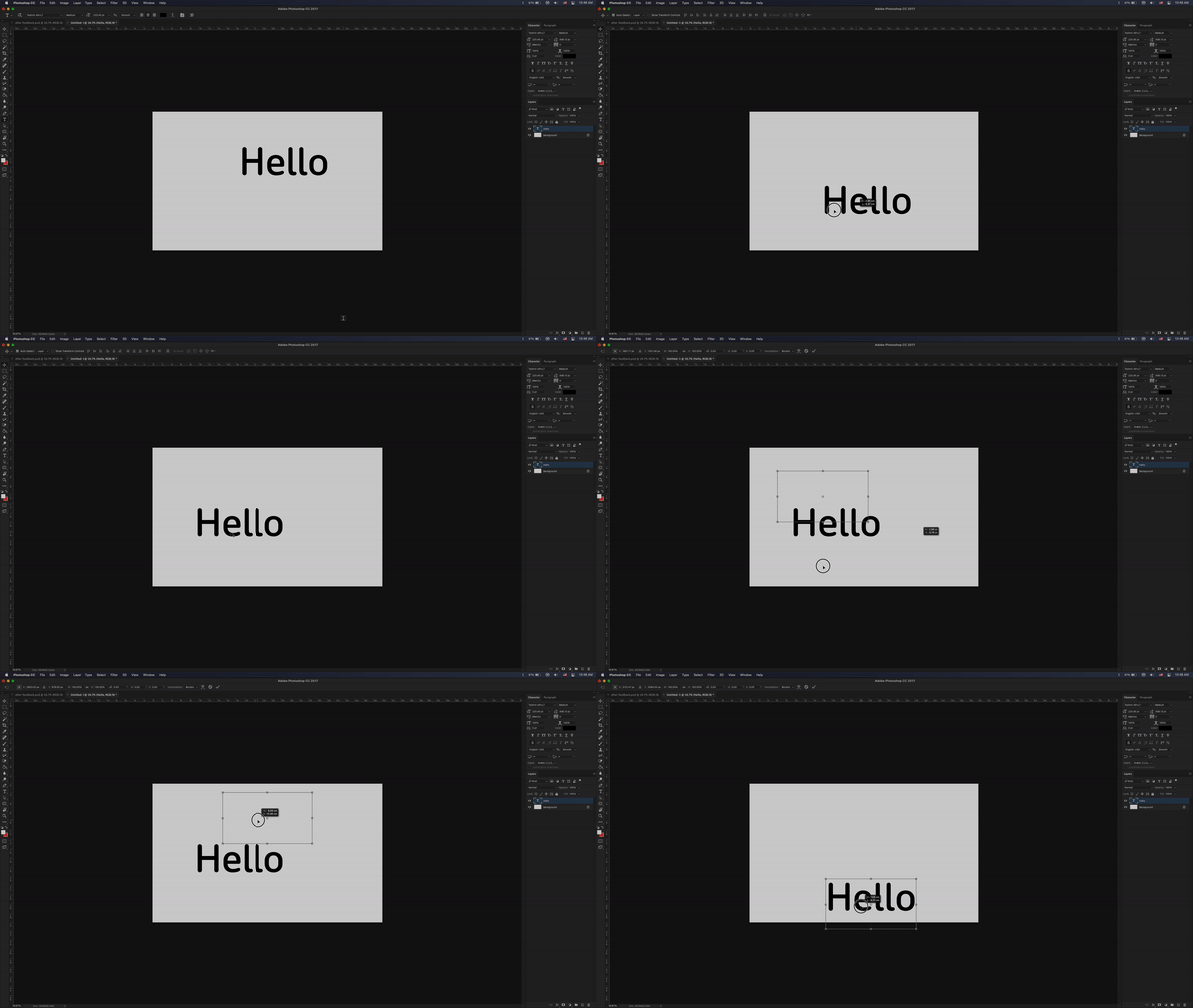
Tried going back to an older version of photoshop (2017.1.6) but the problem presists. Tried modifying the graphics proccesor with no luck.


MacBook Pro (Retina, 15-inch, Mid 2015)

2.8 GHz Quad-Core Intel Core i7

16 GB 1600 MHz DDR3

(discrete) AMD Radeon R9 M370X 2 GB

(integrated) Intel Iris Pro 1536 MB


{Moderator Note: Edited the thread title}

3 replies

Legend
March 24, 2022

I'm not able to repro (see attached movie).


Let's make sure we're in a default state and there are no stale setting somewhere:
Restore your preferences using this manual method:
https://helpx.adobe.com/photoshop/using/preferences.html#Manually
Does it work correctly?
If that doesn't solve it, you can quit Photoshop and put the Settings folder back.
If it does solve the problem, I would like to get the folder of settings to try and figure out what is bad with them.

Legend
March 24, 2022

What are the pixel dimensions, color mode and bit depth of the file you're demonstrating with? (The screen grab is a little small and I can't quite make it out)

Mohit Goyal
Community Manager
Community Manager
March 24, 2022

Hi there,


We're sorry for the lag issue while using the free transform tool. When you go to Photoshop > Preferences > Performance > Which graphics card is getting detected there? If you see the intel GPU and try switching to AMD Radeon and restart Photoshop and check if that helps to reduce the issue?


Let us know the status.


Thanks,

Mohit