Copy link to clipboard
Copied
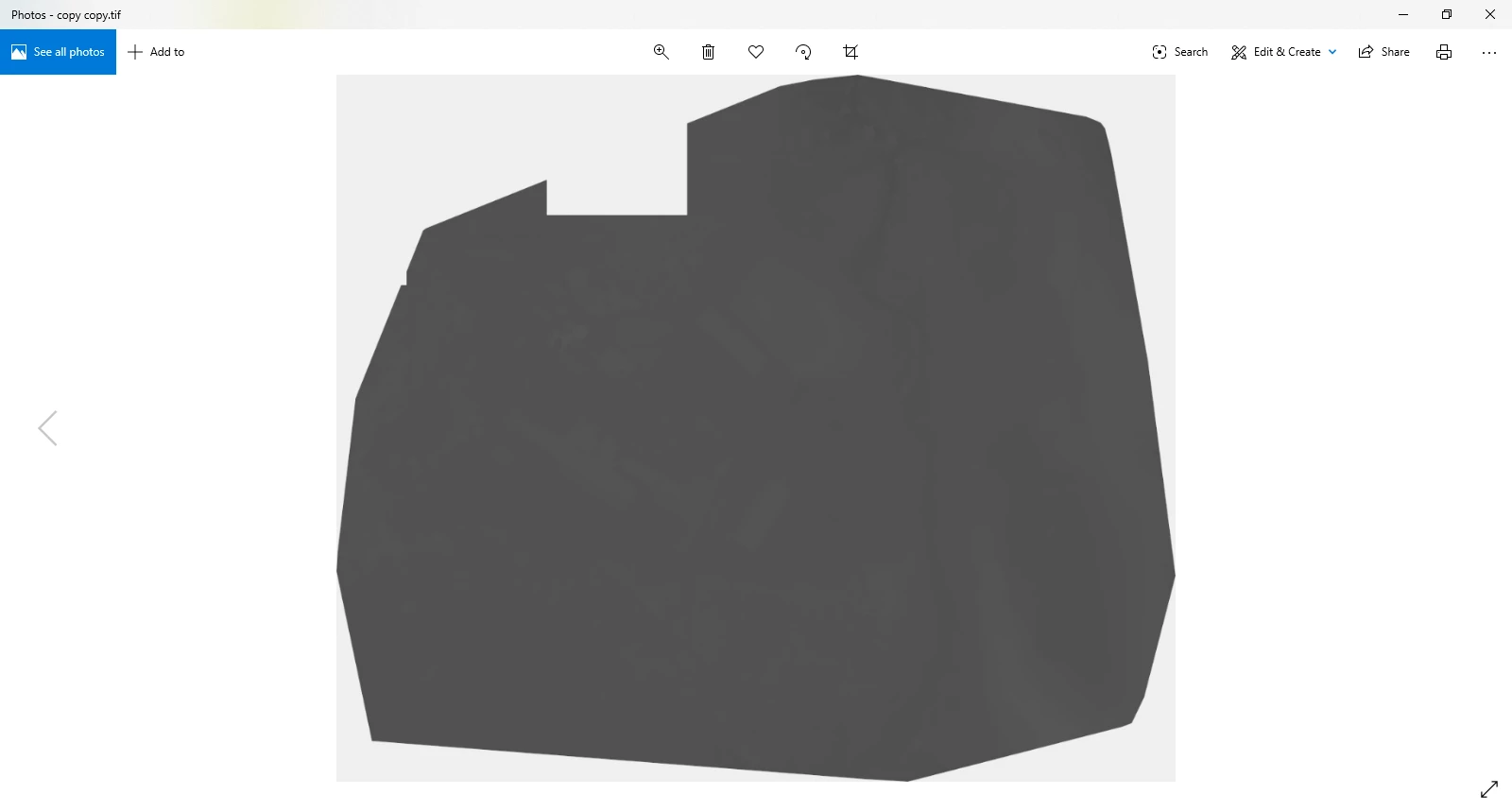
I recently mapped an expansive area with a drone and a software. The resulting output is a massive 4.2 gigabyte TIFF file that I can't open outside the mapping software I used. I was adviced that I could resize it in Photoshop but it only opens as white with black edges (see 1st photo). Note that I dowloaded Photoshop specifically for this photo so I didn't make any changes to the settings. I resized it and the ouput is 700mb and looks basically the same (see 2nd photo). Any advice as to what I'm doing wrong?Original File
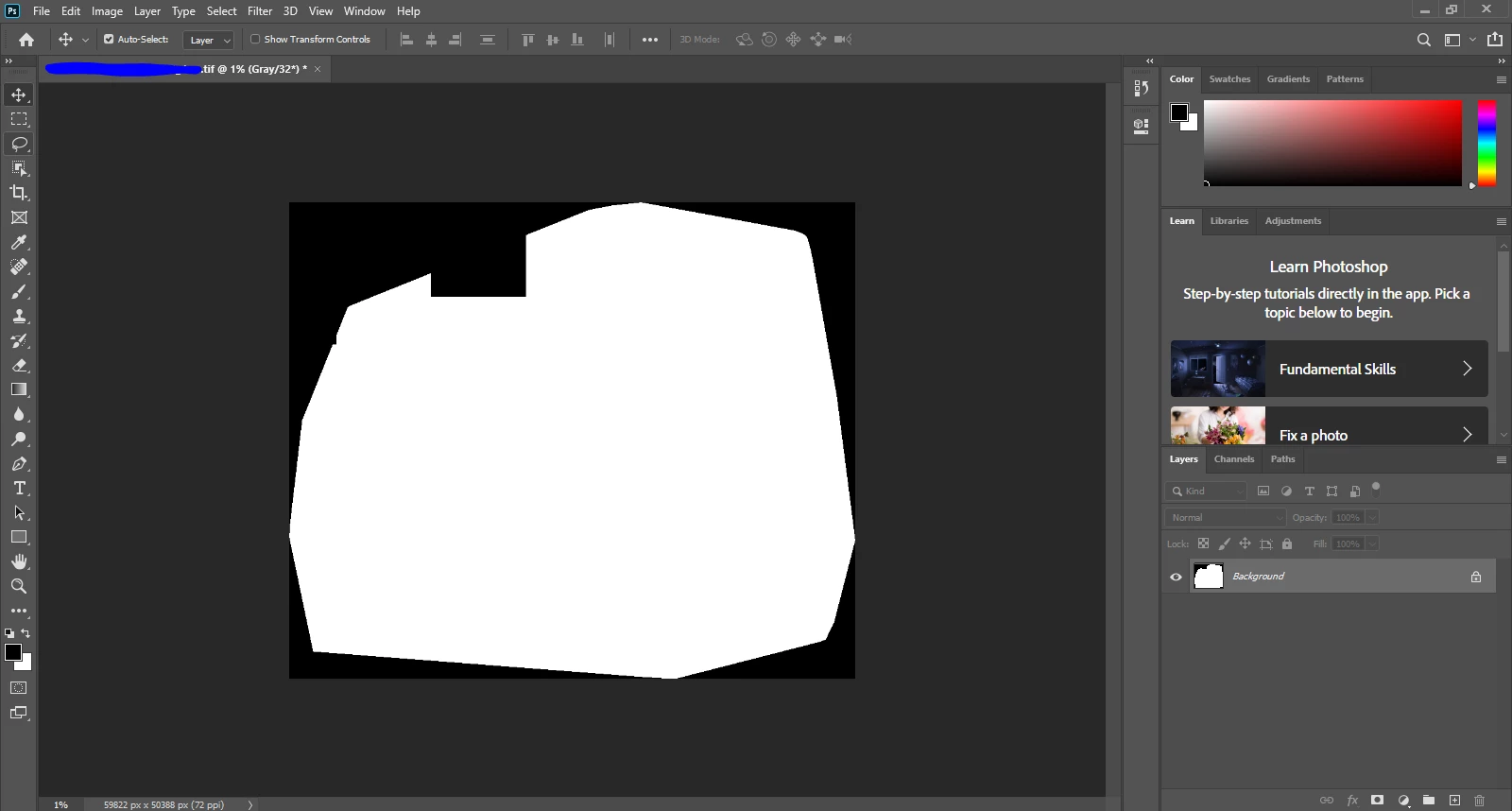
Resized output
Copy link to clipboard
Copied
Why are you in 32 bits/channel? Do you really need that?
The way it looks, this is not a legitimate TIFF file. I don't know what's supposed to be here, but Photoshop only reads a single layer with a solid shape. You need to go back and check how this file is originally saved.
Copy link to clipboard
Copied
One more thing: The size limit in the TIFF specification is 4GB. If you're over that I suppose you can get unpredictable problems if the file opens at all. In Photoshop you'd save this as .PSB.
Get ready! An upgraded Adobe Community experience is coming in January.
Learn more