
Participant
May 15, 2025
Answered

Lasso Tool jumping since update
  • May 15, 2025
  • 1 reply
  • 201 views

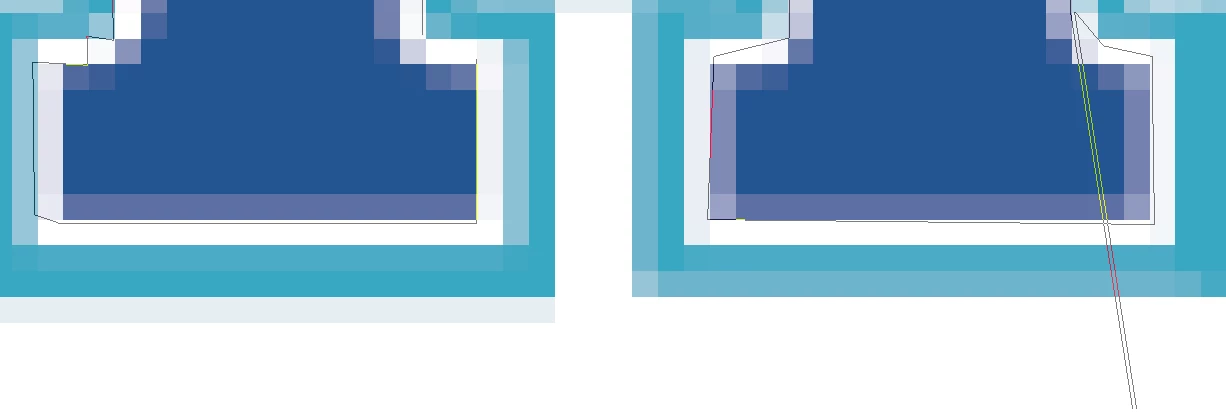
If you look in bottom right corner, I've had photoshop do this jumping thing since update 26.5.0 came out where the polygonal lasso will jump off screen then back on real quick, especially when moving cursor very slowly to edge of screen to move canvas around 
Correct answer Ged_Traynor

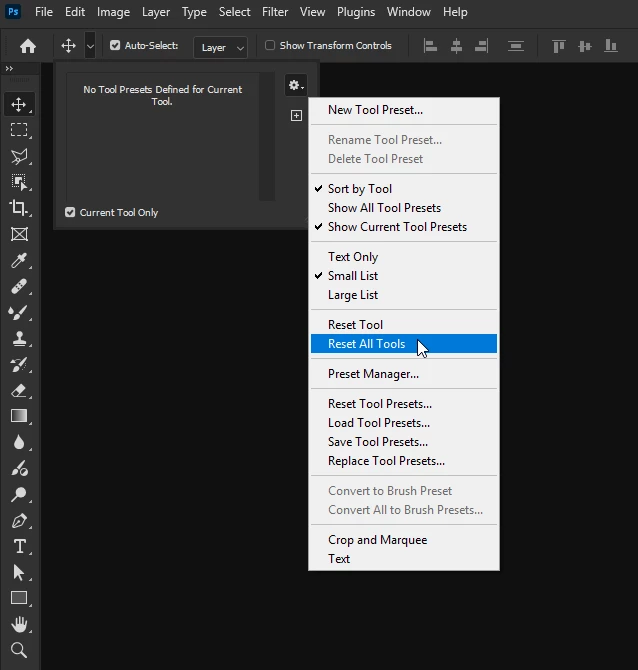
@brendan_0504 first thing to try is resetting the tools

If that doesn't help, try manually resetting your Photoshop preferences
https://helpx.adobe.com/ie/photoshop/using/preferences.html#Manually
Remember to back up your settings before doing the preference reset
https://helpx.adobe.com/ie/photoshop/using/preset-migration.html

1 reply

Ged_Traynor
Community Expert
Ged_TraynorCommunity ExpertCorrect answer
Community Expert
May 15, 2025

@brendan_0504 first thing to try is resetting the tools

If that doesn't help, try manually resetting your Photoshop preferences
https://helpx.adobe.com/ie/photoshop/using/preferences.html#Manually
Remember to back up your settings before doing the preference reset
https://helpx.adobe.com/ie/photoshop/using/preset-migration.html