sboterod.
Participant
July 11, 2022
Answered

Layer-destructing bug affecting large files

  • July 11, 2022
  • 1 reply
  • 987 views

. Photoshop 22.5.8


. Mac OS Catalina 10.15.7


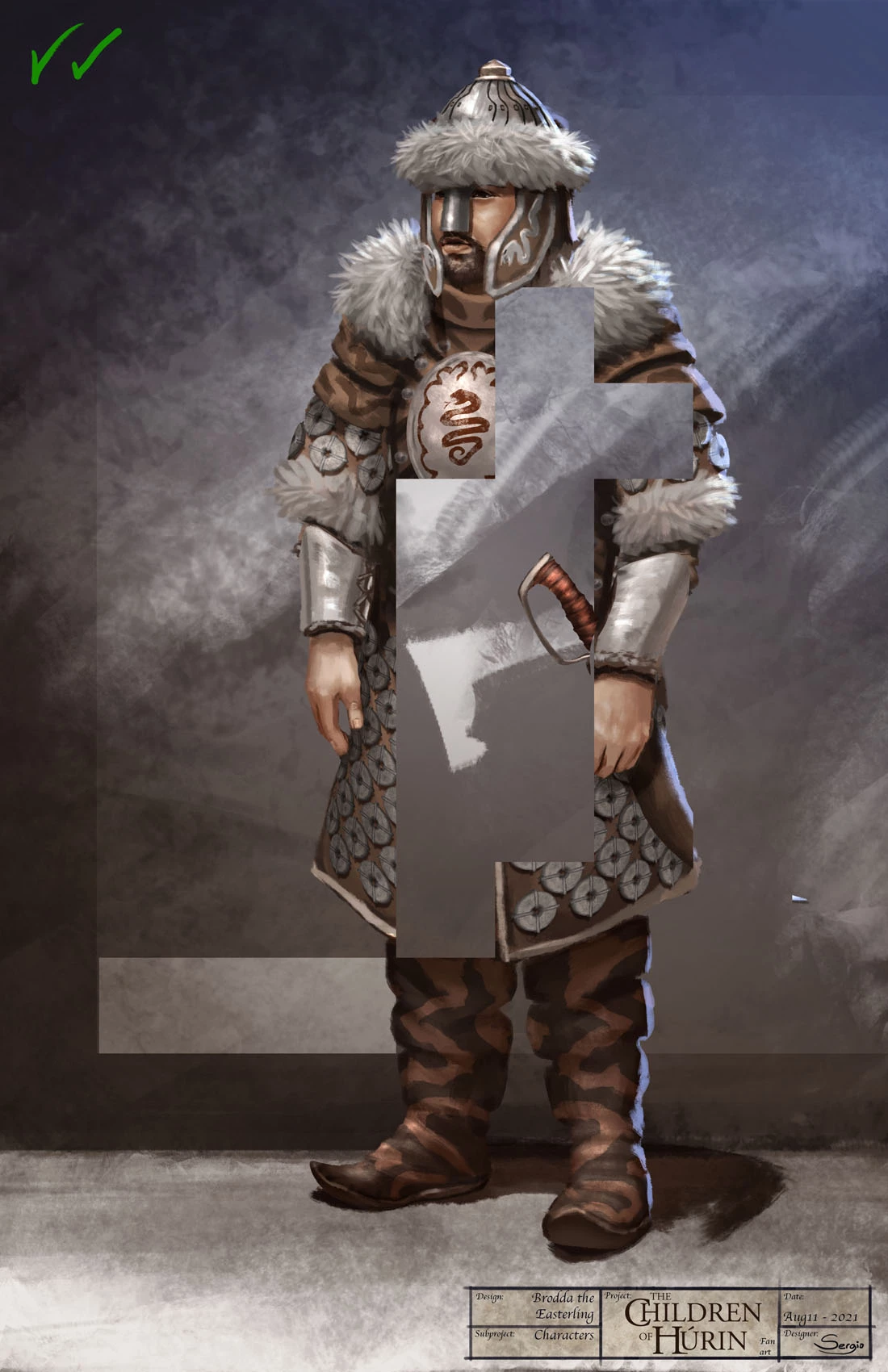
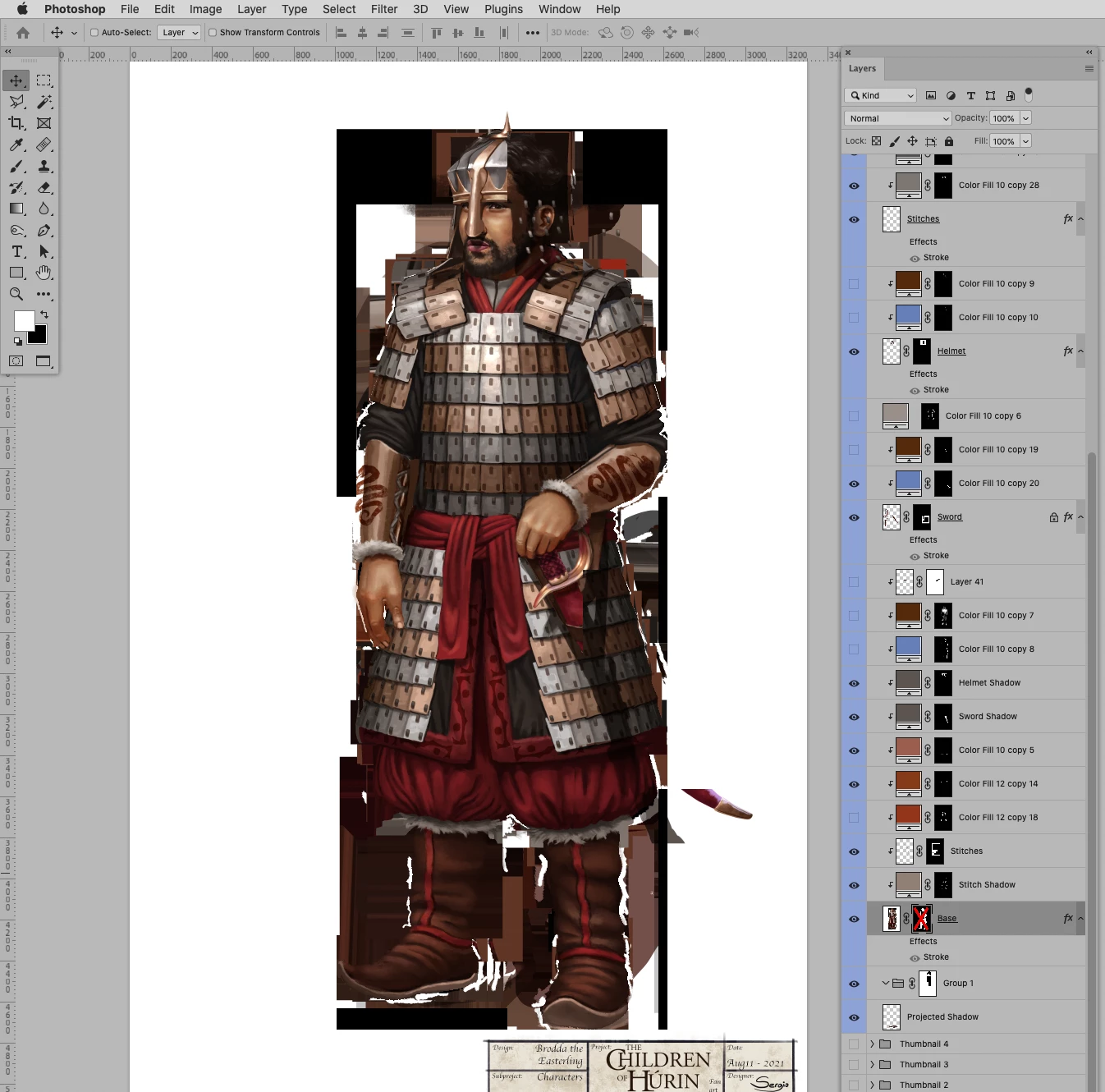
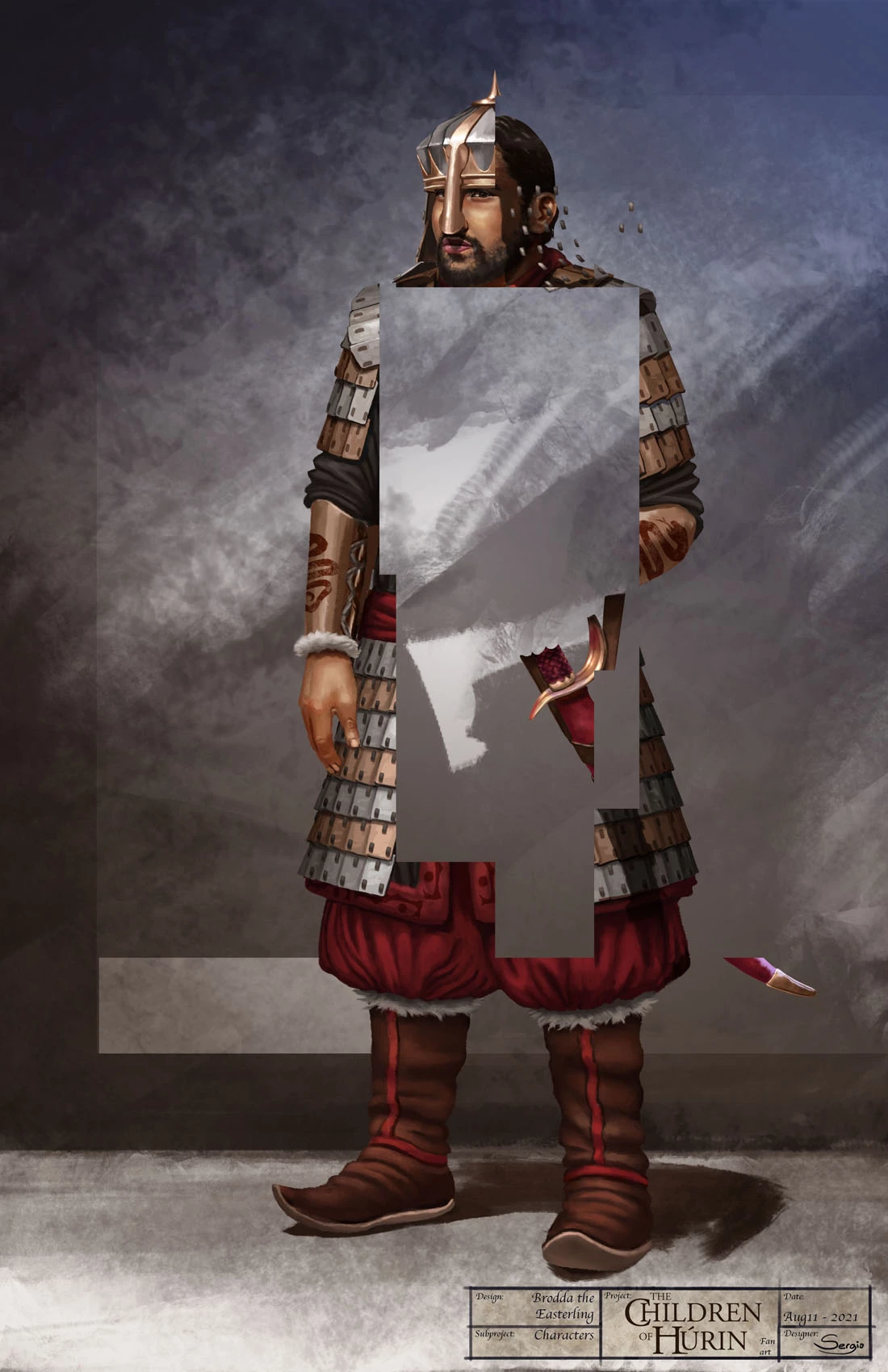
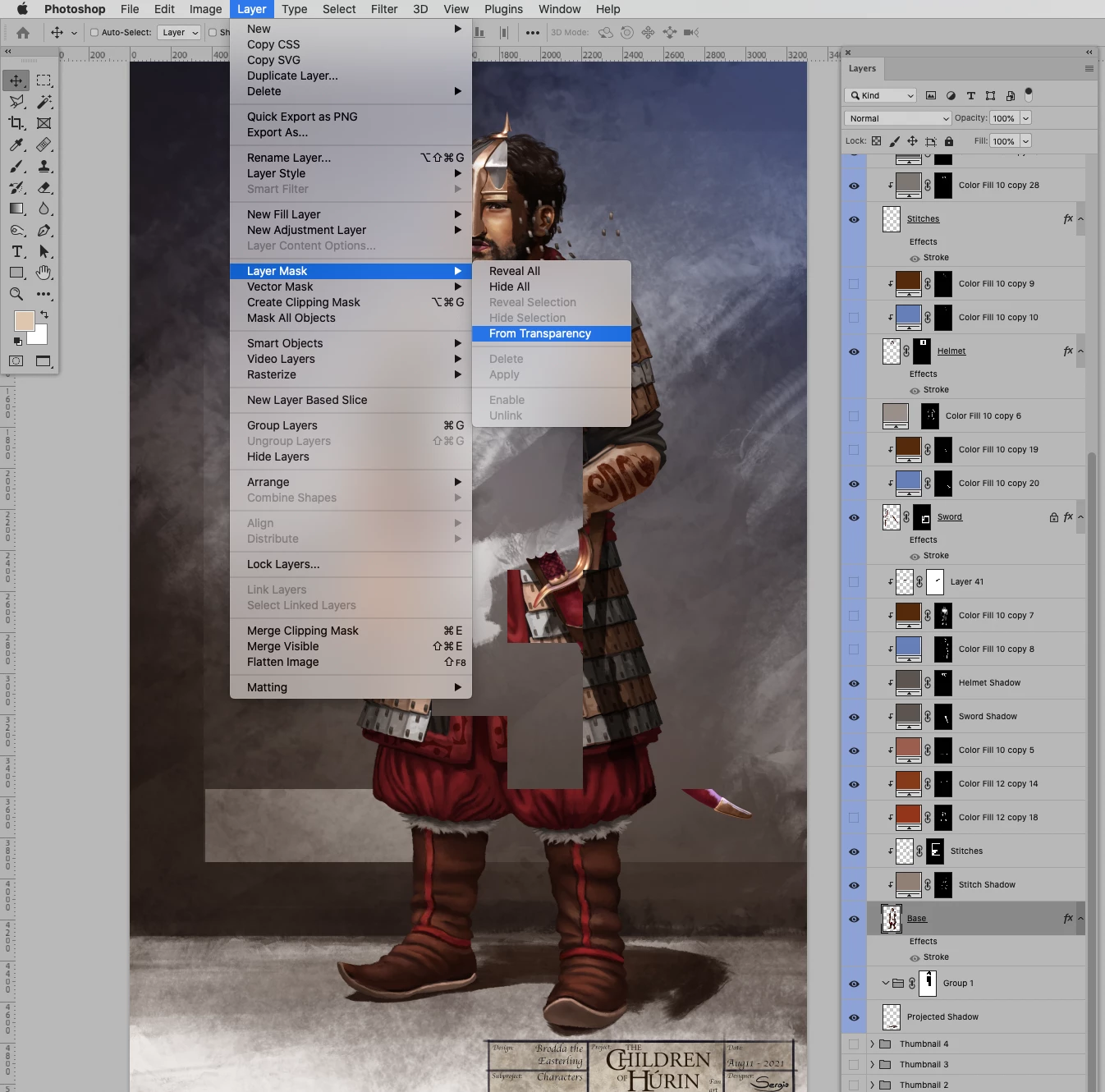
. Since a couple of years ago, I have been getting this obnoxious bug in which layers are irreversibly destroyed in weird squared patterns, it also affects the masks on layers. I have noticed that it likely happens with large files, but far lower from the 2GB .psd size limit.


Two samples:
 

Also, I get strange visualizations when opening the file, like this tiling pattern:
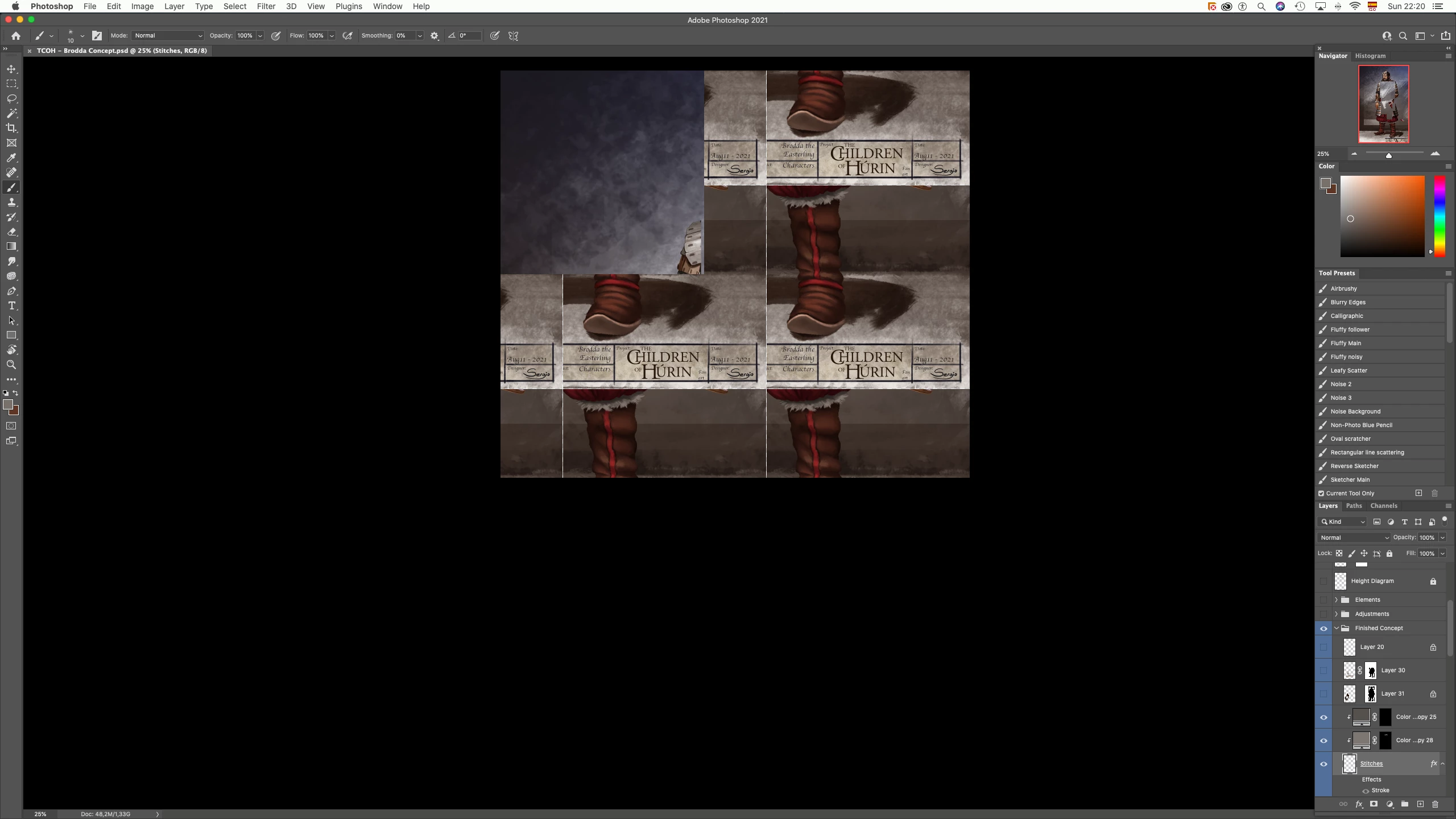
Moreover, the View, Flip Horizontal option tends to appear disabled:
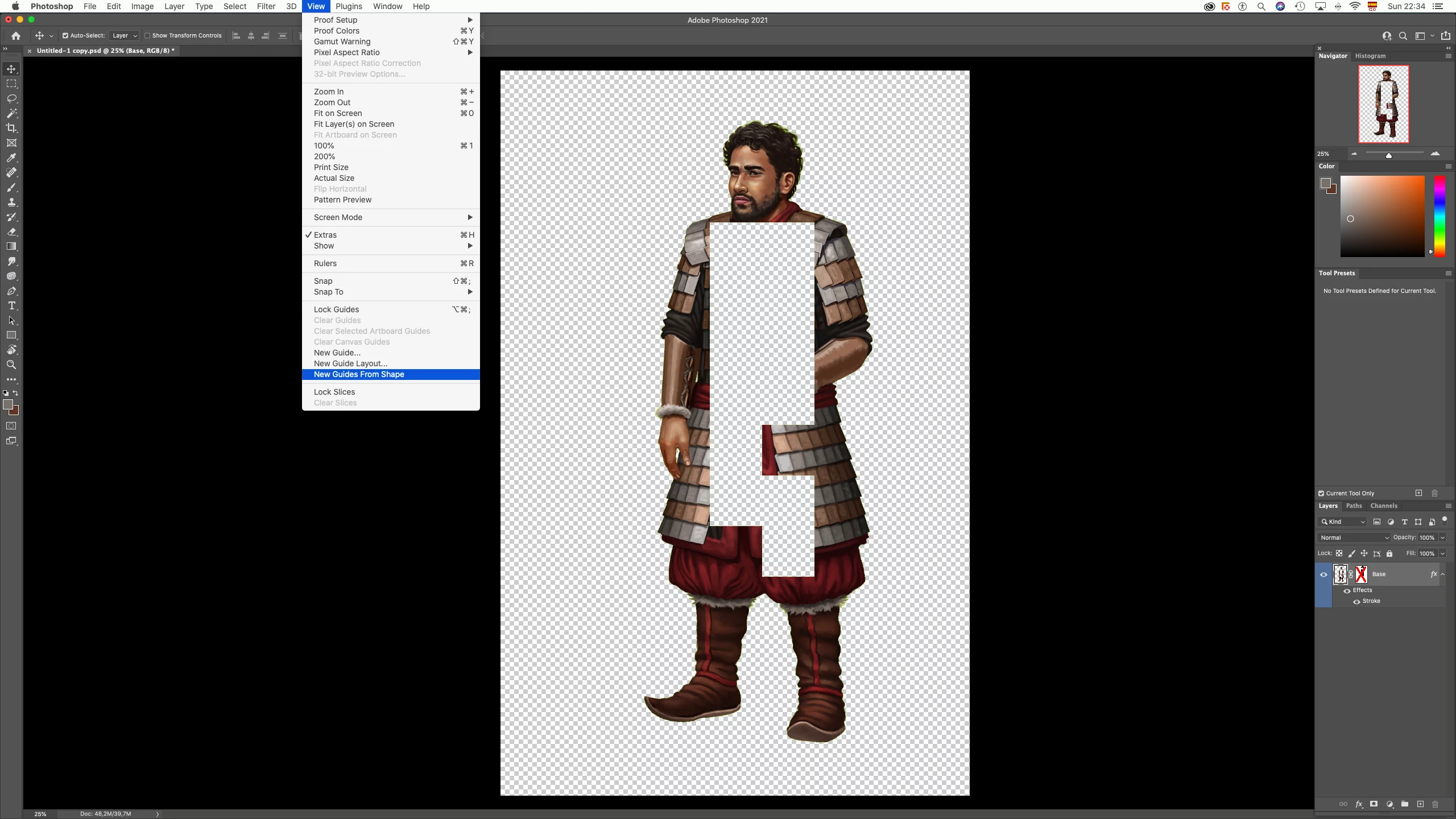
As suggested by Adobe employees and professionals in the forum for my previous post regarding this exact issue, I tried checking/unchecking Disable Native Canvas then restarting photoshop, I also tried disabling GPU in the Preferences (Performance tab)


Is my file corrupted? Do I have to update to MacOS Monterey? I don't have much Disk space at the moment. Again, I would like to know how to deal with this problem, whether it is common or not, and what actions will Adobe take to fix it. 
This topic has been closed for replies.
Correct answer c.pfaffenbichler

I still suspect a GPU-related issue. 


One very little piece of good news might be that the composite pixel content has not been completely destroyed. 

If I remove the Layer Mask (without applying it) from an affected Layer, then invoke Layer > Layer Mask > From Transparency and turn that off there seems to be »image« there. 

1 reply

c.pfaffenbichler
Community Expert
Community Expert
July 13, 2022

Can you provide one of the affected files? 


Just to make sure: Did you restart Photoshop after turning off GPU-usage and did you do a complete »cycle« (creating, saving, closing, opening of an image) and it was still affected? 

sboterod.
sboterod.Author
Participant
July 13, 2022

I am not sure if I did just that the correct way. How can I send you the file? It's size is around 420Mb, here is a link to the file in a Google Drive folder: https://drive.google.com/drive/folders/1sn-ckJAFxGGmawJvn7igra3zgh5yLSRe?usp=sharing

c.pfaffenbichler
Community Expert
c.pfaffenbichlerCommunity ExpertCorrect answer
Community Expert
July 14, 2022

I still suspect a GPU-related issue. 


One very little piece of good news might be that the composite pixel content has not been completely destroyed. 

If I remove the Layer Mask (without applying it) from an affected Layer, then invoke Layer > Layer Mask > From Transparency and turn that off there seems to be »image« there.