
jodyp22552830
Known Participant
April 14, 2021
Question

Layer Issue Beginner

  • April 14, 2021
  • 1 reply
  • 540 views

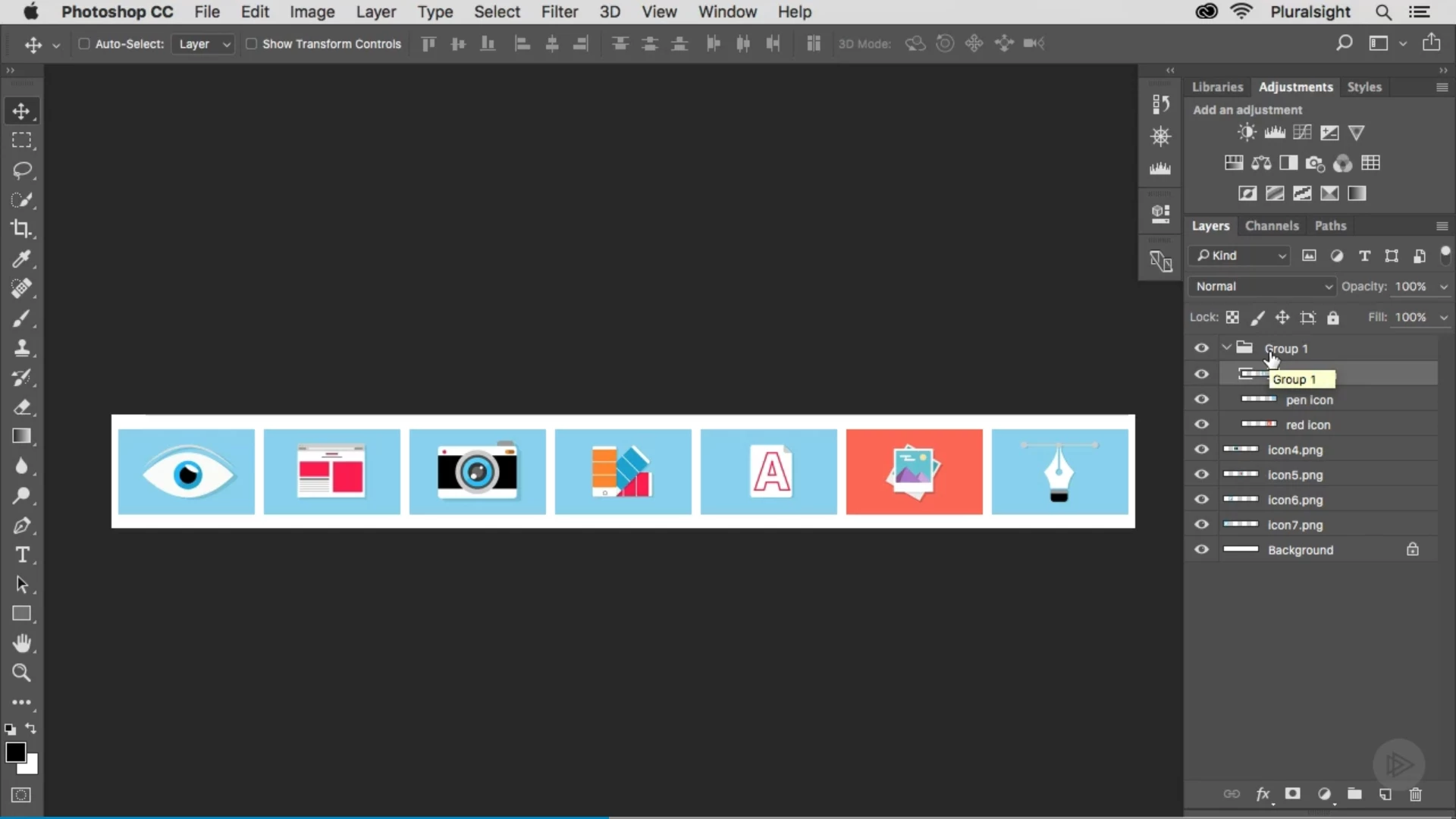
Hi, I am continuing my tutorial video series. The instructor says to click two layers then click the folder at the bottom to create a new group. When he does this you can see it has made a folder that says group one:


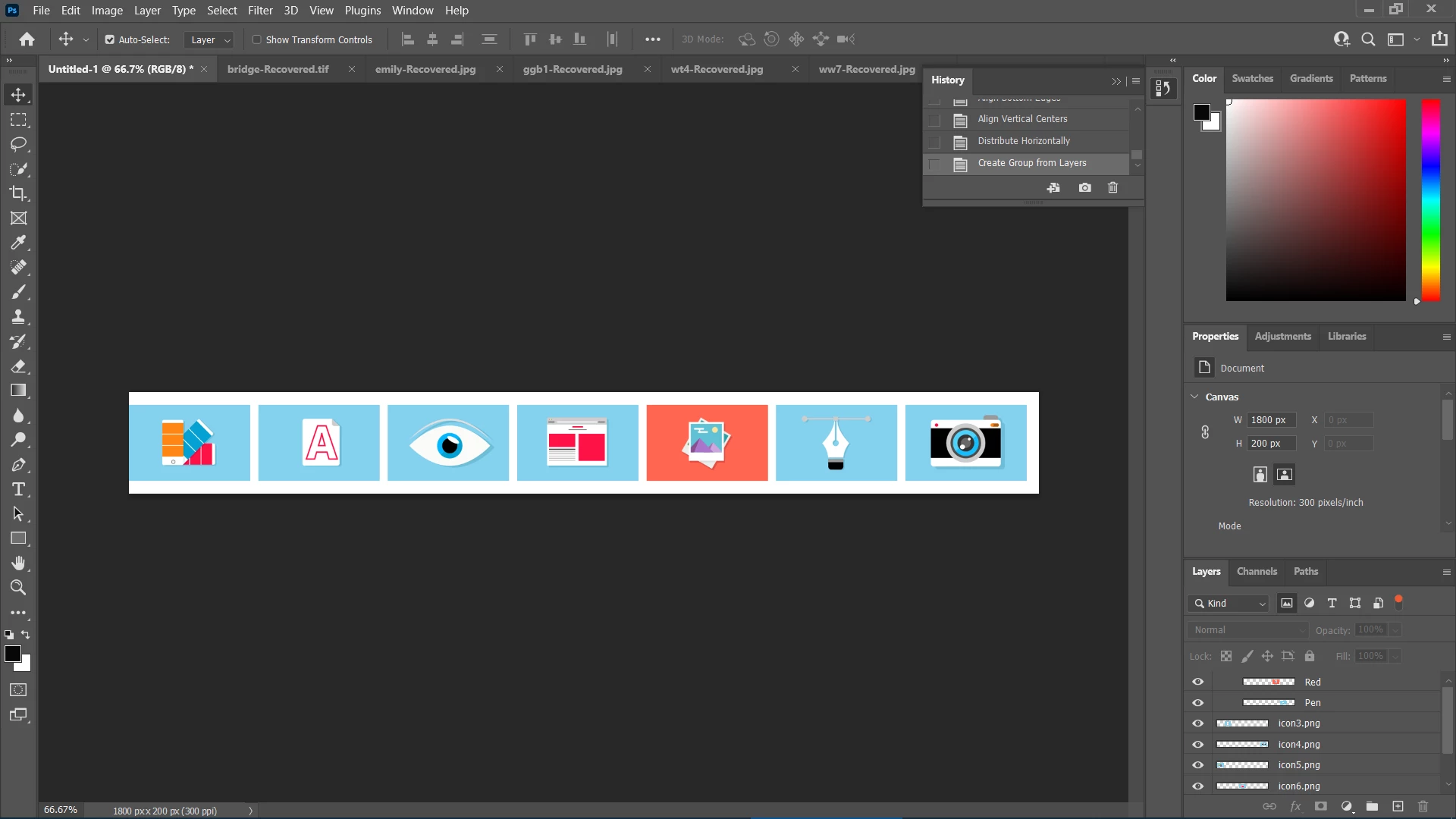
Now I clicked the same two layers and clicked the folder to create a new group but when I did this there is no folder at all just the layers moved over to the right. Can someone advise me why the folder is missing?


This topic has been closed for replies.

1 reply

Trevor.Dennis
Community Expert
Community Expert
April 14, 2021

Hi Jody.  You just need to scroll the layer group down.  We can see that you definitely created the group as the layers it contains are indented to the right.

Please ask if you get stuck.  There is no limit on how many questions you can ask.

jodyp22552830
Known Participant
April 14, 2021

Hi, I am not sure what you mean when I scroll down I don't see a folder still?

Trevor.Dennis
Community Expert
Community Expert
April 14, 2021

Can you see the bar inside my green highlight? Click on that and drag it down.