
Question
Layer Panel won't resize longer
Hi! I have Photoshop cc 2017 and i'm running into a problem where I can't make my layer panel longer.
I've docked it at the top and it's pulled all the way down but if you look at my screenshot I have to scroll through the layers still... I hover over the bottom of the panel to pull it down but it wont. The arrow icon wont appear to drag it.... it's unbelievably dumb and frustrating. Please help!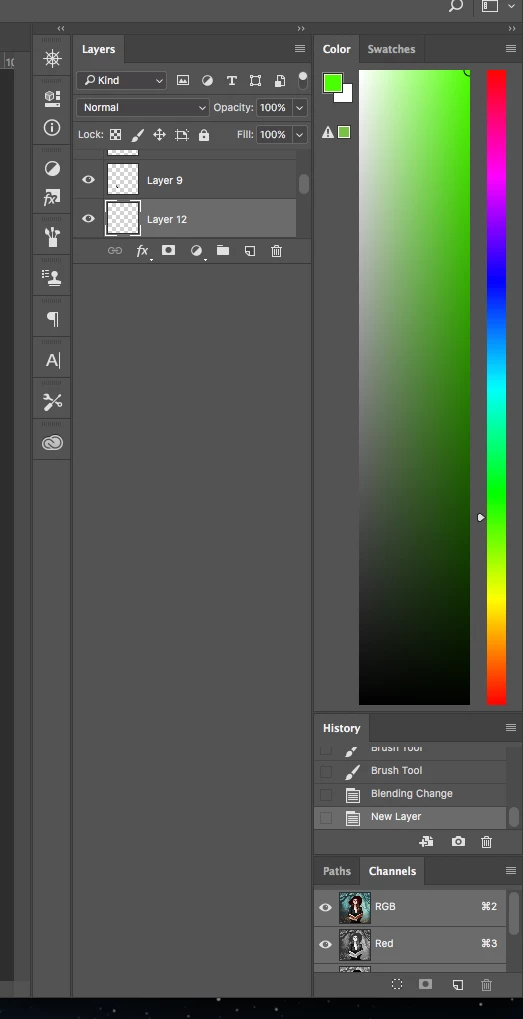
 AdChoices