
sethcrawford21
Participant
May 30, 2018
Answered

Layer Styles Bugs

  • May 30, 2018
  • 1 reply
  • 415 views

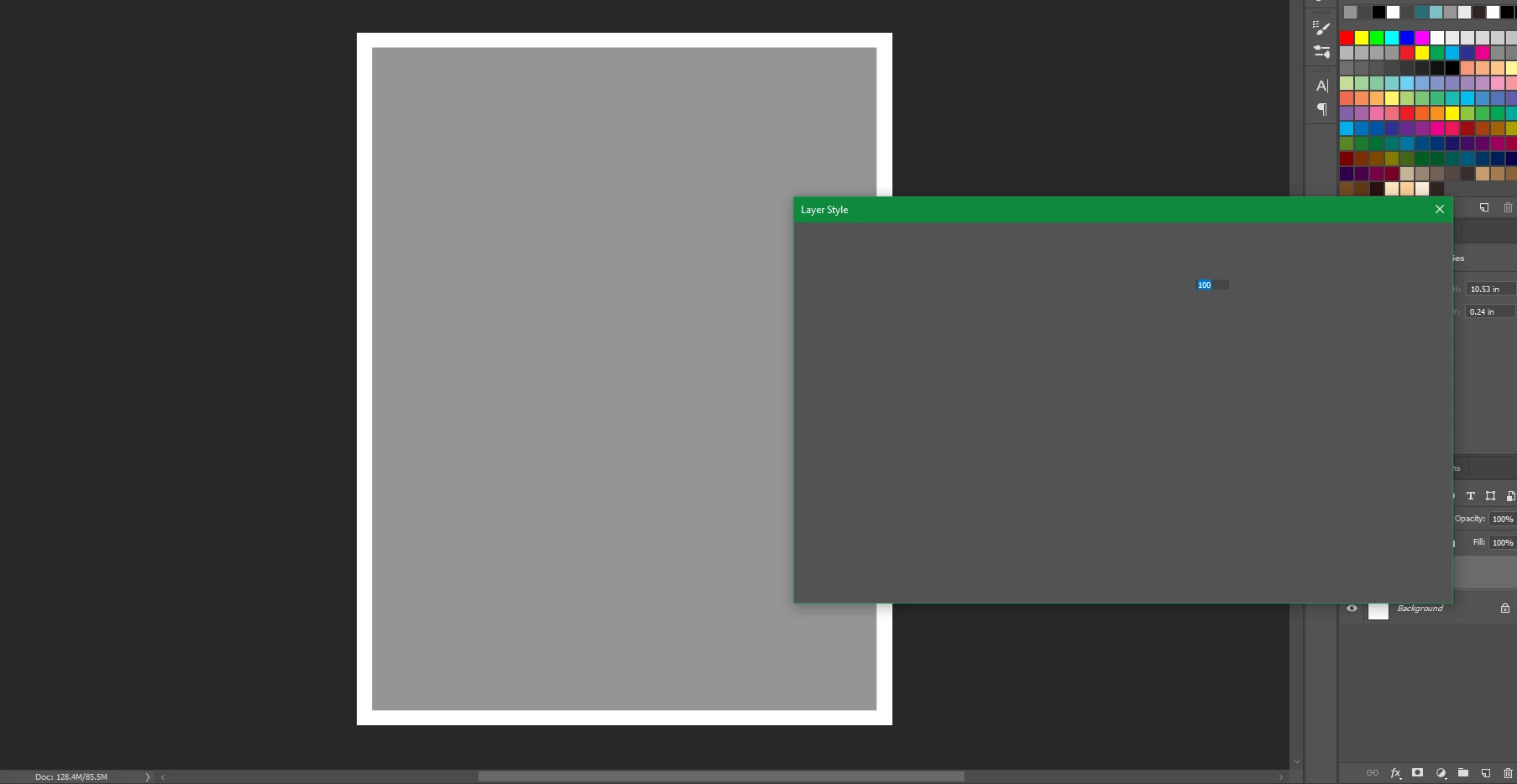
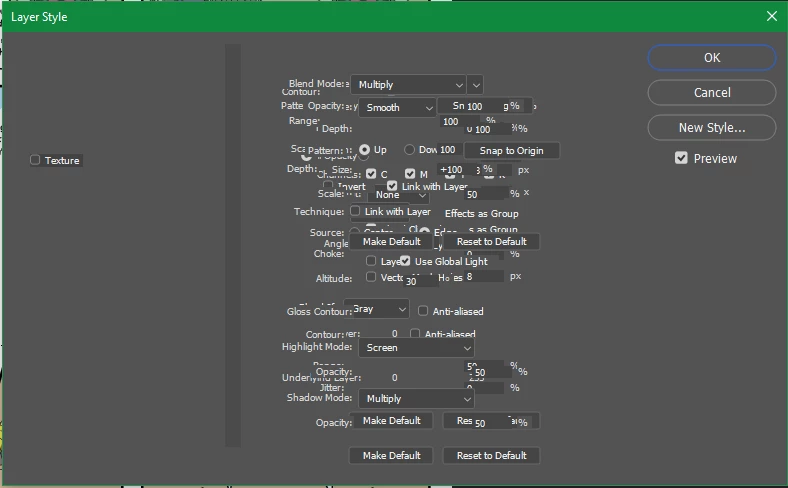
Ever since version 19.1.3 came out, I've been getting these kinds of bugs. It's only affecting the layer styles and before any of you smart alecs say "well use a previous version", I did. In fact, I've got 19.1 installed at the moment as it doesn't have the drawing tablet failure that 19.1.2 does.

My OS is Windows 10 and this has never happened before so my graphics card is still good. The first image is what I get whenever I try it, and the second picture is what I get after clicking a bunch of times. Occasionally it works, but so far most of the time it doesn't.
    This topic has been closed for replies.
    Correct answer davescm

    I usually find that when asking for help, calling the people I am asking "smart Alecs" is not the best way to get them to listen

    Have you tried resetting your preferences? They can become corrupt and  a dialogue box failure, such as that you have shown, can be caused by that corruption. Edit > Preferences >General . reset Preferences on Quit the close and restart Photoshop.

    Dave

    1 reply

    davescm
    Community Expert
    davescmCommunity ExpertCorrect answer
    Community Expert
    May 30, 2018

    I usually find that when asking for help, calling the people I am asking "smart Alecs" is not the best way to get them to listen

    Have you tried resetting your preferences? They can become corrupt and  a dialogue box failure, such as that you have shown, can be caused by that corruption. Edit > Preferences >General . reset Preferences on Quit the close and restart Photoshop.

    Dave

    sethcrawford21
    Participant
    May 30, 2018

    yeah you're probably right, but I was kind of expecting it *shrug*

    it seems to be working now, hopefully I won't have to keep doing it