
Legacy pencil brush not increasing size
Hi,
My Legacy pencil brush not increasing size while I changed to size around 10 or more.
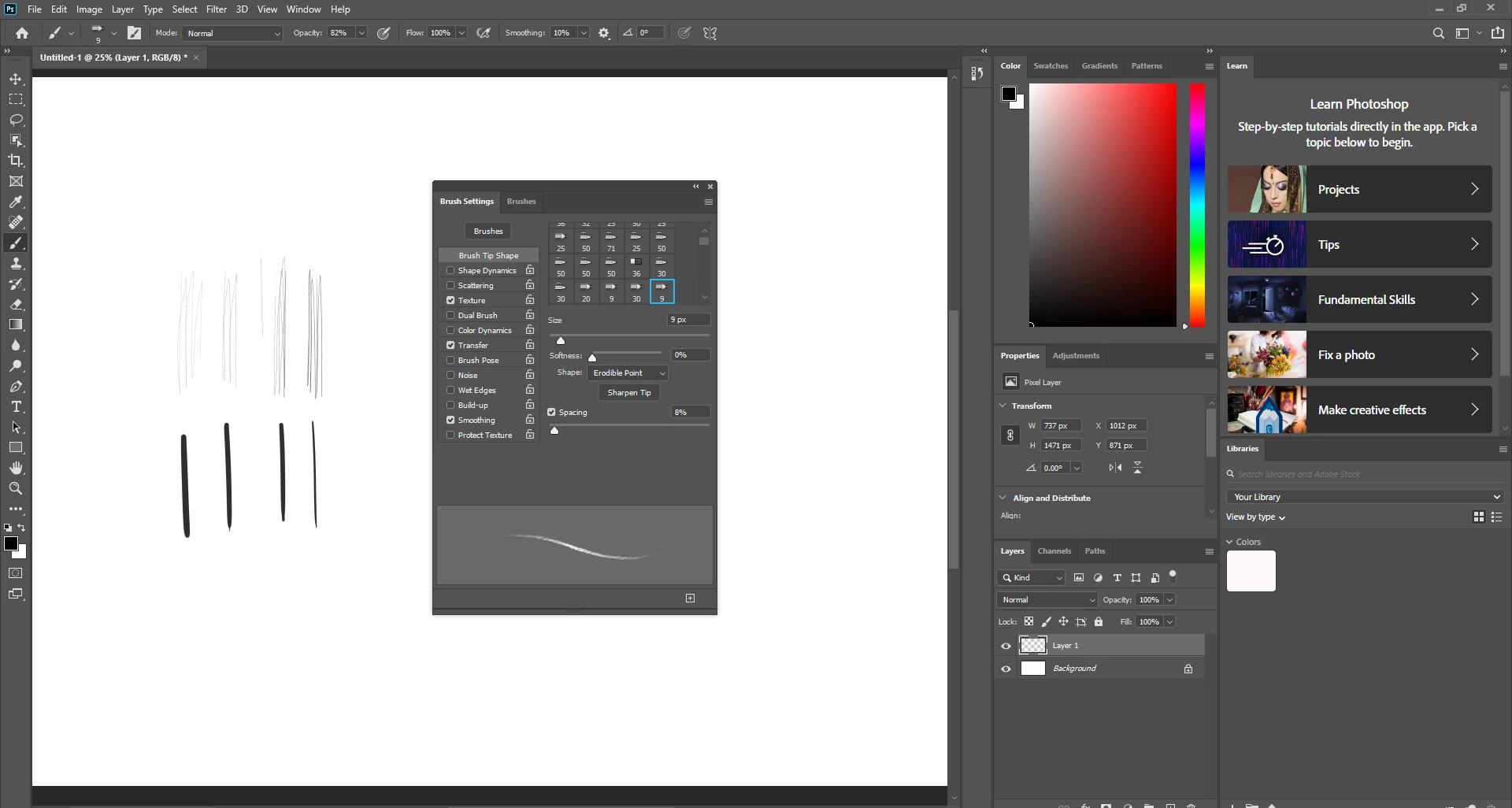
I am using the brush tool, but it looks worse on the pencil tool. I can't even breathly see the brush stroke at all.
I haven't set any setting on the brushes yet. I tried the Alt+Ctrl+Shift to reset the Photoshop but it still stays the same. I checked to mark the Legacy performance setting too.
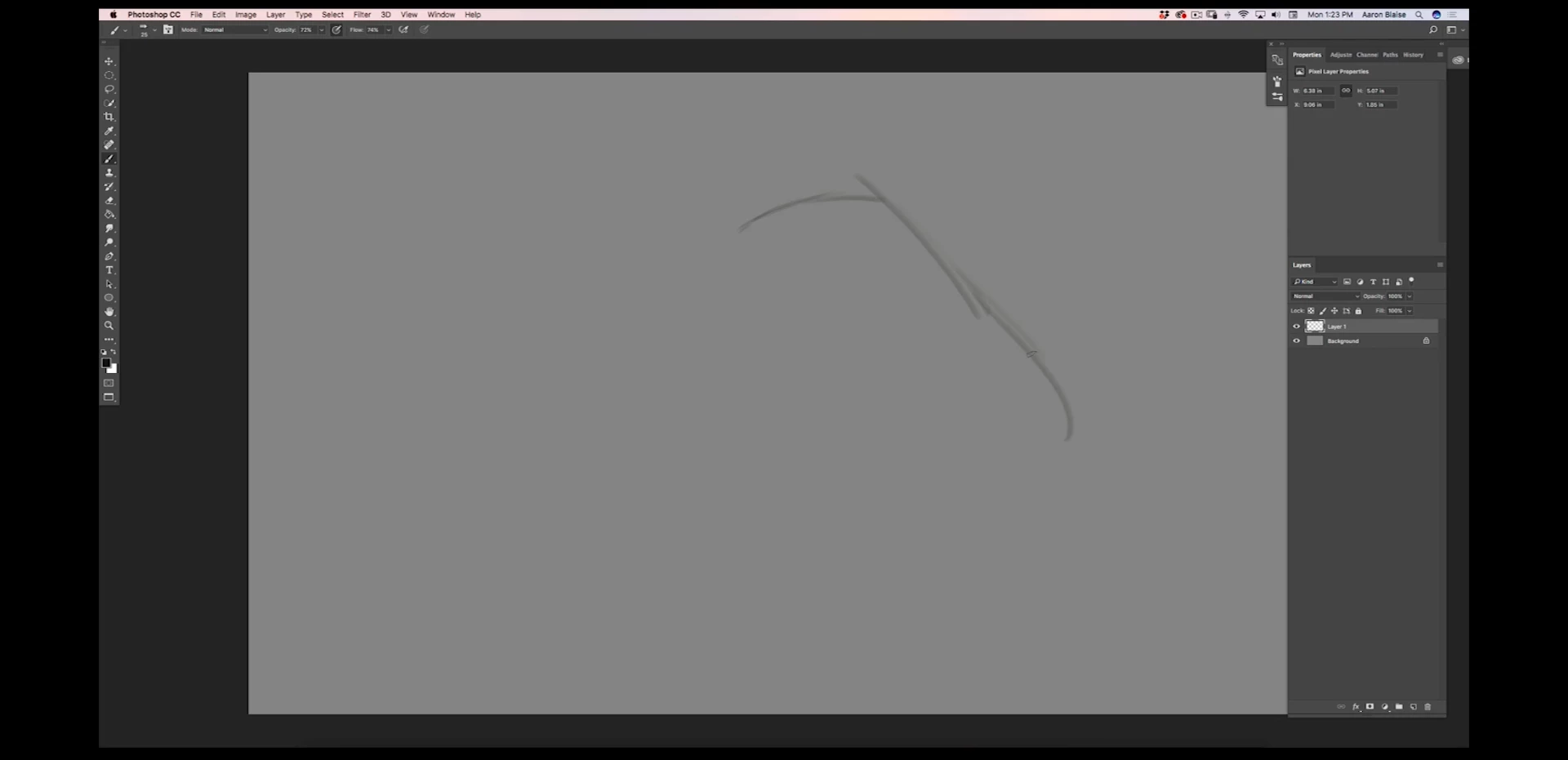
The first image is from a tutorial video, it is the pencil tool, the size is 20-25.
But mine it looks way too tiny.
The second image is after I reset all the settings and checked the legacy performance mark.
I am using a Wacom tablet. I do not have any issues while using other painting programs.
( I did see a recent post with the same problem around 2019 in adobe support community, but it didn't help me.)
This image I copy from 2019 post with the same problem.
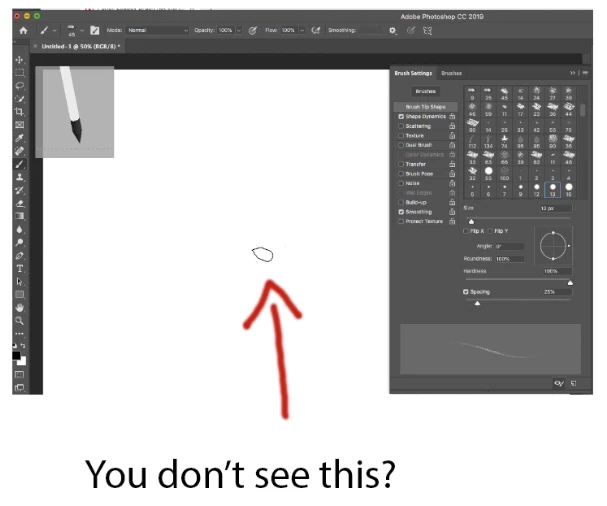
I do not see this. At all.
Mine is just a cross mark with a point.
Thanks!
 AdChoices