Answered
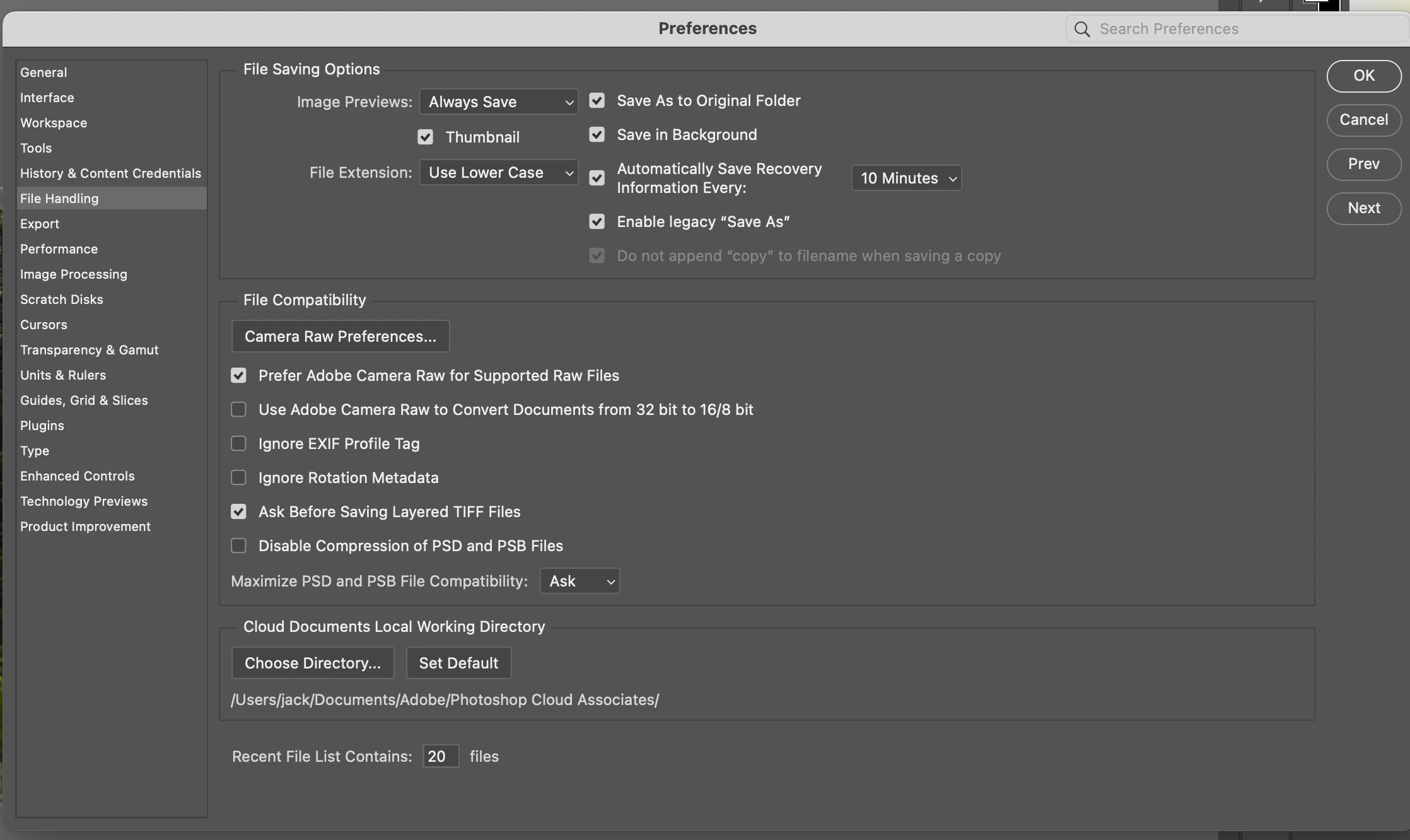
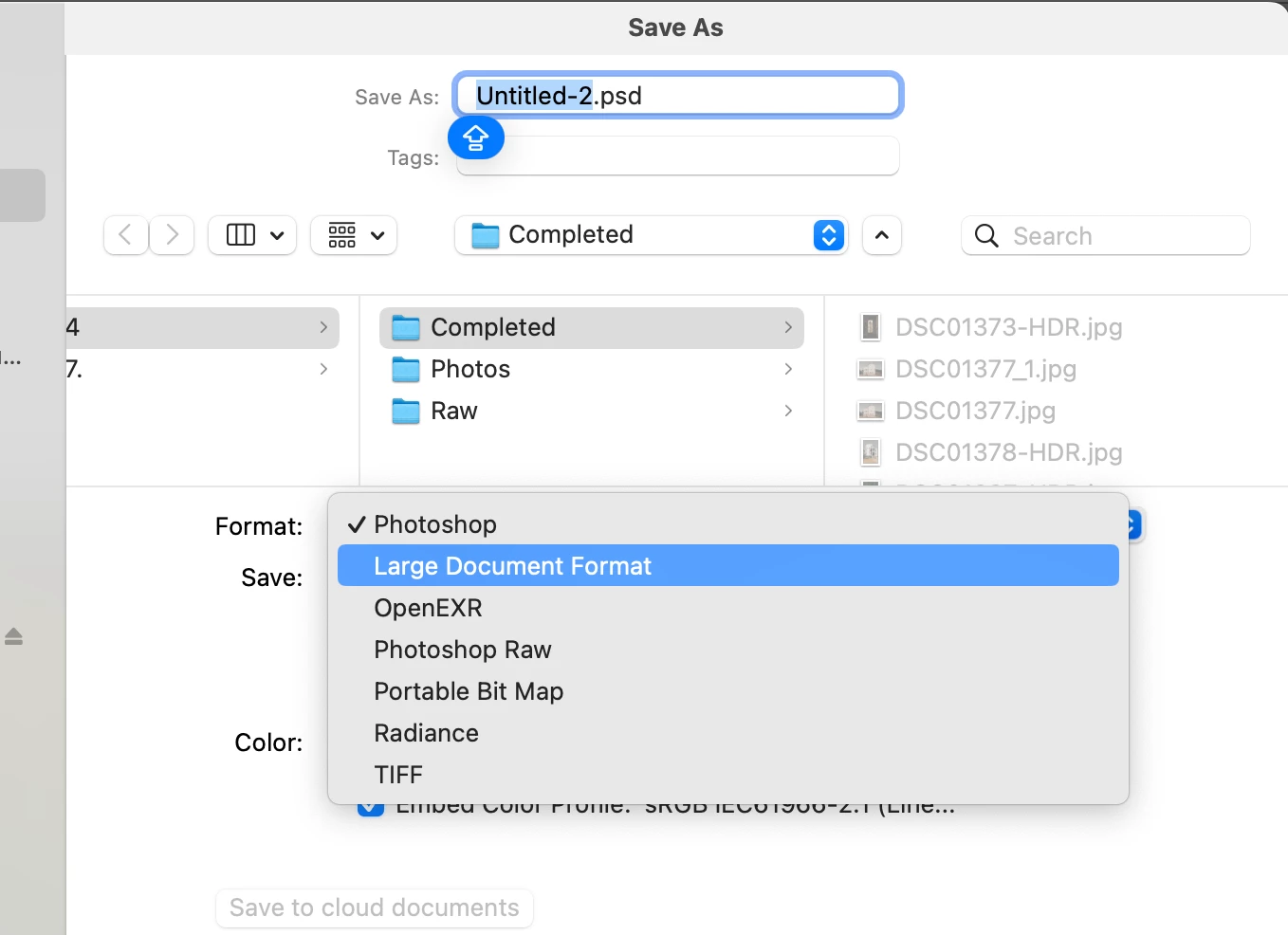
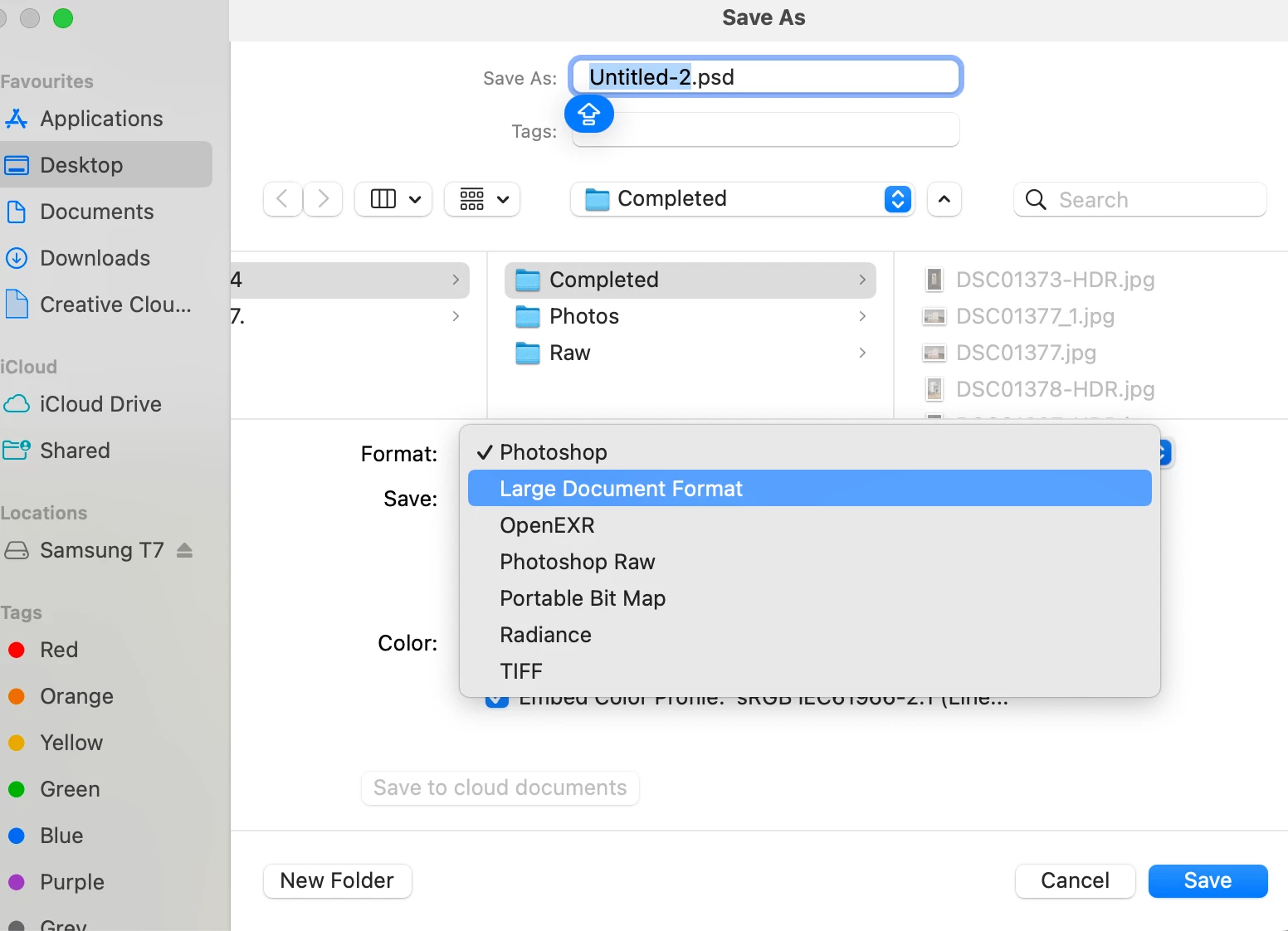
Legacy settings enabled. Still can't find a way to "Save As" JPG. What on earth is going on?
Thanks!

Thanks!
You probably have an image in 32-Bit mode. "Save as" or "Save copy" are not capable to create a JPEG from that. You'll have to use "Export as" or reduce the mode to 16 or 8 Bit in order to be able to use "Save as" or "Save for Web". HTH
Already have an account? Login
Enter your E-mail address. We'll send you an e-mail with instructions to reset your password.
 AdChoices