Question
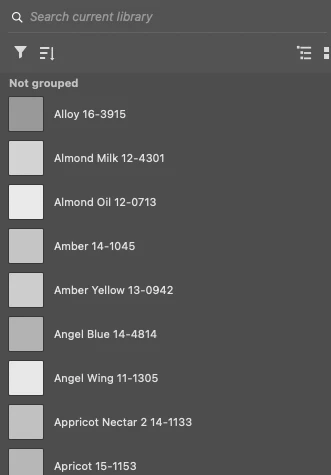
Library displaying all color swatches in grayscale
I'd like to know why this is happening. I was recently creating color swatches and saving them to my swatch panel. I had "add to my current library checked" so duplicates went into the library.
I'm glad I have the swatches in there. However, they all appear in the panel in grayscale. They work normally when I apply the color to anything but I can't find the cause of them appearing in grayscale. When I view them in the assets library online, they appear in color.
I'm using the latest version of Photoshop on a MacBook Pro 2021, Apple M1 Max processor, MacOs 12.1 Montery
As seen in Ps:
As seen online: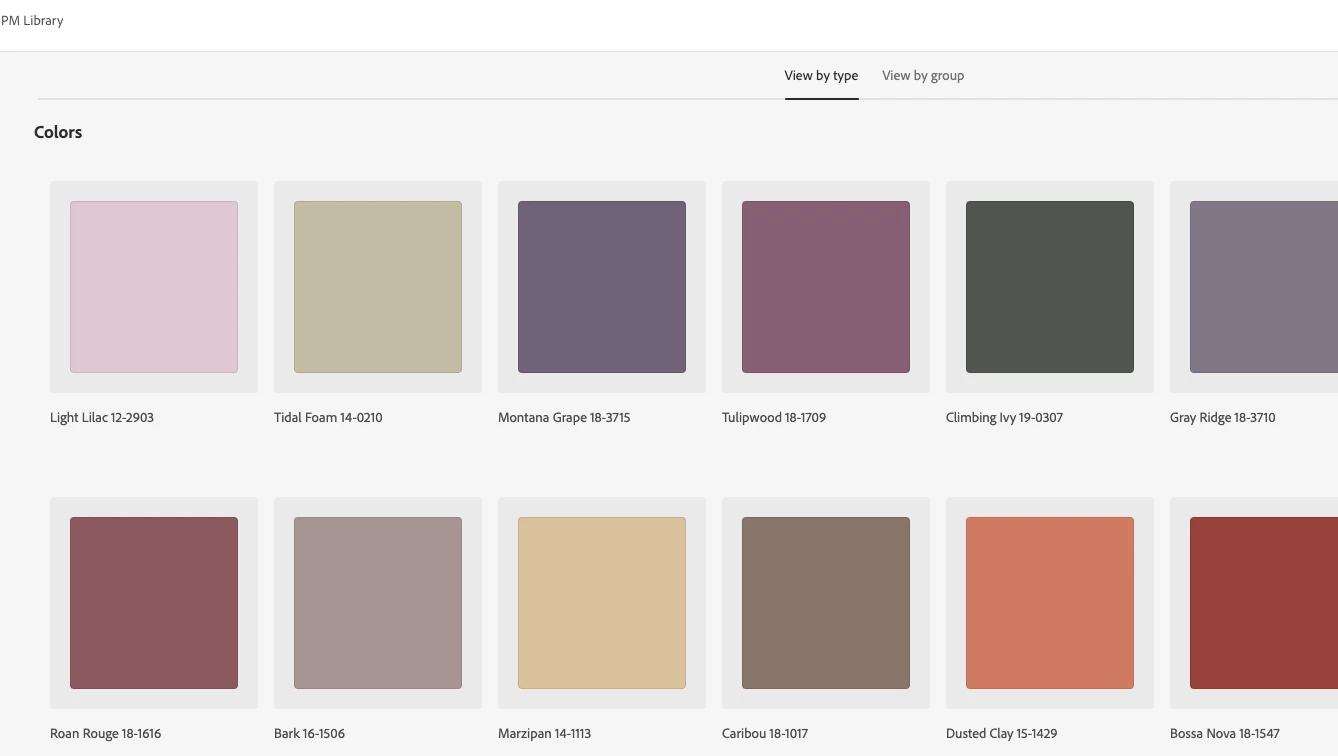
 AdChoices