fionaw23
Known Participant
March 17, 2020
Question

Light / glow effect

  • March 17, 2020
  • 2 replies
  • 476 views

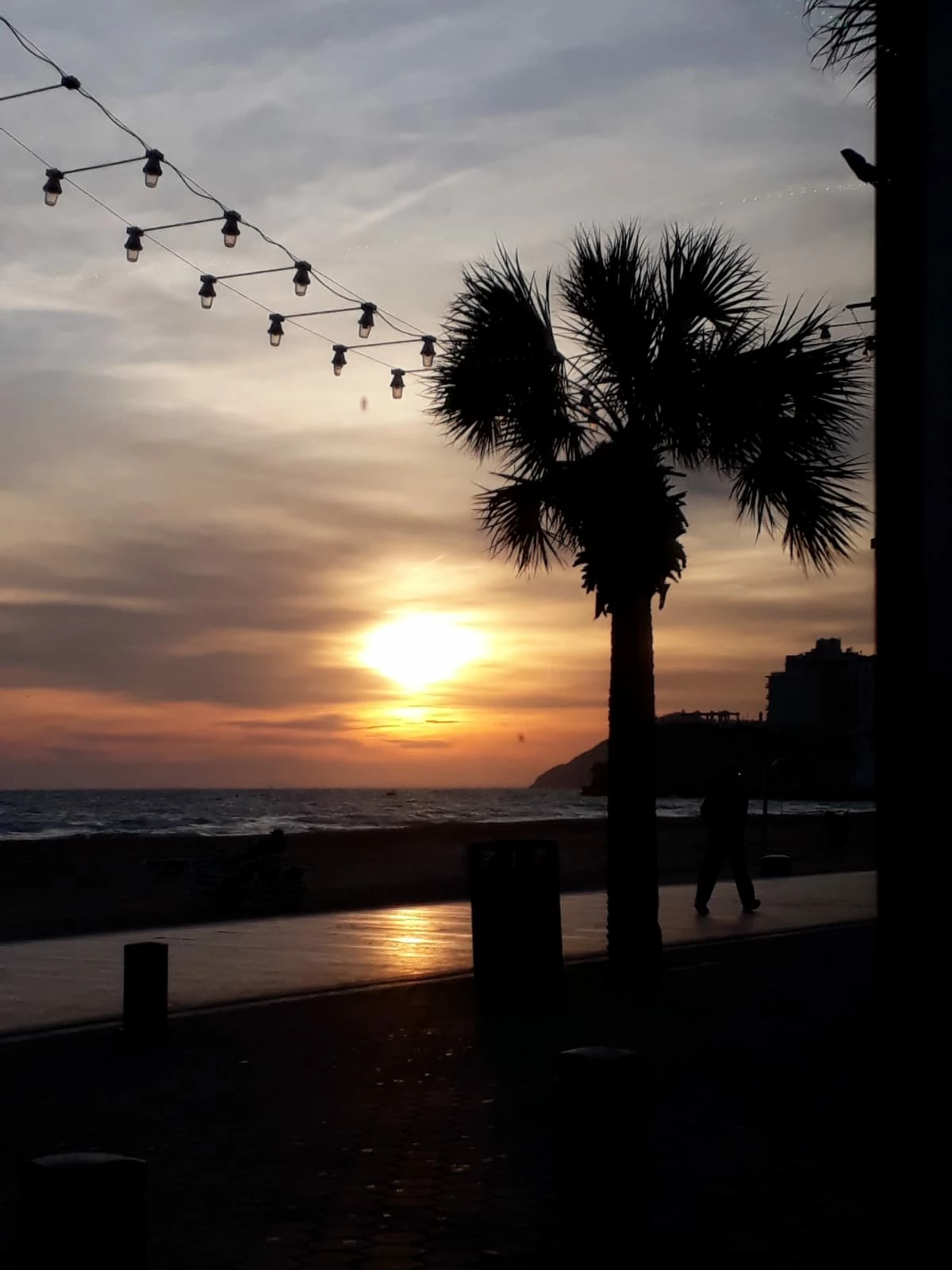
Hi, I'm wondering if anyone knows how to make the attached light/glow effect in photoshop please?

Is it done with a brush?

 

This topic has been closed for replies.

2 replies

Leslie Moak Murray
Community Expert
Community Expert
March 18, 2020

You could also google "Photoshop glow brushes" (and browse under "Images") to find an array of them.

Chuck Uebele
Community Expert
Community Expert
March 18, 2020

It looks like a combination of things. I would make the shapes with the pen tool, then turn the fill opacity to 0. Then use the layer style inner glow on the shapes. Then the brush tool for the other shades. You could also use the smudge tool or path blur to blur and feather the fills. Maybe also use screen mode on some of the shapes or fills.
