
Answered
Lighting Effects filter grayed out
I'm using Photoshop CC version 22.4.2 on Windows 10. Since upgrading to that version I've not been able to use the Lighting Effects filter because it is grayed out. In addition, Photoshop does not recognize my graphics card in this version.
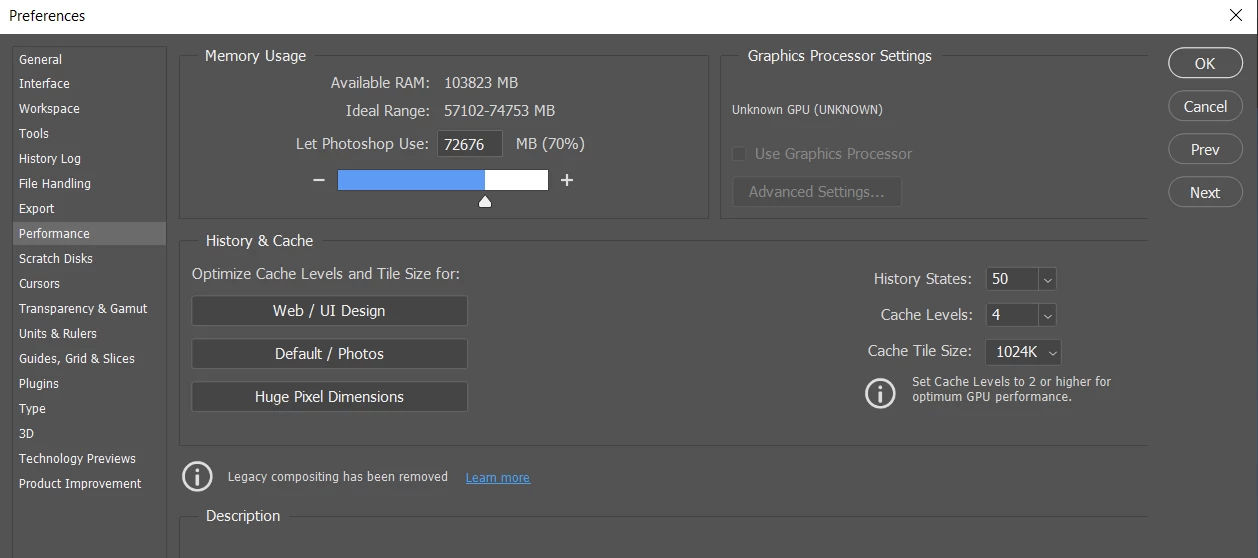
However, when using Photoshop CC version 21.1.2 I'm able to use the Lighting Effects filter. Also Photoshop recognizer my graphics card.
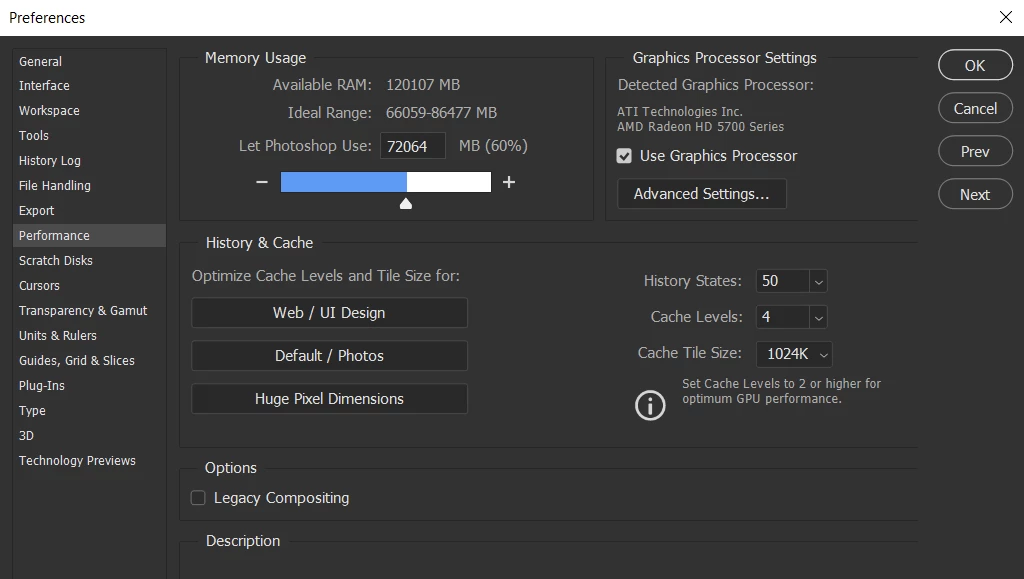
Are there any suggestions for a solution to this so that I can use the Lighting Effects filter in the newer version of Photoshop?
 AdChoices