melissapiccone
Community Expert
Community Expert
October 25, 2018
Answered

Lighting Effects Weirdness

  • October 25, 2018
  • 13 replies
  • 13720 views

PS 20 (2019)

Mac Mojave

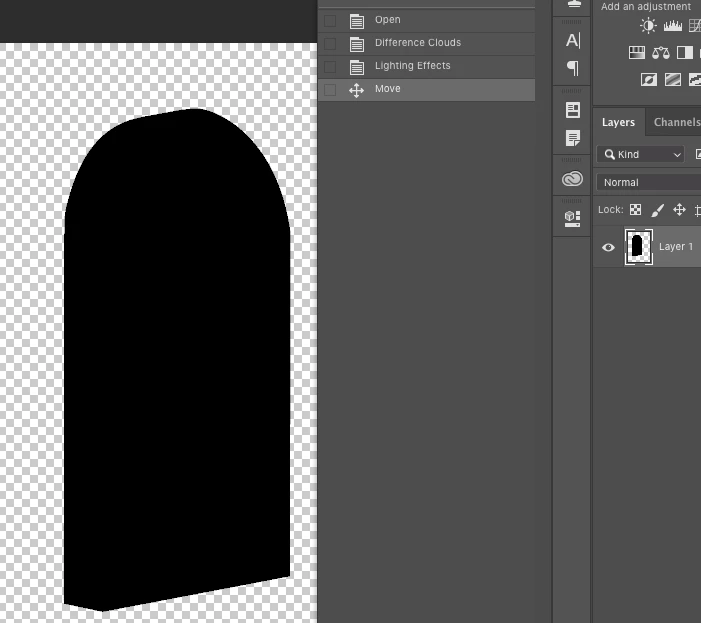
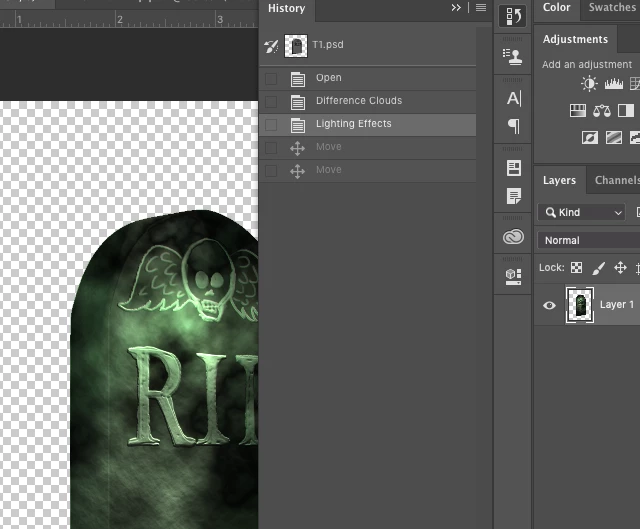
While teaching this morning I used the lighting effects and all seemed just fine. Went to move the object and it turned black... so weird. Wondering if anyone can reproduce the problem...

Result after using Lighting effects
    This topic has been closed for replies.
    Correct answer gener7

    Reported as fixed in the now released v 20.0.2

    Fixed issues in Adobe Photoshop CC

    13 replies

    melissapiccone
    Community Expert
    Community Expert
    October 25, 2018

    Weird bug... I'll report it.

    Melissa Piccone | Adobe Trainer | Online Courses Author | Fine Artist
    davescm
    Community Expert
    Community Expert
    October 25, 2018

    Confirmed here also Melissa

    Dave

    melissapiccone
    Community Expert
    Community Expert
    October 25, 2018

    I'm still in the middle of teaching my class and haven't had time to trouble shoot. Very odd behavior.

    Melissa Piccone | Adobe Trainer | Online Courses Author | Fine Artist
    October 25, 2018

    Hi Melissa

    I can reproduce it on Windows 10, Photoshop CC2019, seems moving the layer triggers it

    Mohammad.Harb
    Community Expert
    Community Expert
    October 25, 2018

    Hi melissa,

    that is very weird, since the layer is not a smart object! this could be an issue with GPU

    have you tried the same steps on a different document after restarting photoshop ?