
Participant
March 24, 2023
Answered

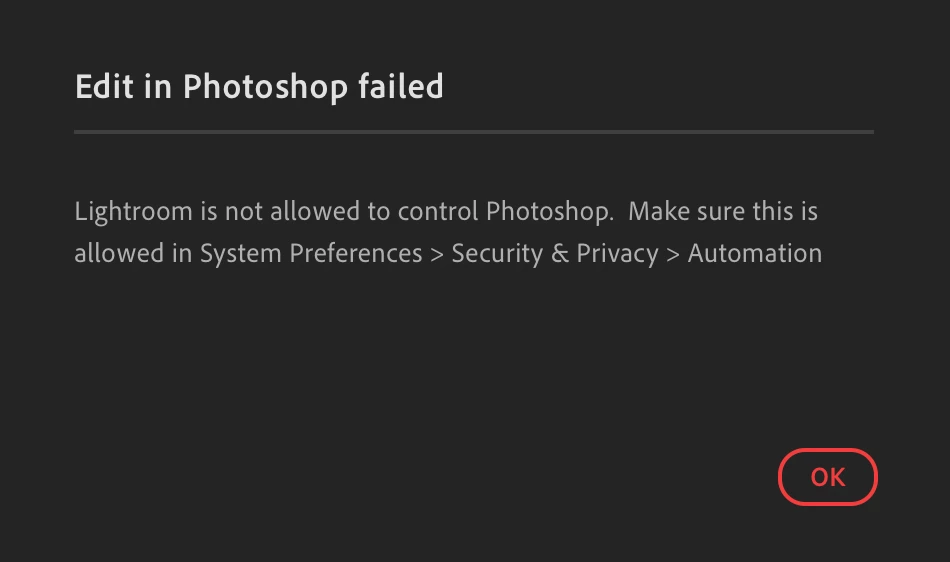
Lightroom is not allowed to control Photoshop

  • March 24, 2023
  • 3 replies
  • 3650 views

Need some help.

Migrated to a new Macbook on M2

When trying to Edit in Photoshop. Following message comes up.

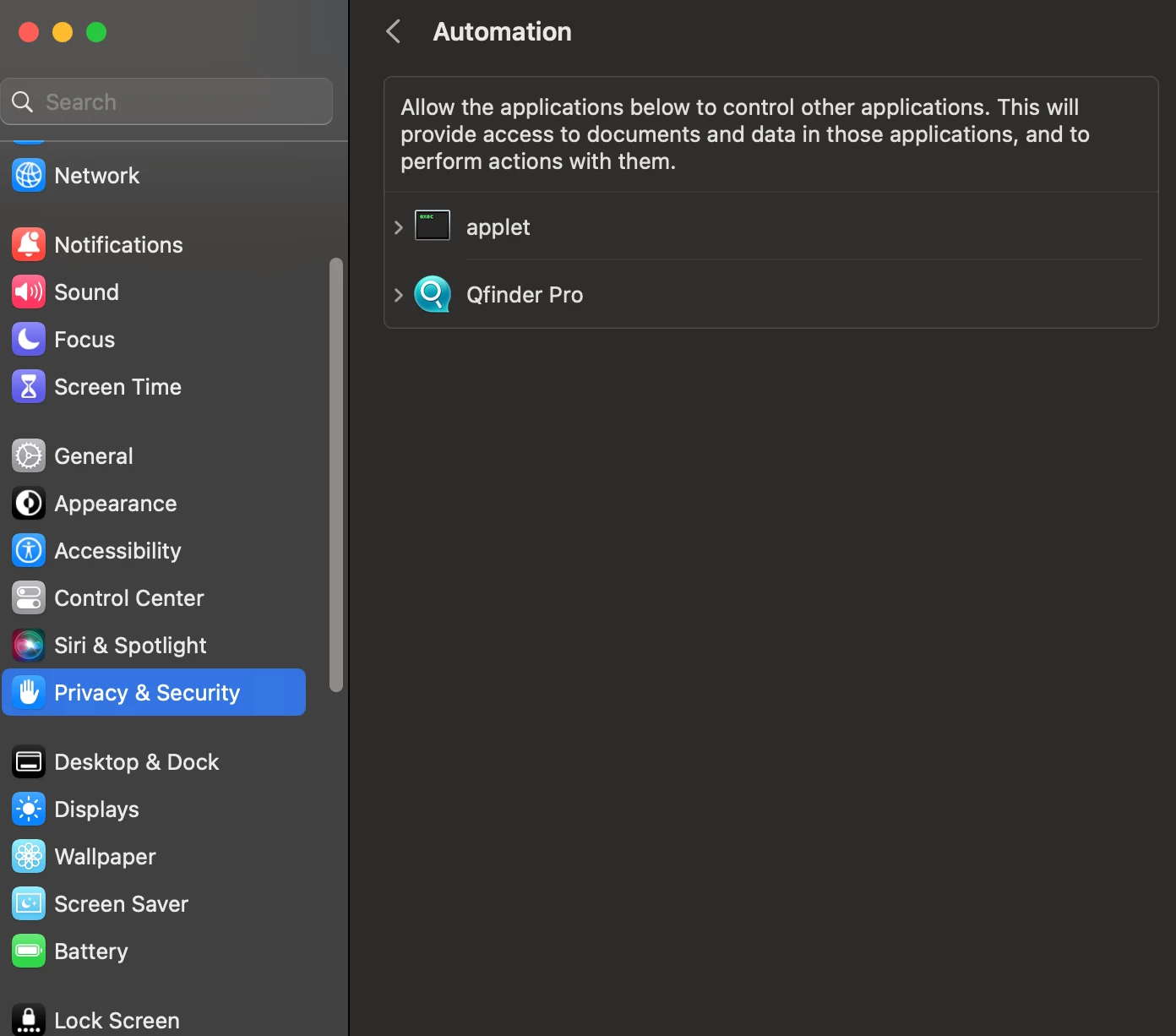
Went to the path mentione above, nothing to select or add there.

Already reinstalled both photoshop and lightroom
Please help

Correct answer soupie1441

Thank you.


I was finally able to resolve this issue by installing the LR app from Creative Cloud (originally installed update from the Apple App store).  

3 replies

Participant
January 6, 2024

you end up finding a solution for this?
Just randomly started happening for me, was working up until today.

Participant
June 30, 2024

Just started happening to me as well. Any solution for this? I've tried uninstalling/installing both Photoshop and Lightroom but same thing.

Participant
May 5, 2025

Do you perhaps know which folder they're referring to? 


Library/Preferences/Adobe Photoshop 2024 Settings

They renamed it to Adobe Photoshop 2024 Settings.old and restarted Photoshop.

TheDigitalDog
Inspiring
April 9, 2023

When the 'link' between Lightroom Classic and Photoshop has issues, one of the first things to try is this:
1. Use the Adobe Creative Cloud application to uninstall both Photoshop and Lightroom Classic and when asked, keep preferences. 
2. Install Photoshop first, then Lightroom Classic. The order is what is very important here.
Better? 

Author “Color Management for Photographers" & "Photoshop CC Color Management/pluralsight"
DanyilAuthor
Participant
May 3, 2023

No issues with LRC. only the LR giving this error

c.pfaffenbichler
Community Expert
Community Expert
March 25, 2023

What about »Files and Folders« and »Full Disk Access«? 

DanyilAuthor
Participant
April 9, 2023

Both enabled. Restarted apps. Still same thing