
Inspiring
April 12, 2018
Question

Lightroom softens exports compared to same Photoshop export, why?

  • April 12, 2018
  • 2 replies
  • 816 views

I have noticed this strange softening of images when exported from Lightroom compared to exports from Photoshop.

I do the majority of my editing in PS now, however I like the organisational aspect of LR and I use it for small adjustments.

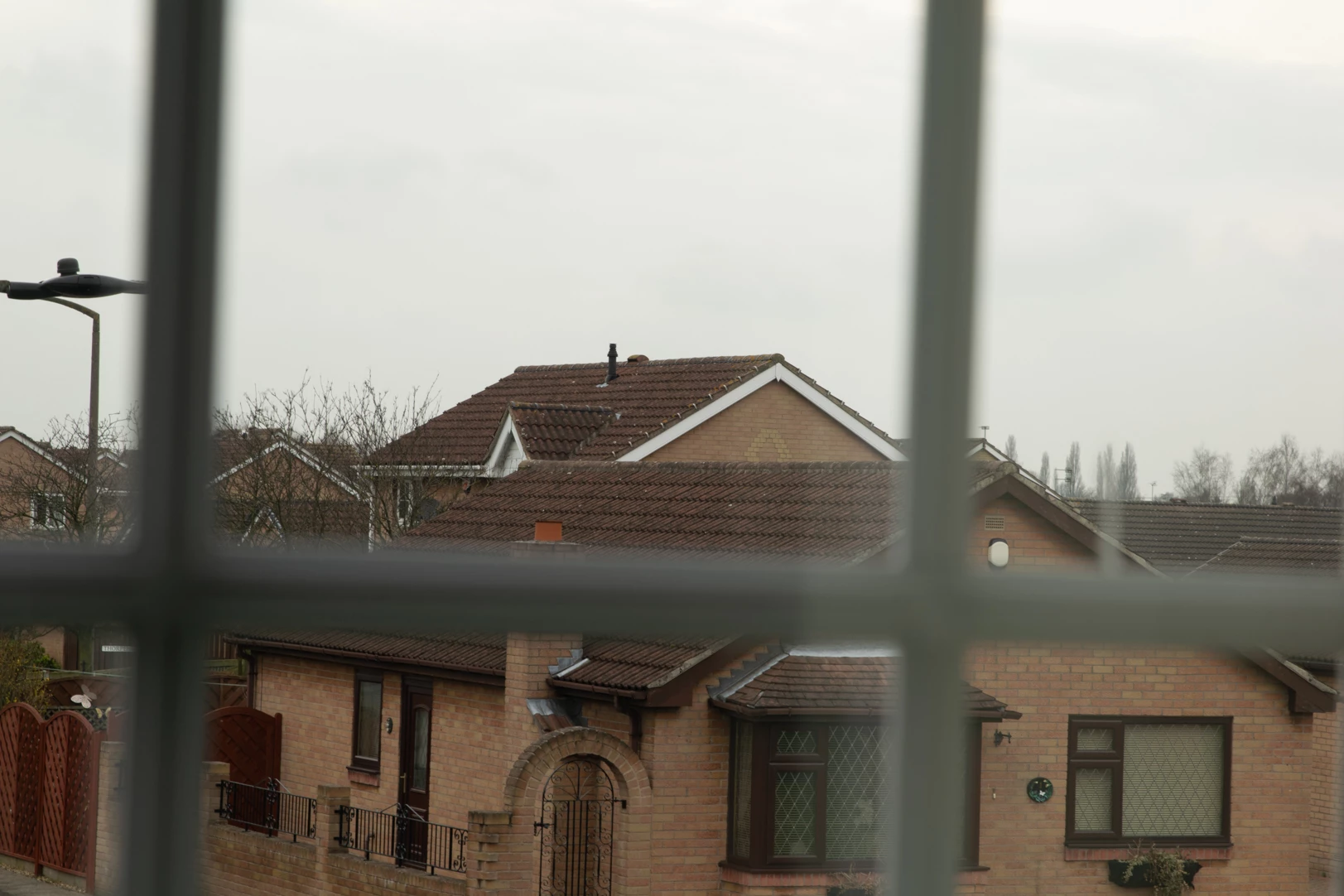
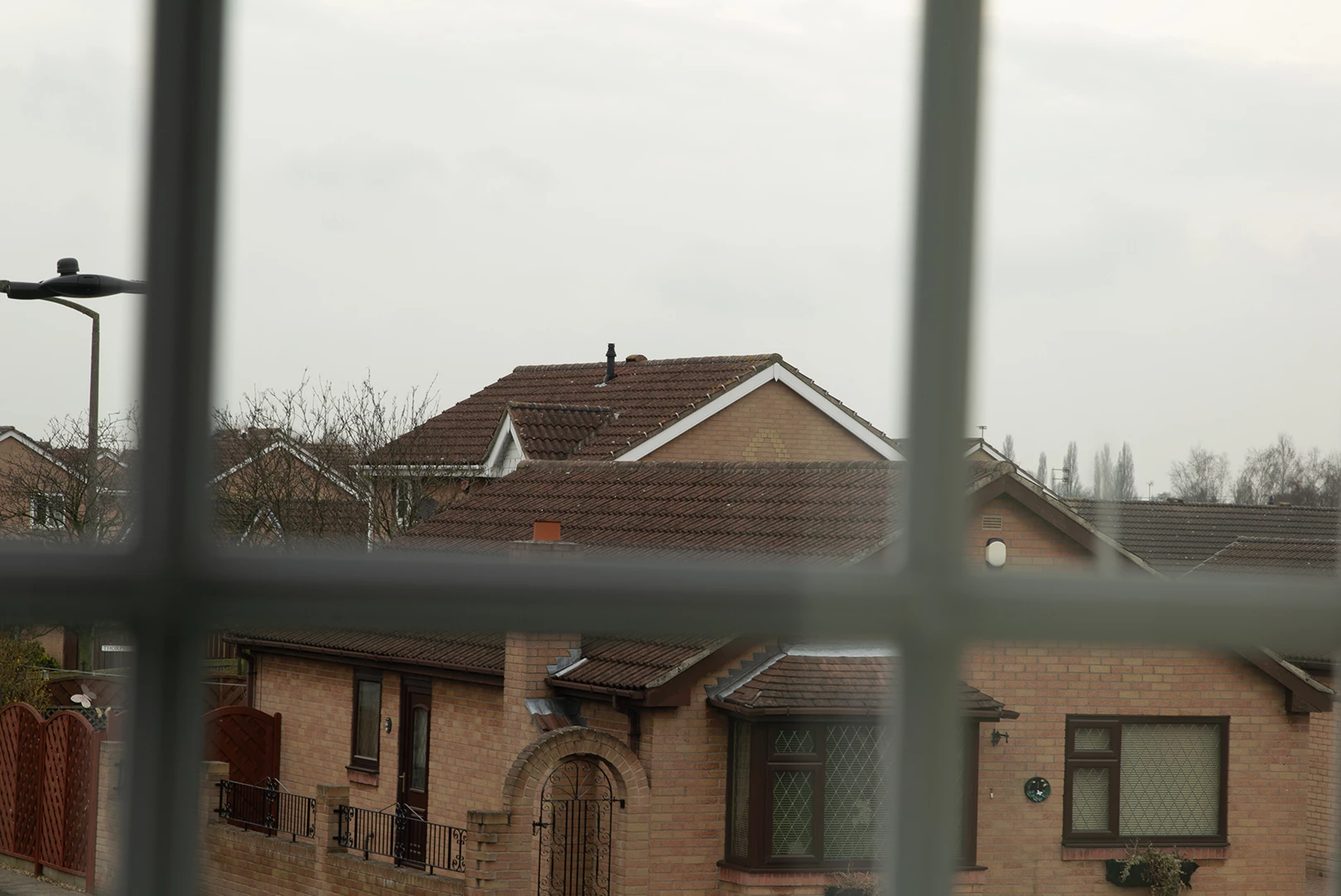
The attached .jpgs are of the exact same image shot in RAW (it is a test shot for a new body I recently got, I have the same issue no matter the source of the images).

They have been resized to the same resolution and that is all. PS sets the DPI to 96, I had LR set to 240, yet the PR image is softer as you can see. I am baffled as to why this is happening, it is annoying as I would like to bulk export images through LR rather than doing individual exports from PS. The top image is the LR export, the bottom is PS. Any help will be greatly appreciated.
This topic has been closed for replies.

2 replies

D Fosse
Community Expert
Community Expert
April 13, 2018

PS Export is set to Bicubic Automatic - which in fact is Bicubic Sharper going down and Bicubic Smoother going up.

Bicubic Sharper is fairly aggressive and personally I avoid it.

D Fosse
Community Expert
Community Expert
April 13, 2018

...and I should probably add there that some sharpening is usually required. I just don't like Bicubic Sharper. I use the Camera Raw filter for all sharpening because it gives more precise control over halos and artifacts.

Lightroom/ACR also has a separate output sharpening function, in addition to the standard "details" panel. I'm not crazy about that either, so same procedure.

jon40869Author
Inspiring
April 13, 2018

The ACR filter that you mention D Fosse, is that the one under in the 'Detail' section that also has Noise reduction in there?

davescm
Community Expert
Community Expert
April 12, 2018

Hi
We can't really comment without seeing the settings you used in Lightroom and Photoshop for development and Export - including jpeg quality settings.

The DPI setting is irrelevant here, it is just meta data that can be used by a printer. It makes no difference to pixels. What does make a difference is pixel dimensions which should be the same

Dave

jon40869Author
Inspiring
April 12, 2018

Thank you for your response Dave, I have not altered anything development wise in either LR or PS, I have attached the export settings that were used, just a resize down from 6000 x 4000 pixels to 1620 x 1082 (it was 1080 on the short edge but PS changed it itself).

Thanks for clarifying the significance of the DPI setting.

davescm
Community Expert
Community Expert
April 12, 2018

Have you tried a comparison without any resizing involved ?

It looks like there is a difference on the resizing routines in that the Lightroom example you posted measures 1623 x 1082 pixels and the Photoshop example you posted actually measures 1619 x 1082 ( despite the setting you show)

Photoshop offers different resizing algorithms which you could try, as well as Save for Web for exporting  - but I would first a comparison without resizing

There could also be a difference in the jpeg compression between Photoshop and Lightroom - but take it one step at a time.

Dave