

Answered
Line Shapes Disappearing When Not Selected
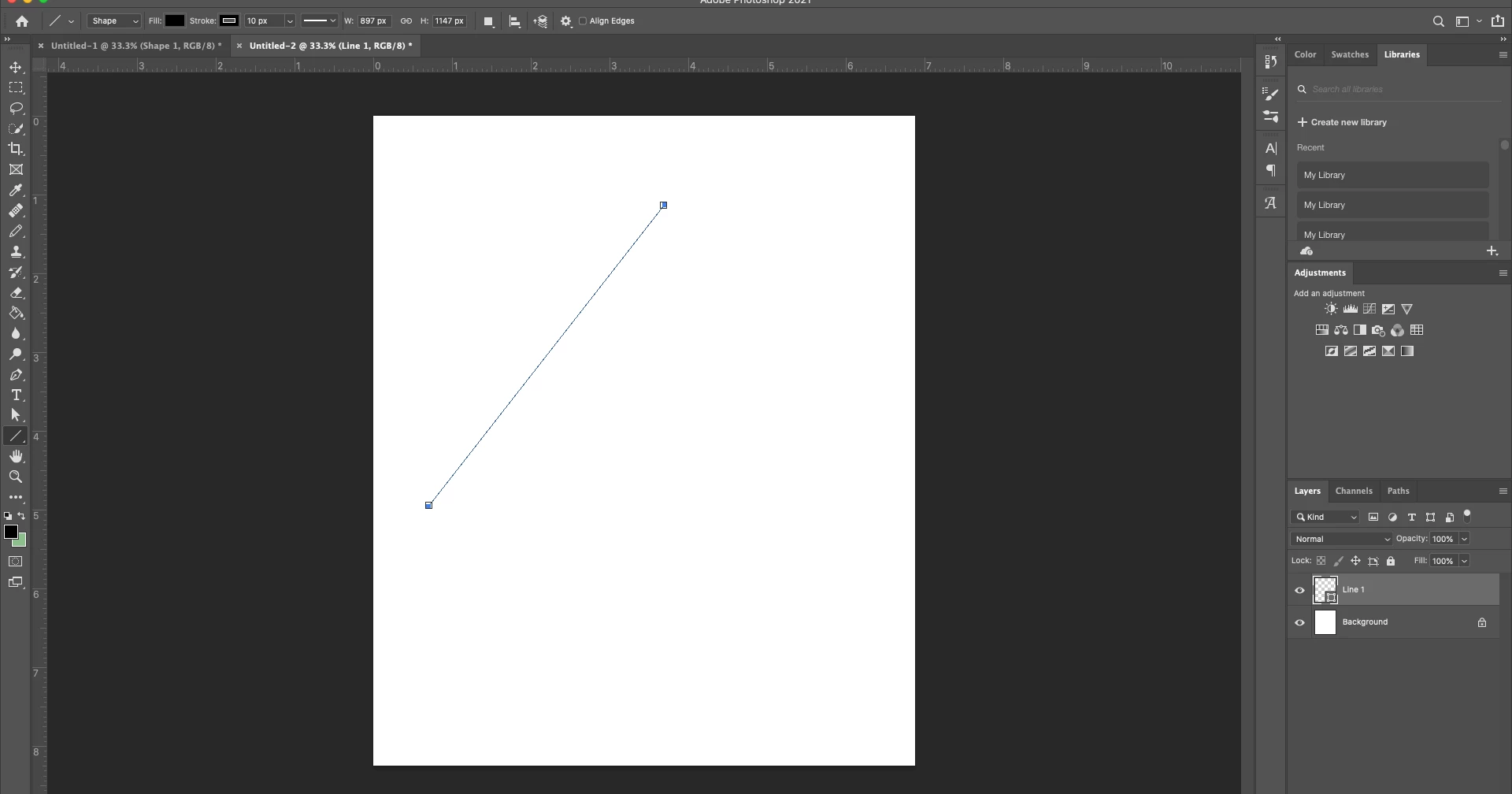
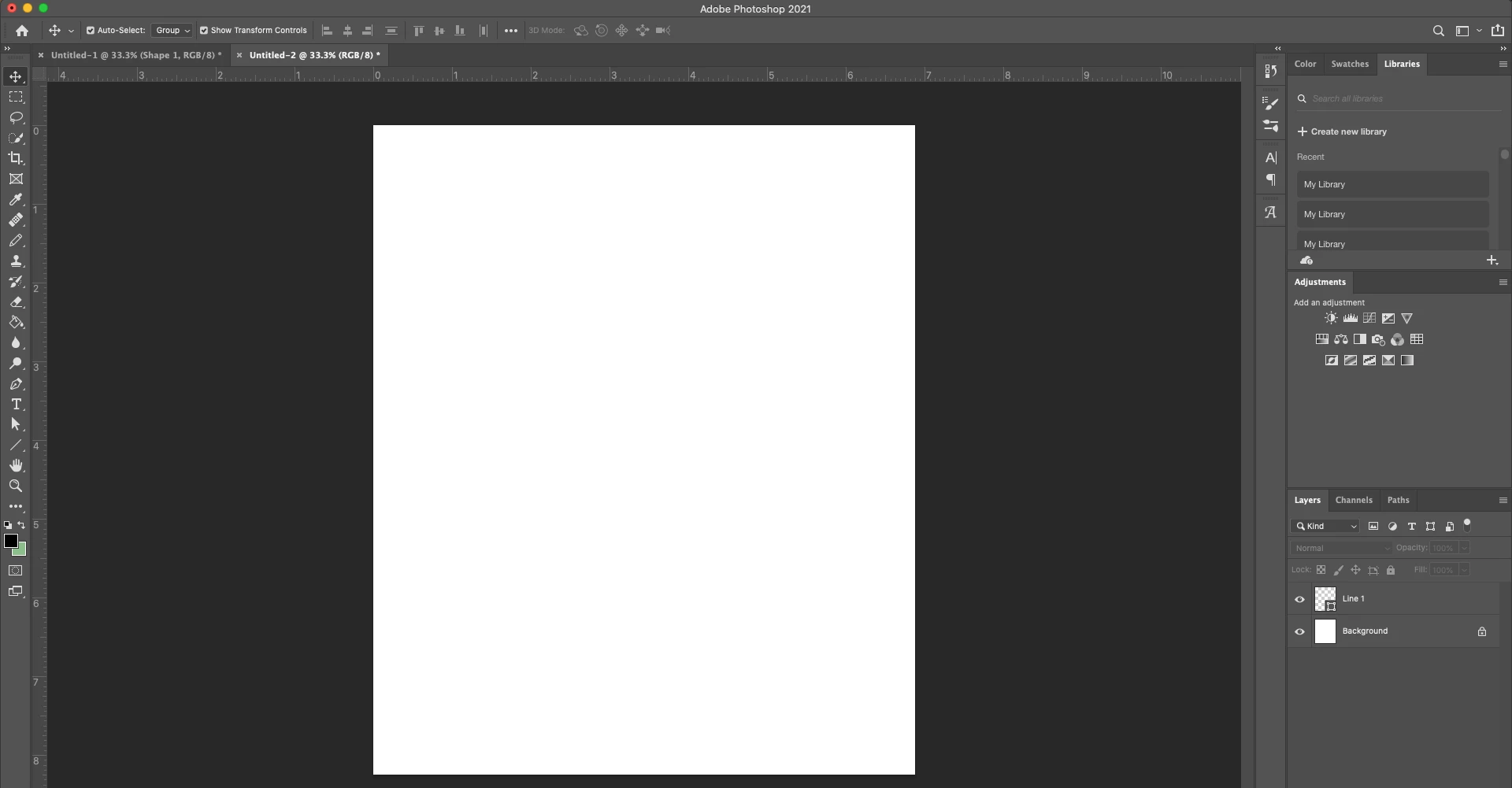
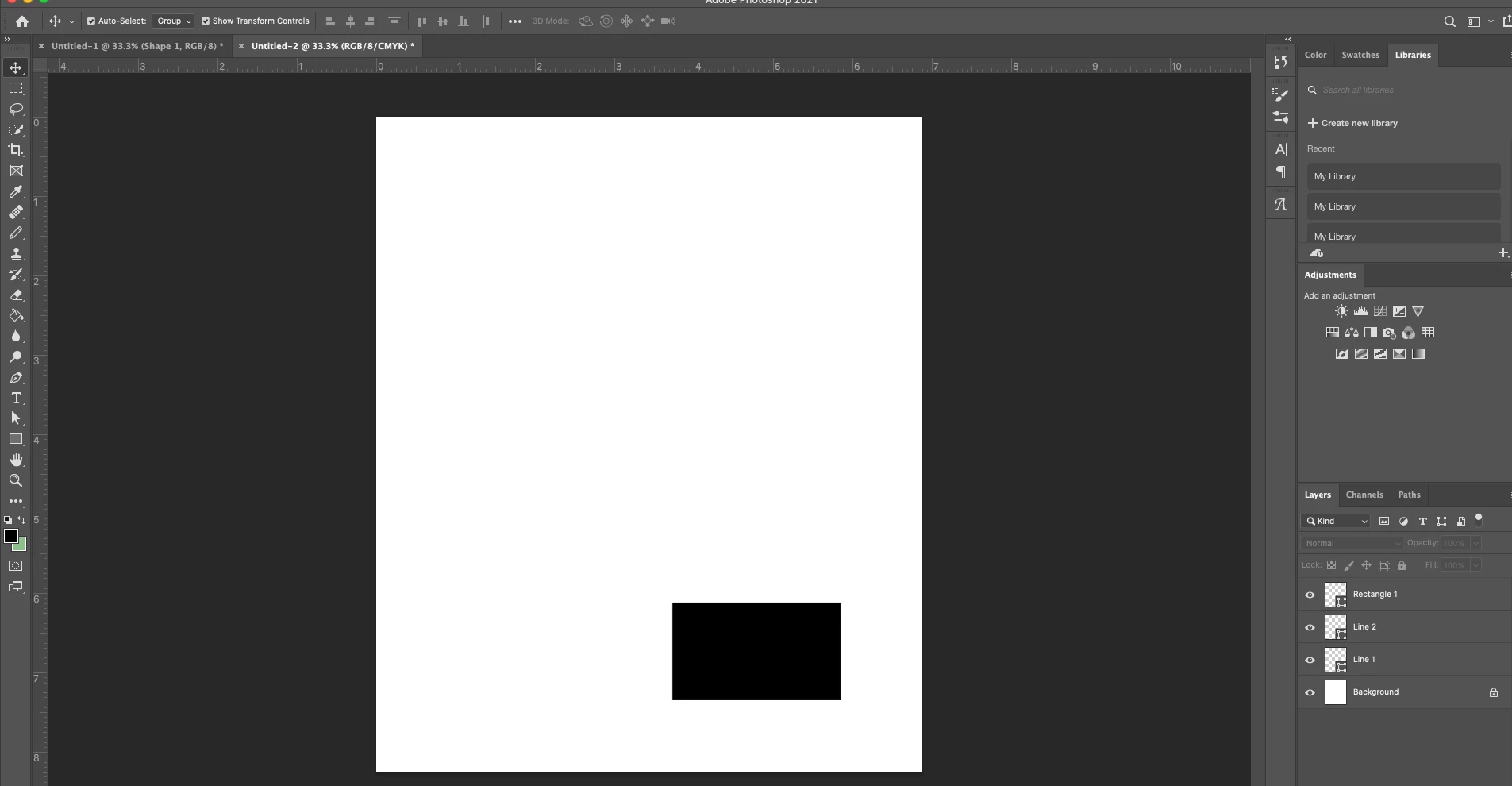
I am trying to use the line tool to draw lines, but they disappear when they are not selected. I have both the fill and border color set as black for the lines. When I switch to another shape, it stays visible. Any way I can get the lines to be visible? I've already tried uninstalling and reinstalling, and at this point I'm guessing it's a user error on my end. I'm using Photoshop 22.0.1 on Mac Catalina 10.15.5.
 AdChoices