
Lines appear out of nowhere with 'outer glow' effect enabled, disappear when zoomed in
I'm experiencing a bug where when I see lines pop up that arent supposed to be there. How can I get them not to appear?
I think they are connected with the 'outer glow' effect which is the only effect I have on that layer group. When I click the eye to disable layer effects the lines disappear and when I click the eye again to re-enable them the line does not reappear. The lines also disappear when I zoom in, but then reappear when I zoom back out
The light grey lines in the screenshot below are not meant to be there
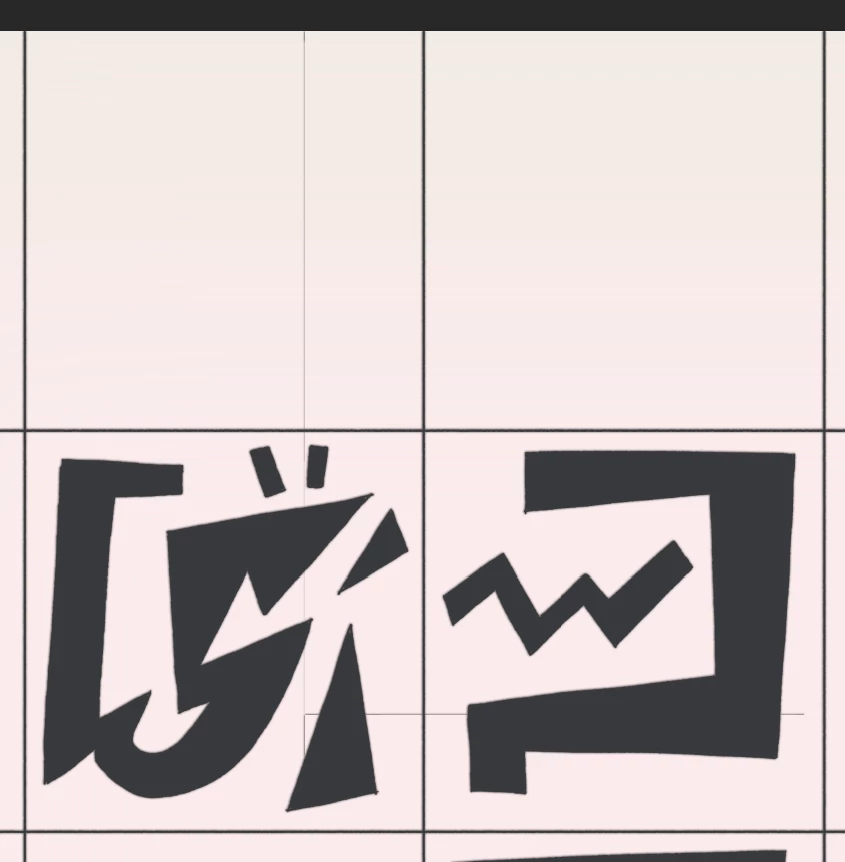
After zooming in the lines disappear as can be seen in the below screenshot of the same area.

System info:
Adobe Photoshop Version: 23.0.0 20211013.r.36 623993d x64
Number of Launches: 61
Operating System: Windows 10 64-bit
Version: 10 or greater 10.0.19043.1288
System architecture: AMD CPU Family:15, Model:1, Stepping:0 with MMX, SSE Integer, SSE FP, SSE2, SSE3, SSE4.1, SSE4.2, AVX, AVX2, HyperThreading
Physical processor count: 8
Logical processor count: 16
Processor speed: 3800 MHz
Built-in memory: 32694 MB
Free memory: 19460 MB
Memory available to Photoshop: 25131 MB
Memory used by Photoshop: 65 %
SAM SDK Version: 2.0.0-main.887.2
ACP.local Status:
- SDK Version: 1.50.2
- Core Sync Status: Reachable and compatible
- Core Sync Running: 5.2.7.2
- Min Core Sync Required: 4.3.28.24
Live Edit Client SDK Version: 3.86.01
Manta Canvas: Disabled.
Alias Layers: Disabled.
Modifier Palette: Enabled.
Highbeam: Disabled.
Wintab Digitizer Services
Spec Version 2.0
Impl Version 2.0
Num Devices 1
PSUserConfig entries:
- K uSty UseSystemStylus 0
Image tile size: 1024K
Image cache levels: 2
Font Preview: Medium
HarfBuzz Version: 2.8.1
TextEngine: Unifed Text Engine
======= GPU
Native API stable: True
OpenGL API stable: True
OpenCL API stable: True
GPUDeny: 0
GPUForce: 0
useGPU: 1
useOpenCL: 1
isGPUCapable: 1
GPUName: AMD Radeon RX 6600 XT
GPUVendor: AMD
IsNativeGPUCapable: 1
IsOpenGLGPUCapable: 1
IsOpenCLGPUCapable: 1
HasSufficientRAM: 1
GPU accessible RAM: 8,543 MB
Required GPU accessible RAM: 1,500 MB
UseGraphicsProcessorChecked: 1
UseOpenCLChecked: 1
Windows remote desktop: 0
Display: 1
 AdChoices