
Link problem with photoshop (and illustrator)
Hello everyone and Happy New Year !
(In first, sorry if my english is not good)
I have a small problem that concerns both Photoshop and Illustrator, let me explain:
I work in a company where I have many banners to make. Between 20 and 40 per promotion. I created new templates in order to "industrialize" the production of these banners and to have more time on more important projects.
For how my templates work: my texts are made on Illustrator with a link on Photoshop so that they are all changed at the same time on each work surface. > Huge time saving.
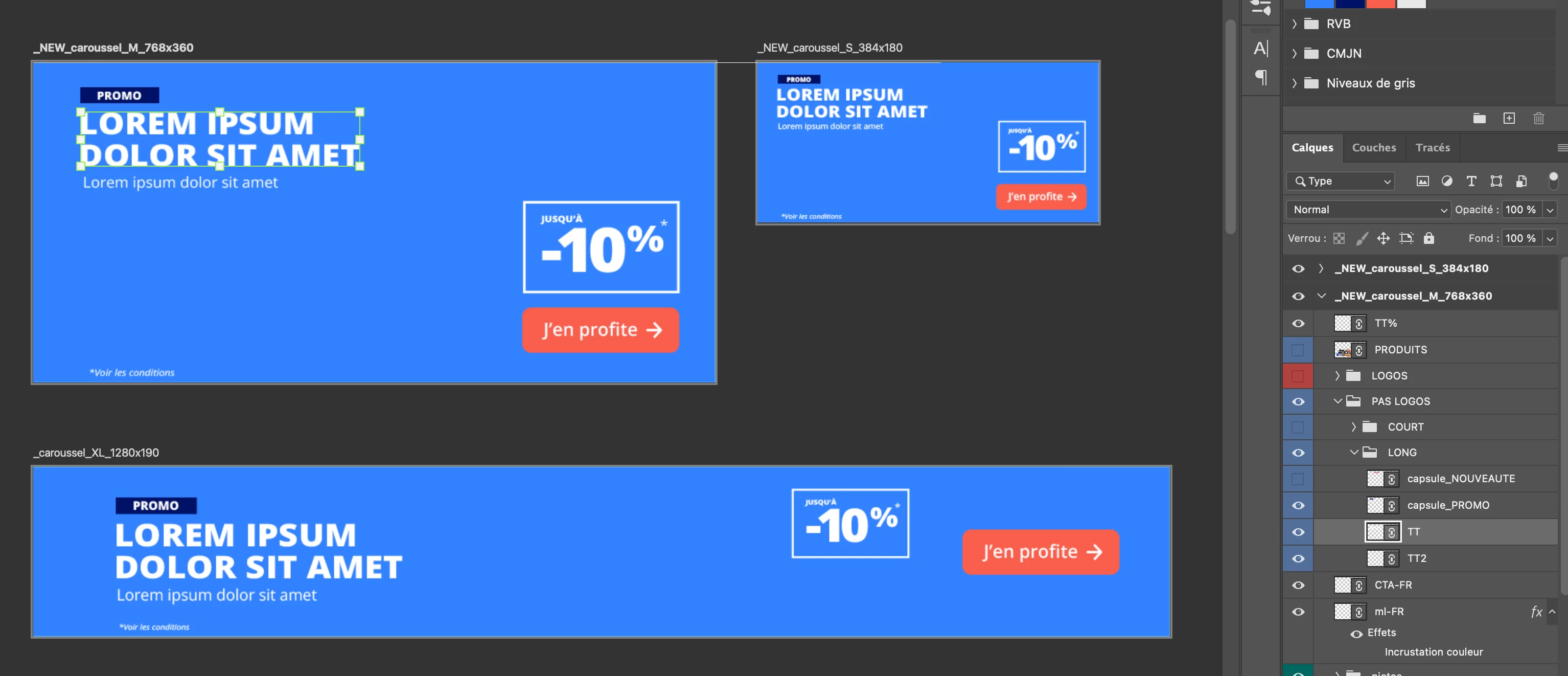
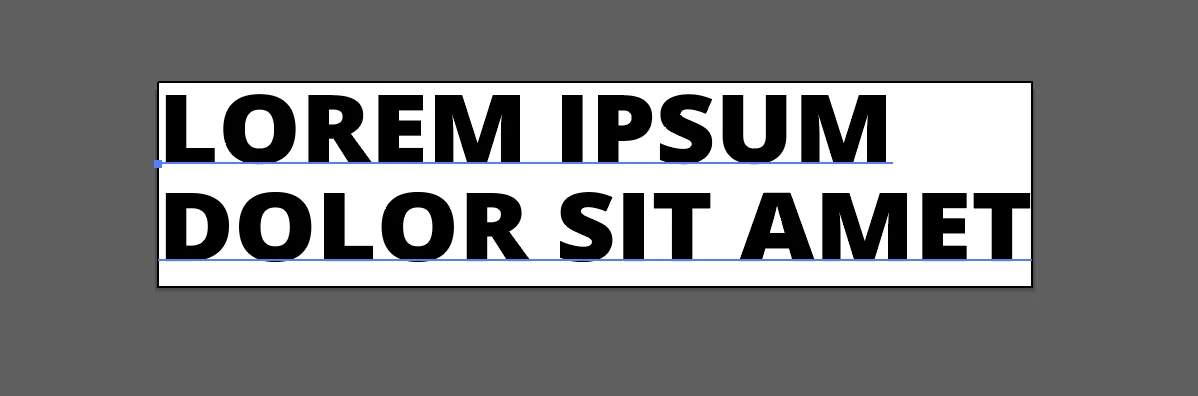
Except that I still end up wasting a lot of time because as you see in the images, depending on the size of the text, it will automatically center in Photoshop and I have to have fun afterward putting them all back together one by one.

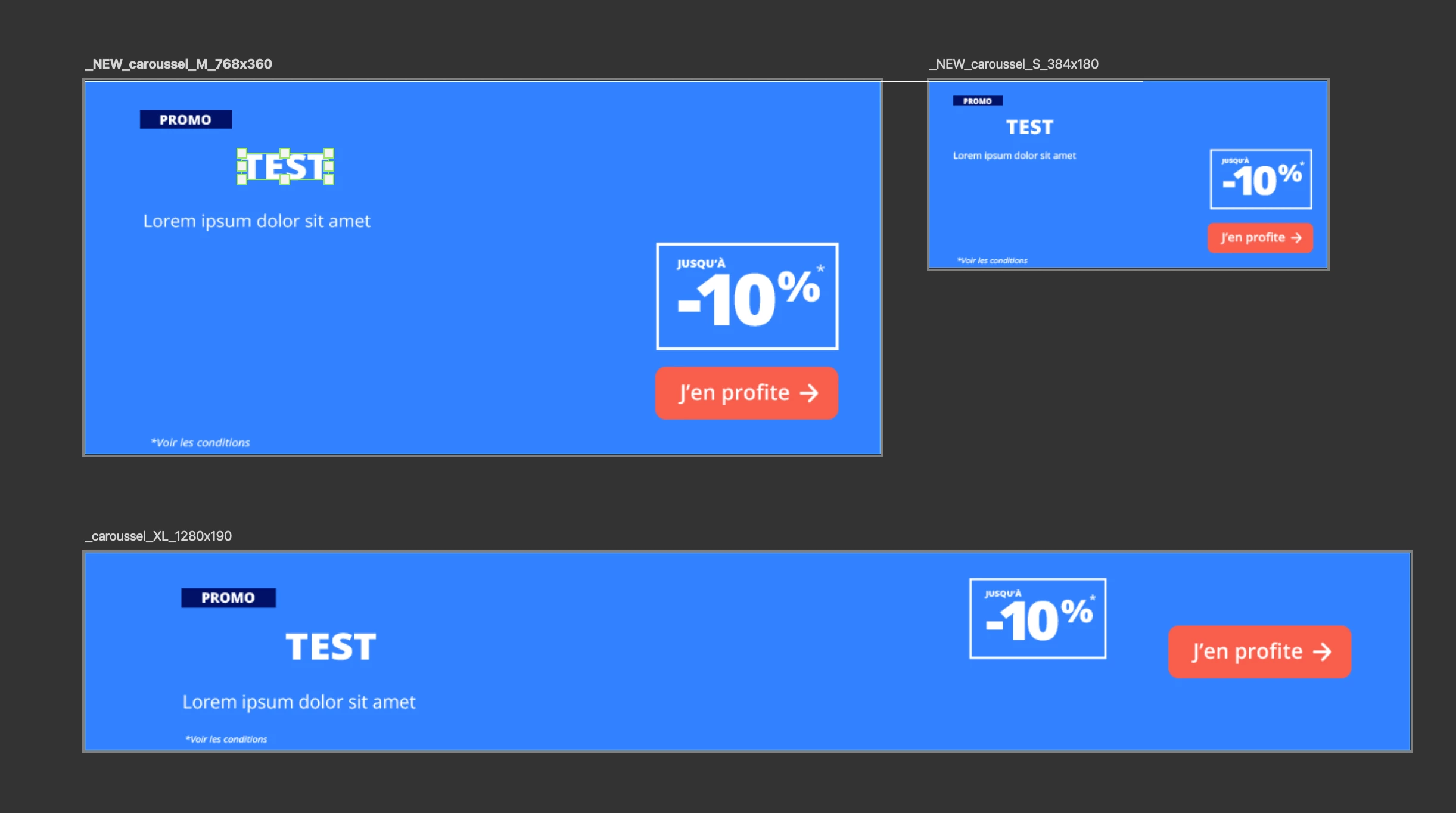
My question is therefore: is there a system that allows me to systematically block or position this text coming from Illustrator on a specific point in my Photoshop file so as not to go over it each time?
Thanks in advance !
 AdChoices