
Pergunta
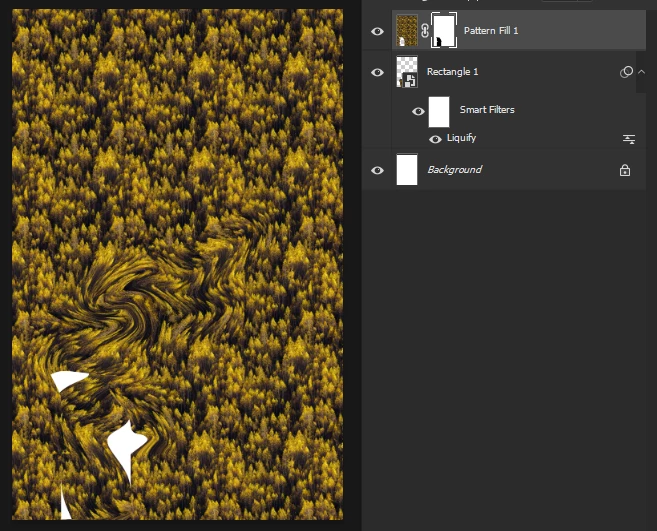
Liqufy space coordinates does not align on smart objects again
Most of the time photoshop liqufy effect work fine when you repeat (ctrl+f) ) it on different layers. But once in a while photoshop brings this bug back where smart objects cordinate system becomes not the same as all others. Now it seems that happened again.
If I apply liquify effect on smart object, then simple layer and then mask. They all return different results.
Adobe Photoshop Version: 24.2.1 20230309.r.358 acd831a x64
Operating System: Windows 11 64-bit
Version: 11 or greater 10.0.22621.1413
 AdChoices