chelseys32181743
Participant
October 16, 2018
Answered

Liquify being weird after 10/15 CC update

  • October 16, 2018
  • 1 reply
  • 764 views

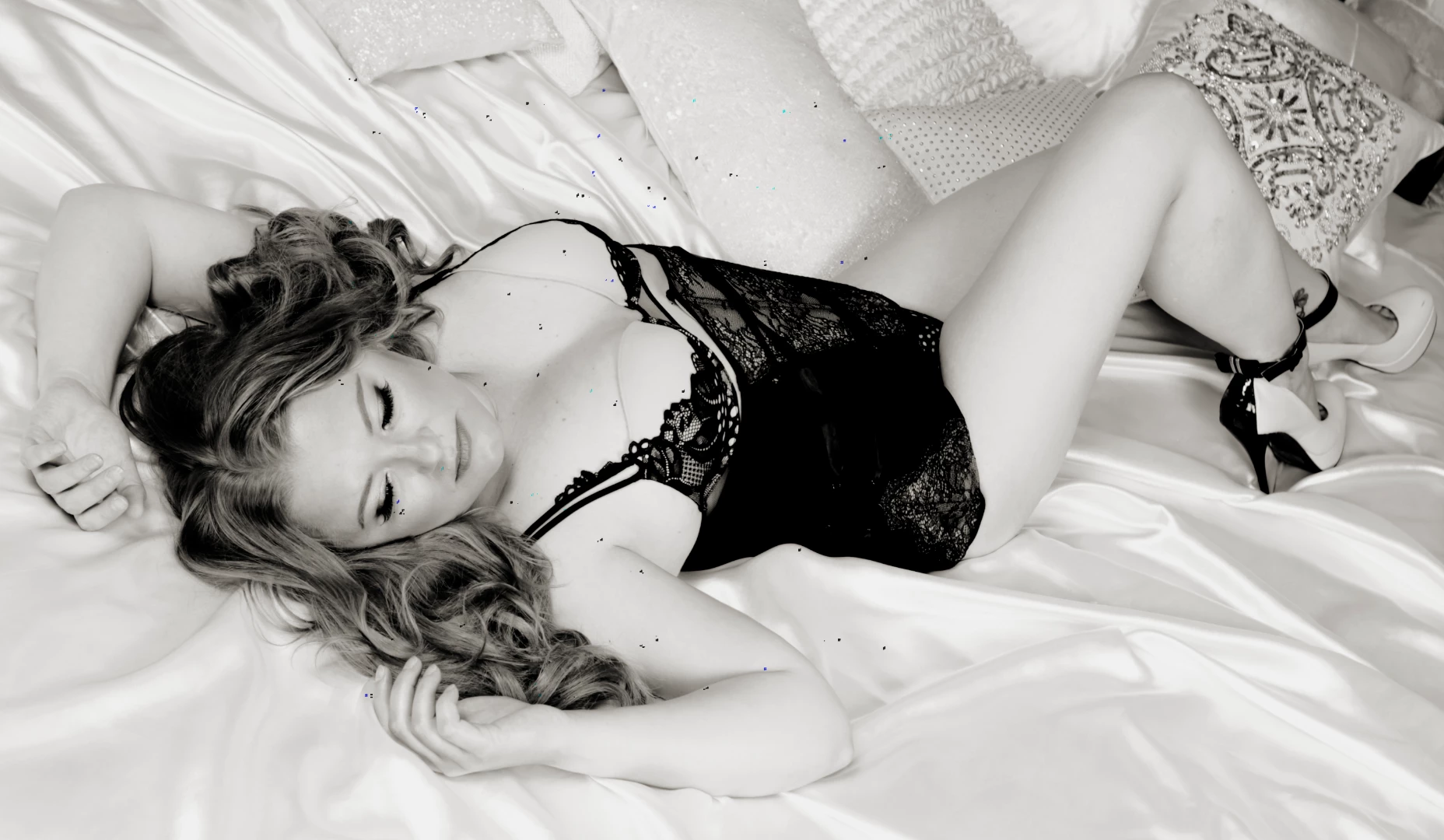
I use liquify everyday all day for my business.  I just did the 10/15 update and have downloaded macOS Mojave (Have no idea if that has anything to do with it).  But where ever I use liquify, once I hit okay, I get a bunch of random speaks around the liquify areas.  I have not changed any settings besides doing the updates.  Any help would be awesome!

This topic has been closed for replies.
Correct answer Dramenon

Black artifacts on image after using the Liquify filter

Workarounds:

  • Hold down the Option key when you select Filter > Liquify to disable the Use Graphics Processor option when launching the Liquify dialog.
  • Disable the Use Graphics Processor option in the preferences.
    1. Choose Photoshop > Preferences > Performance.
    2. Deselect Use Graphics Processor.
    3. Quit and relaunch Photoshop.

Known issues - Running Photoshop CC on macOS 10.14 Mojave

1 reply

Dramenon
DramenonCorrect answer
Inspiring
October 16, 2018

Black artifacts on image after using the Liquify filter

Workarounds:

  • Hold down the Option key when you select Filter > Liquify to disable the Use Graphics Processor option when launching the Liquify dialog.
  • Disable the Use Graphics Processor option in the preferences.
    1. Choose Photoshop > Preferences > Performance.
    2. Deselect Use Graphics Processor.
    3. Quit and relaunch Photoshop.

Known issues - Running Photoshop CC on macOS 10.14 Mojave

/end of line/
chelseys32181743
Participant
October 16, 2018

Thanks, that did fix the weird artifacts I was getting.  But with the graphics processor disabled, liquify does not work as fast or as well.  Is this just a temporary fix, or is this the way my liquify is just going to work from now on?