
Question
Liquify Issues with Canvas Resize, etc
If a smart object is modified with Liquify, and the image canvas dimensions are enlarged, the Liquify results are altered. Liquify results are similarly altered if a smart layer with Liquify applied is moved to another file. I don't see this addressed in the Phtoshop Help Guide, or anywhere else, although I did not search the entire web. This issue can be avoided by never altering canvas size, or dragging the smart layer to another file. But these are very limiting restrictions. I am now using Photoshop 21.0.1 and the issue is unchanged. See attached images.
I believe this is an issue that should be corrected. Perhaps I'm missing an obvious fix?
Using Mac 10.14.6
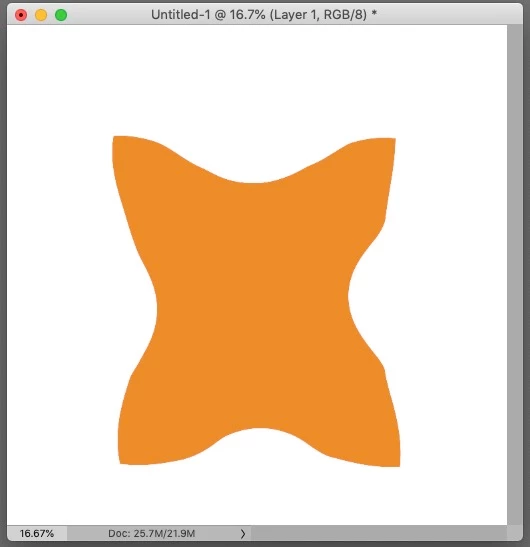
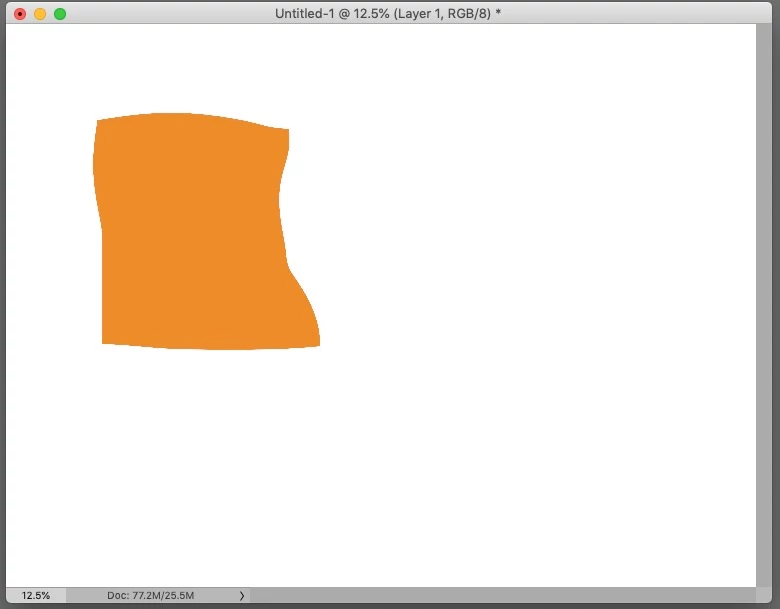
 AdChoices