
Liquify tool error
Hello,
I am encountering an error every time I apply changes after using the liquify tool, which leads to Photoshop freezing and then crashing. It shows this error:
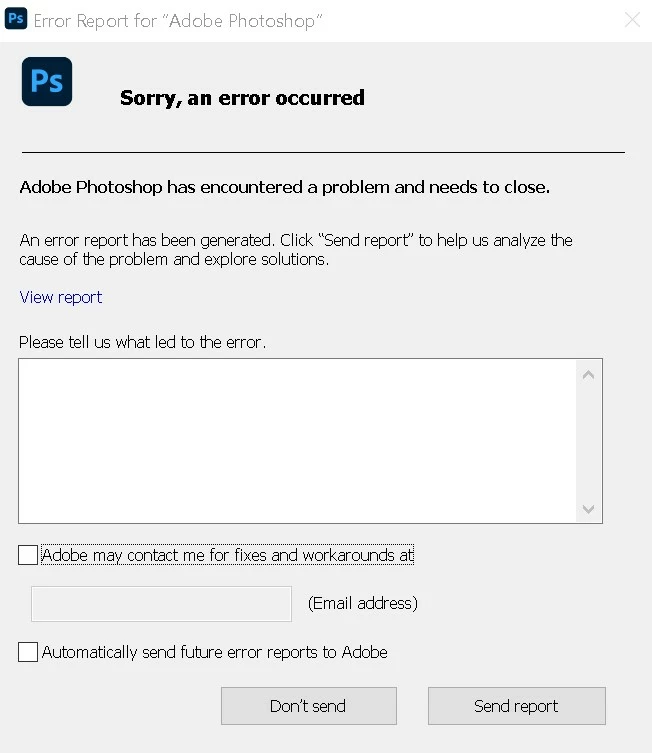
I tried to go Edit - Preferences - Performance and uncheck "Use Graphics Processor". This solved it, however the program is of course unusable with these settings. I have the Nvidia GeForce RTX 3070, so the card itself should not be a problem and the Photoshop is the only app that shows any problems.
So my question is how can this be fixed? I have not used Photoshop for quite some time, but few months ago it worked without any problems on the same system. Plus I am using the liquify tool only on a few brush lines (sketching), so nothing demanding.
I am using Windows 10 and the latest version of Photoshop.
 AdChoices