Known Participant
March 2, 2020
Question

logging in the adobe PS Log-in pages will not close when using BRAVE Browser

  • March 2, 2020
  • 2 replies
  • 588 views

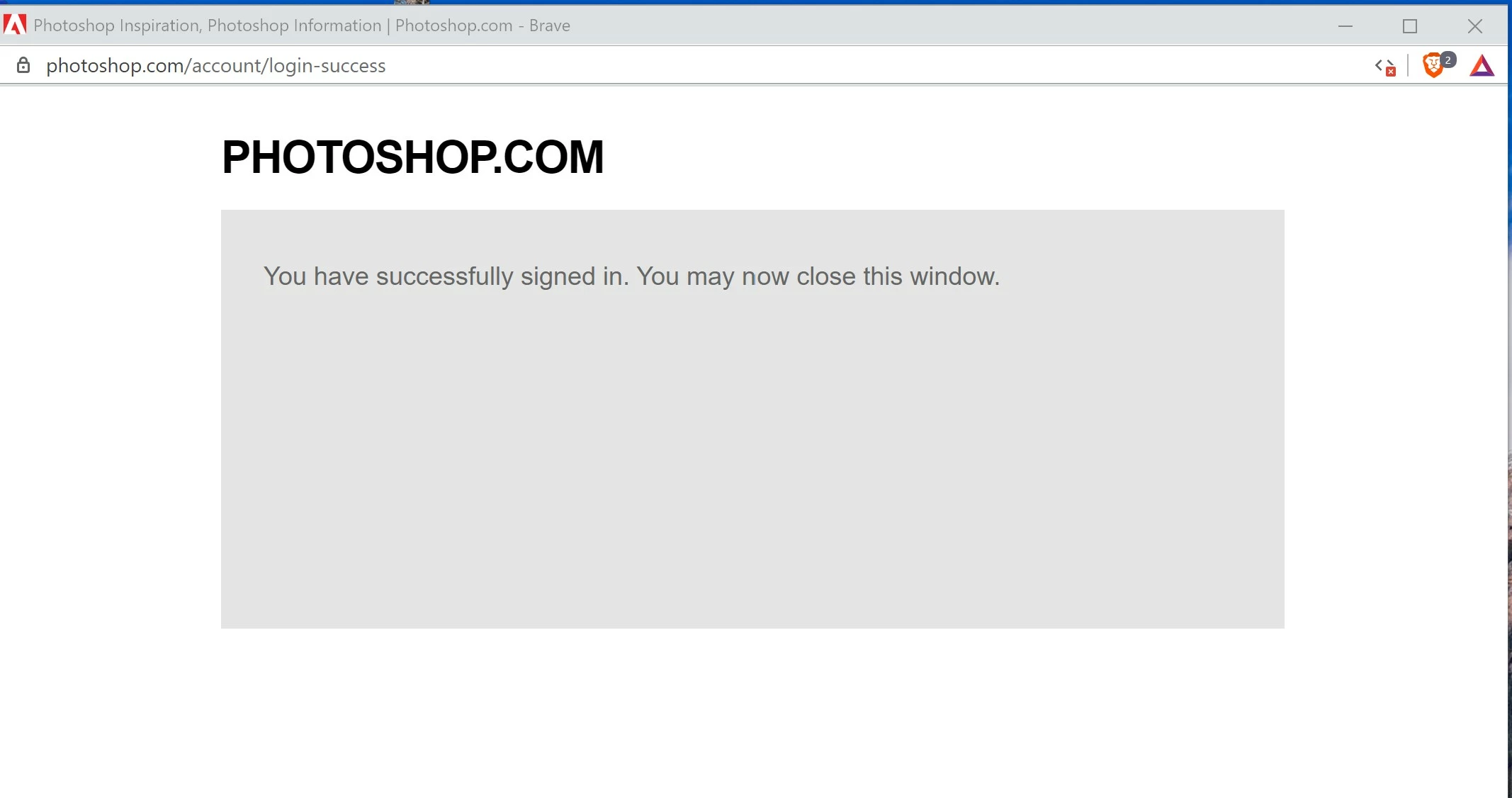
when I am asked to log-in the Adobe, I am able to do so, but when I close my BRAVE browser I am always getting the Log in window as shown-out page
This topic has been closed for replies.

2 replies

Rufous03Author
Known Participant
March 2, 2020

Thank, this was reported to the Photoshop user forum as this is where the problem originated from when signing in here! I thought the report went to Adobe!  My error!

JJMack
Community Expert
Community Expert
March 2, 2020

I would not know if the problem is on some adobe web servers or in your  Brave browser.  You should report your problem to Adobe. Adobe may wanr to look at your problem.  This is a Photoshop User forum.  Not an Adobe feedback site.

JJMack
Participant
March 5, 2020

Dear JJMack,

I have Brave browser but when I want to convert PDF to Word it doesn't show up like it does in Internet Explorer or Chrome. I always have to first download it as PDF and then in my files take it out and export it. I don't have to do that on the other mentioned browser. How can I fix this. I go to school and need this all the time!!

Thanks,

Jan

JJMack
Community Expert
Community Expert
March 5, 2020

I would have no Idea. I do not have the Brave browser or work for Adobe. I have no way of knowing if brave pdf support can be modified by some mimetype setting or if Braver supports extensions for file types like PDF. The developer of Brave may feel the way they support PDF is working correctly. That there is no problem in Brave.  If you do not like the way Brave PDF support works you should read Brave manual to see if  there is some extension or setting available for PDF support.  You choose to use Brave read the manual go to school learn about Brave. I know  Chrome  will open PDF files in Chrome unless you have set Chrome to downloads PDF files.  I have not used IE or Edge lately so I can not comment on how they Support PDF files.  I let Chrome open PDF files in Chrome for I can save the PDF in Chrome if I need a local copy.

JJMack
