Participant
April 16, 2020
Question

Low resolution Pic to High resolution Pic

  • April 16, 2020
  • 5 replies
  • 1041 views

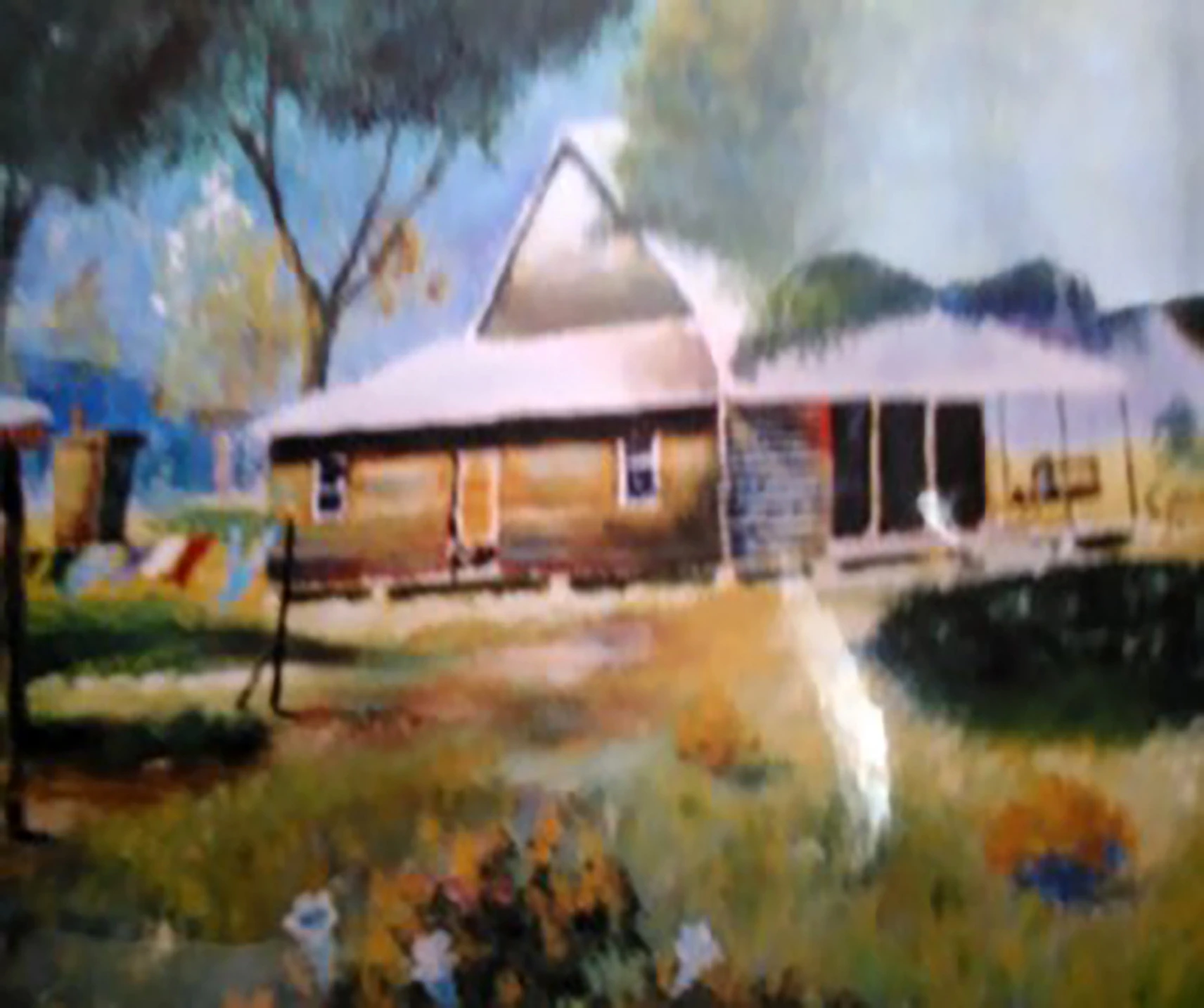
I am working on my grandmother scrapbook who is 101 and I have some old pictures which resolution is low or should I say very blurry and not clear..  Can someone give me the steps on making the picture resolution high.  I will send a sample of a picture.  She was married in this house and she worked at a Cafe' across from this warehouse.  I would be very appreciative if someone could please assist me.


Thank you in advance, Lorraine
 

5 replies

D Fosse
Community Expert
Community Expert
April 23, 2020

That's exactly right. Low quality, not low resolution. I meant to post that earlier, but never got around to it...

Ryan Whisler
Participating Frequently
April 23, 2020

Hello, your image is not "low resolution" (1712 x 1434 pixels at 350 dpi) Your image is very poor quality! It looks like they were very low resolution at one time and then someone increased the resolution to try to make them high quality. That will not work. There is a difference in high or low resolution and high or low quality. 

Derek Cross
Community Expert
Community Expert
April 20, 2020

1712px divided by 200 is 8.5 inches

1434px divided by 200 is 7 inches


So that particular inage will print satisfactory at about 8.5" x 7"

Using that formula you can work out the optimum sizes the other images will print.

Derek Cross
Community Expert
Community Expert
April 16, 2020

The resolution will depend on how you scan (or photograph) the images and manipulate them (resize) the  image size in Photoshop -- if they are to be printed then a resolution of between 200 and 300PPI should be aimed at. Any improvement to the blur will be marginal -- you can experiment with Photoshop's unsharp mask filter, and there are third-party plugins that claim to improve sharpness you can trial, such as https://topazlabs.com/sharpen-ai/

Don't expect miracles!

Leslie Moak Murray
Community Expert
Community Expert
April 16, 2020

Hi Lorraine,

Can you tell us what the current dimensions of these are? I'd be interested to know the sizes in pixels and the dpi. I ask because you can't make them sharper by increasing the size/resolution. That is what makes them lose detail. I have a feeling that might be how they got this blurry. If, however, they are large enough, you can improve them by reducing the size, but I'm not very hopeful in this case, to tell you the truth. I know there are interpolation programs some of the stock agencies use, but I don't know what those are. Someone esle here might know more about that.

Participant
April 20, 2020

Thank you for your input.   The current dimensions are 1712 x 1434 pixels at 350 dpi.