Copy link to clipboard
Copied
Hello guys.
I have over 5000 images in different colors (below 200x200px) which have different luminosity. I want the perceived brightness for all the images to be same. I tried playing around with the LAB color mode but couldn't figure it out. I need the images to be processed with batch action. is there any way I can do that?
Thanks
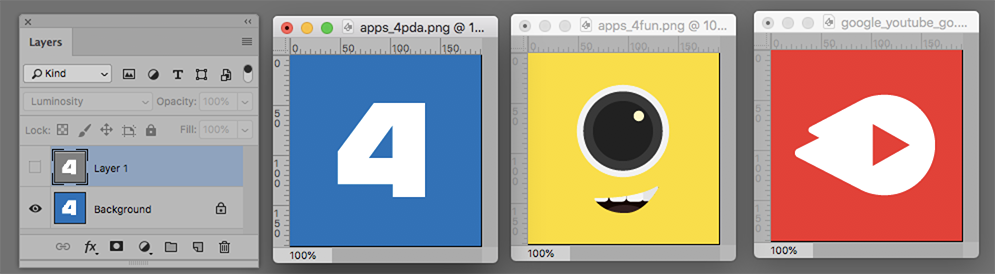
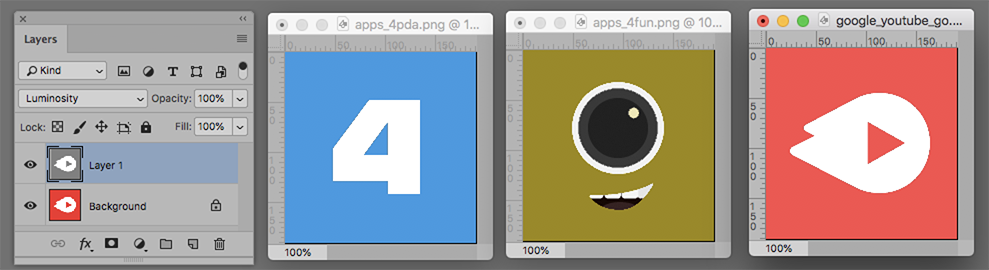
My description above refers to creating a common Luminosity,

so that, if it is placed as a layer above the original image with its Blending Mode set to Luminosity, the color images will all have a common luminosity and the white and black in any image will be preserved.
Here are Before and After. (Reminder: You can change standard luminosity if desired.)


Copy link to clipboard
Copied
Thanks for all your help.
I was able to achieve the automation with the script. Here is what I did.
1. Set the color picker to pick color from bottom left pixel (it will pick the background color)2. Find the saturation value of the color picked.
3. Set a range within which I want the saturation to be say between 87 to 90.
4. Set a while loop to run if the saturation value is not in the above range
5. Play actions to increase / decrease overall saturation of the image by 5 until the saturation comes within the range.
This way I am able to get the saturation of all the images within the range. ![]()
Copy link to clipboard
Copied
Thanks for the good news!
Get ready! An upgraded Adobe Community experience is coming in January.
Learn more