

Frenchsinger
Known Participant
June 15, 2023
Question

Magic Eraser Tool not selecting proper area in Photoshop

  • June 15, 2023
  • 1 reply
  • 549 views

Hello marvellous community 😊

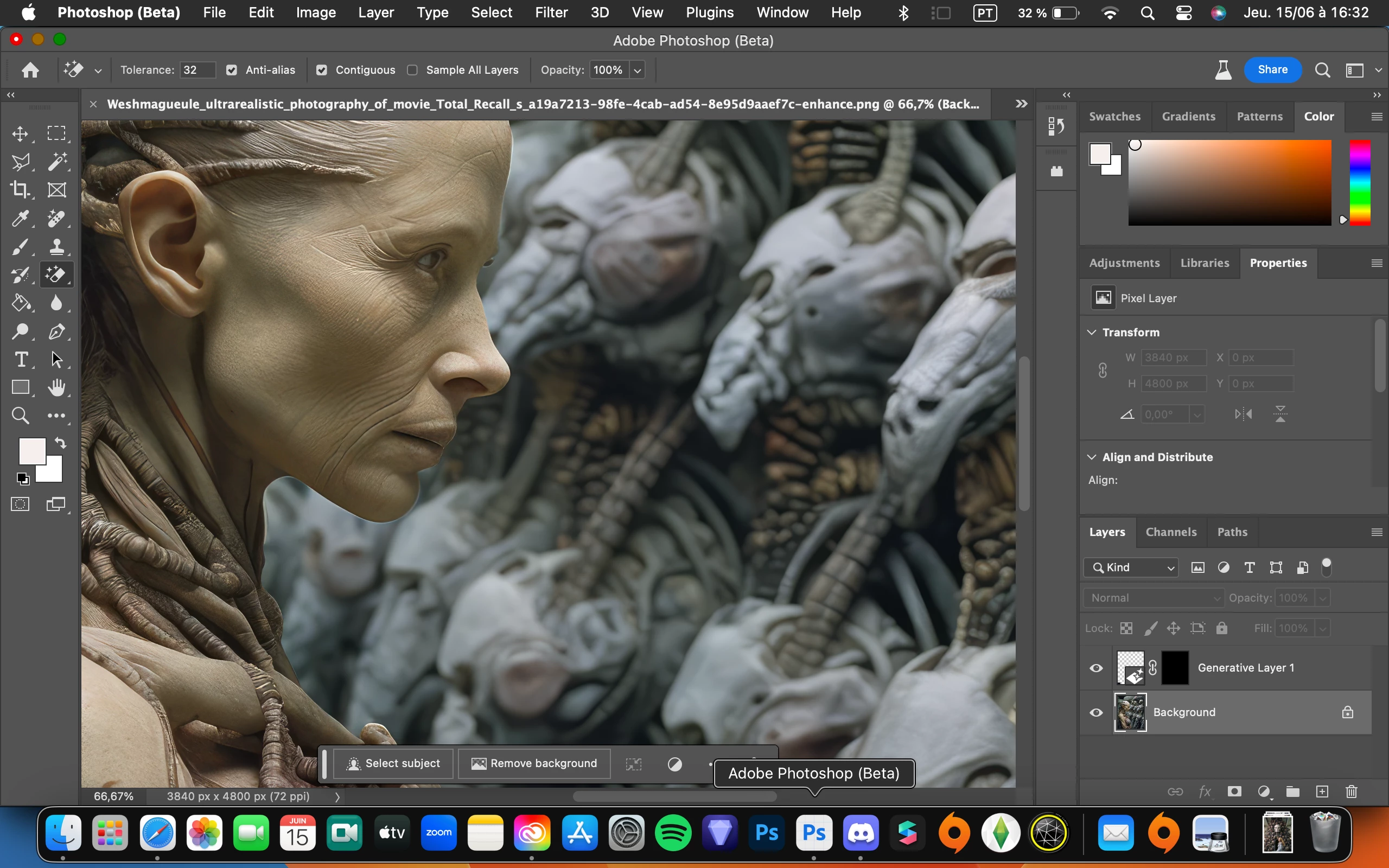
I just updated the Photoshop Beta and since then the Magic Eraser tool is bugging a lot. It doesn't allow me to choose the area i want to erase and i cannot choose the diameter of the eraser ( you can see it in the printscreen). i'd like to report the bug but I don't know how to proceed. Thank you in advance for the help


{Title edited by Moderator}

This topic has been closed for replies.

1 reply

Ranjisha Sengupta
Legend
June 16, 2023

Hi @Frenchsinger 


Thanks for reaching out. I understand that it can be challenging. We're here to assist.

Please help us with your system specifications. Do you see this behavior with all documents? Have you tried reinstalling the application?


The Magic Eraser tool is designed to remove pixels of a similar color within a specified tolerance range. However, it doesn't offer the same level of control as other eraser tools in choosing the area to erase or adjusting the eraser's diameter.

Suppose you need more precise control over the areas to be erased or want to adjust the eraser's diameter. In that case, I recommend using a different tool, such as the regular Eraser tool or the Background Eraser tool, both of which provide more flexibility and control.


Looking forward to hearing from you soon.


Best,

Ranjisha