Answered
Make image more vibrant
I have this image of water in blue.
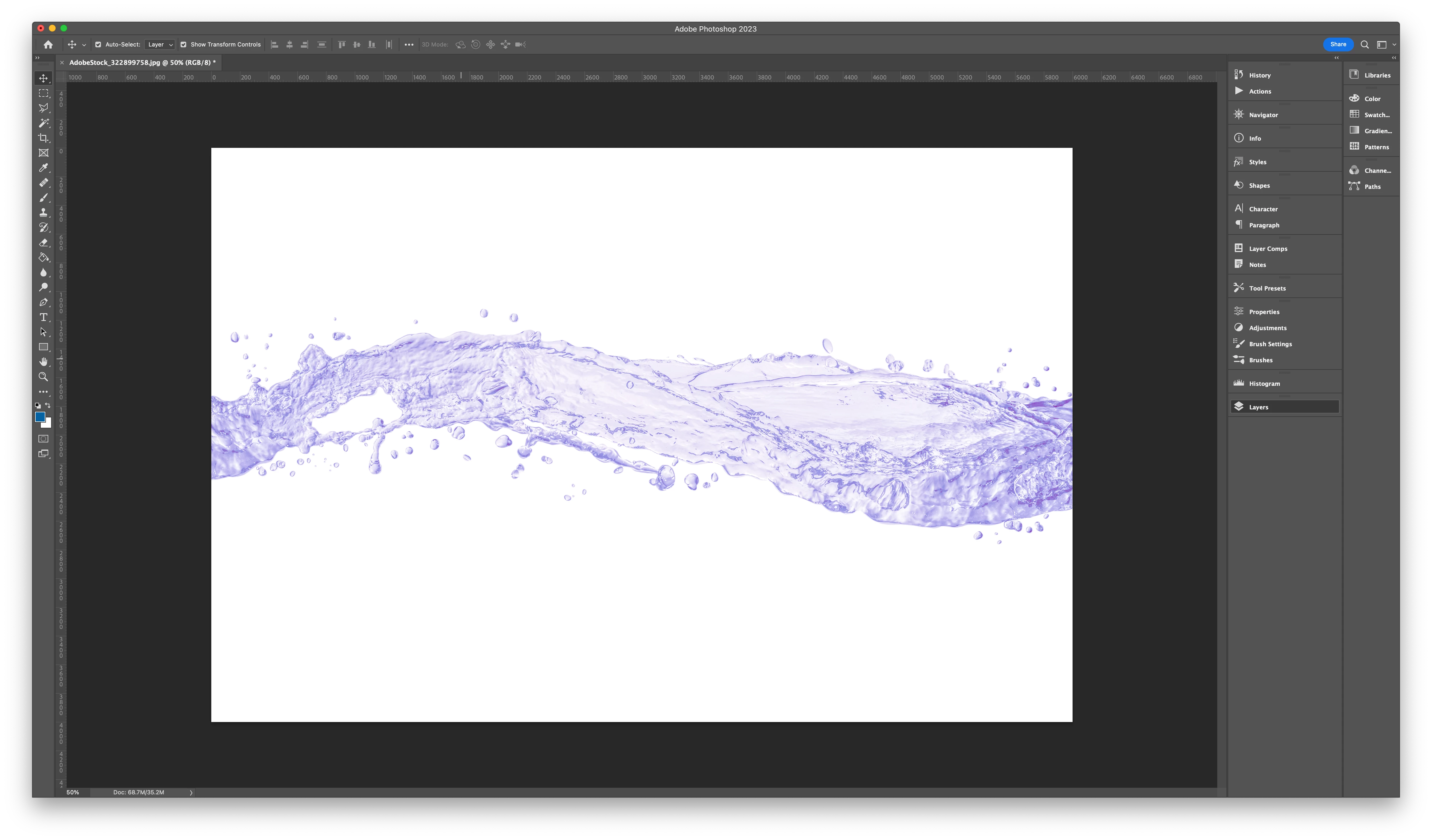
When i add a purple color layer over it, it is no longer vibrant and very pale.
How do i make it more vibrant?
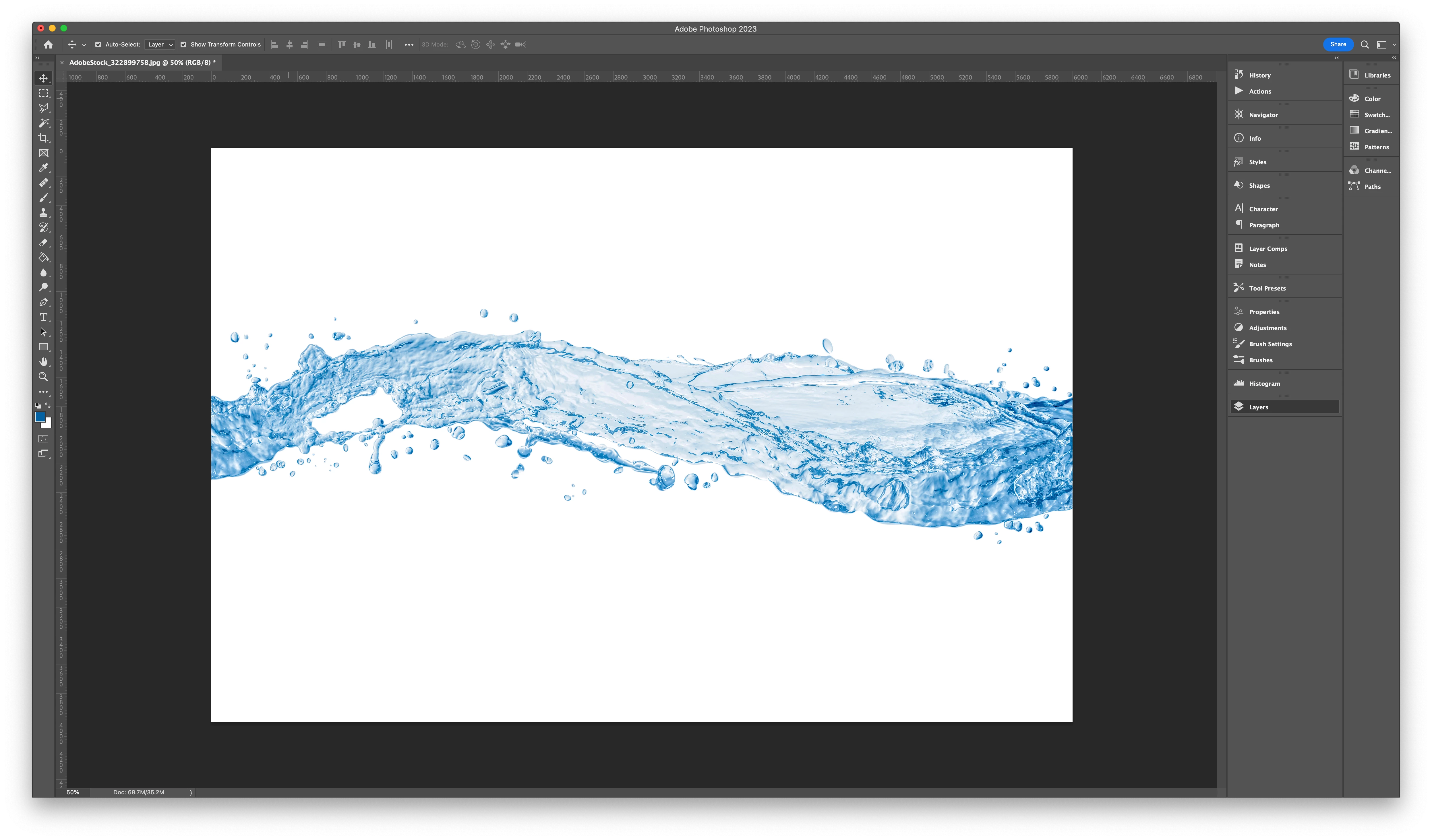

I have this image of water in blue.
When i add a purple color layer over it, it is no longer vibrant and very pale.
How do i make it more vibrant?
Do you mean a picture like below?
I have other colours and the options mentioned here don't work for all colours.
I have tried the gradient map and its seems to give me more control. I'm assuming i have to convert the image to black and white?
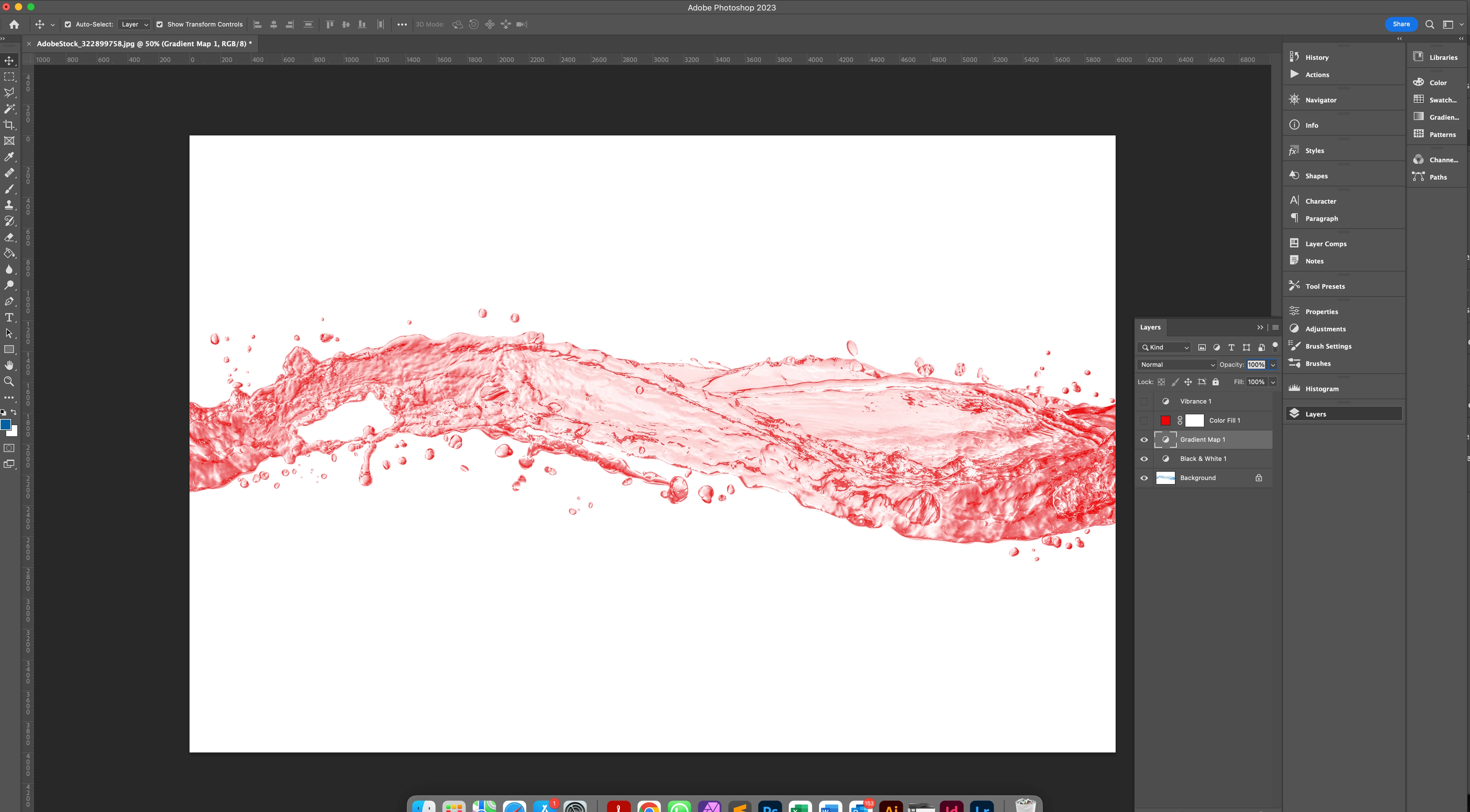
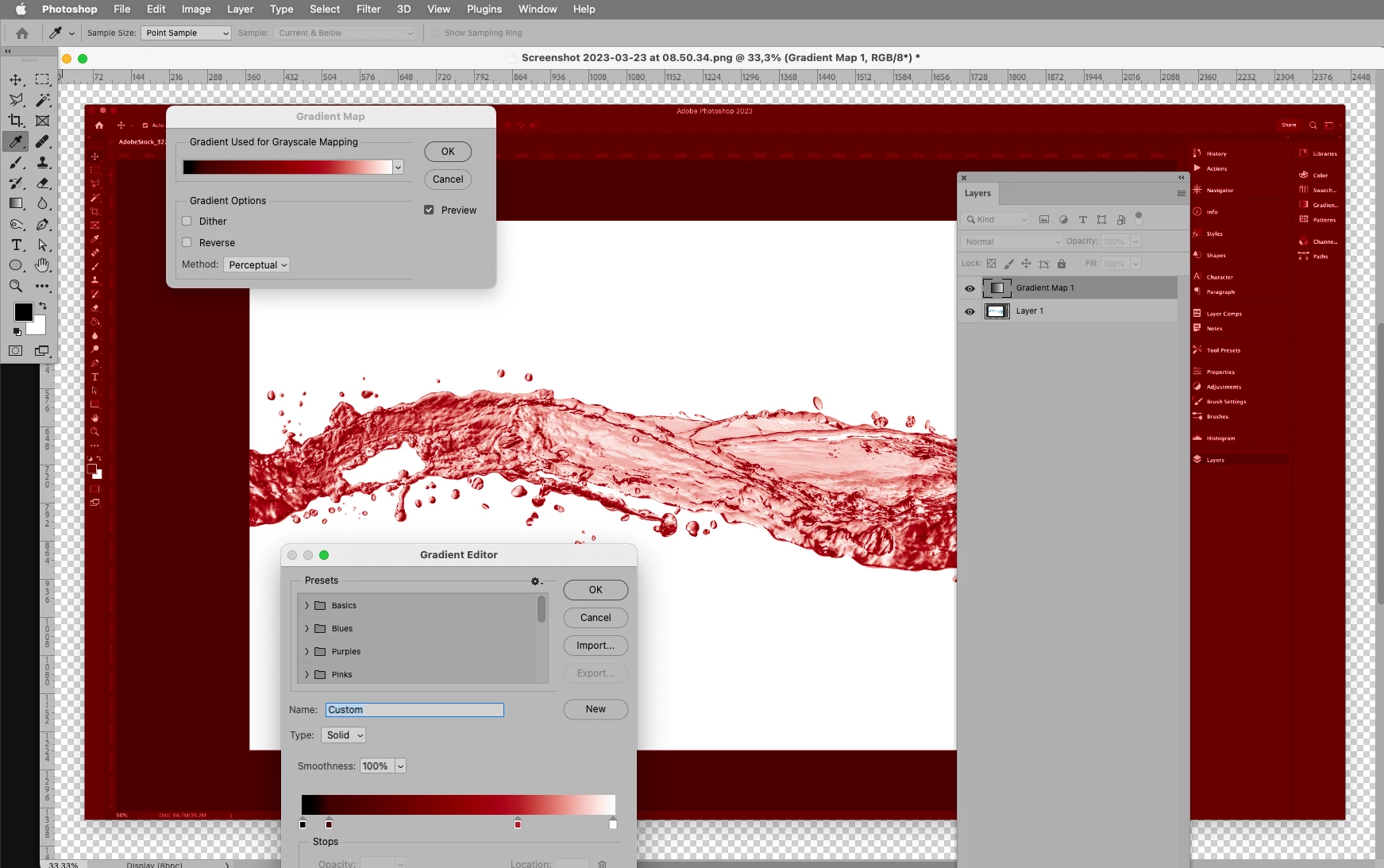
Thanks, yes on the screenshot, no on »Black & White«.
Gradient Map works based on the »Luminance«, but the hue and sauration should not matter.
If banding should become noticable try switching to 16bit.
Already have an account? Login
Enter your E-mail address. We'll send you an e-mail with instructions to reset your password.
 AdChoices