Inspiring
March 23, 2023
Answered

Make image more vibrant

  • March 23, 2023
  • 2 replies
  • 901 views

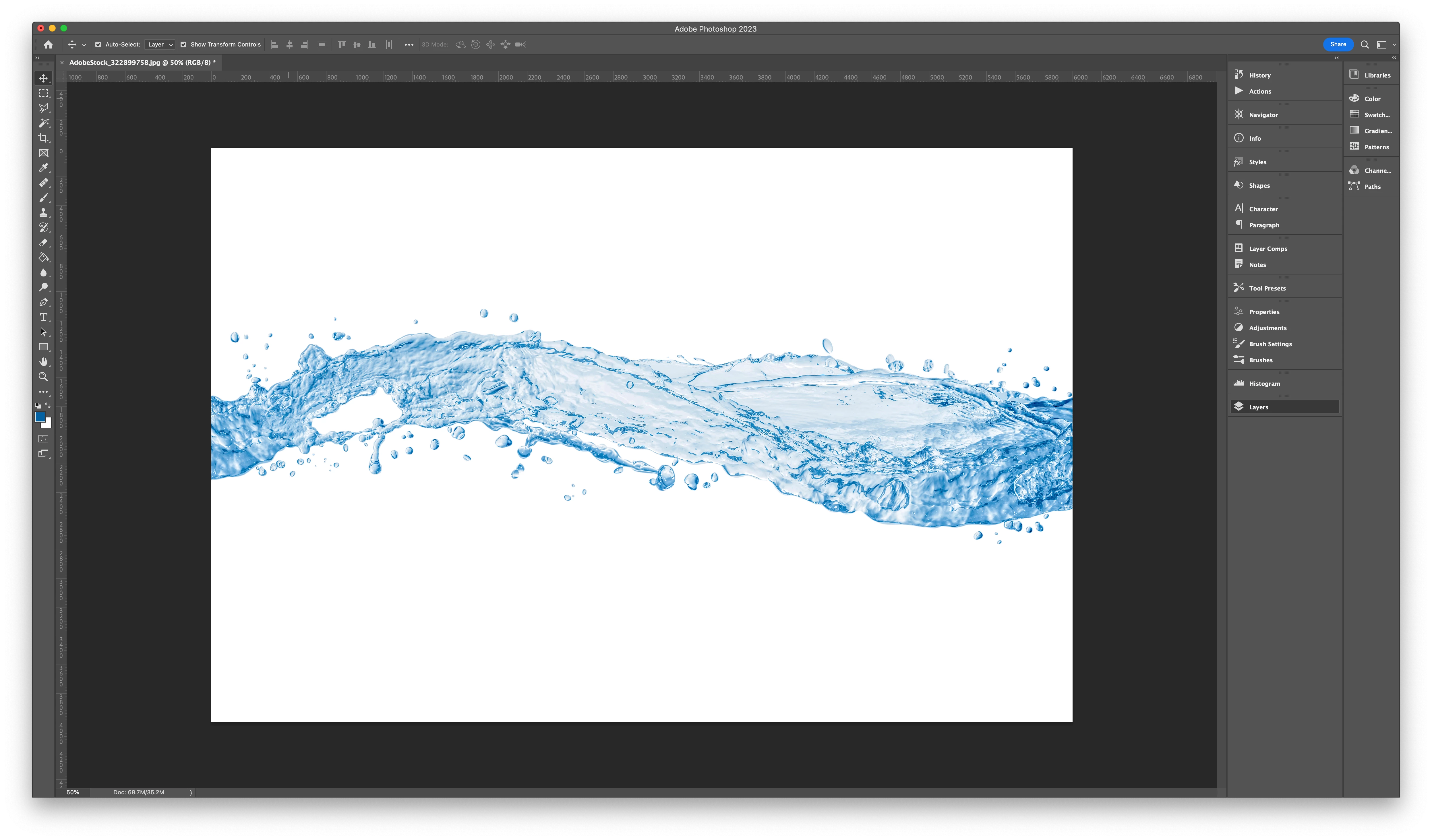
I have this image of water in blue.

When i add a purple color layer over it, it is no longer vibrant and very pale.


How do i make it more vibrant?
This topic has been closed for replies.
Correct answer c.pfaffenbichler

Do you mean a picture like below?

I have other colours and the options mentioned here don't work for all colours.

I have tried the gradient map and its seems to give me more control. I'm assuming i have to convert the image to black and white?
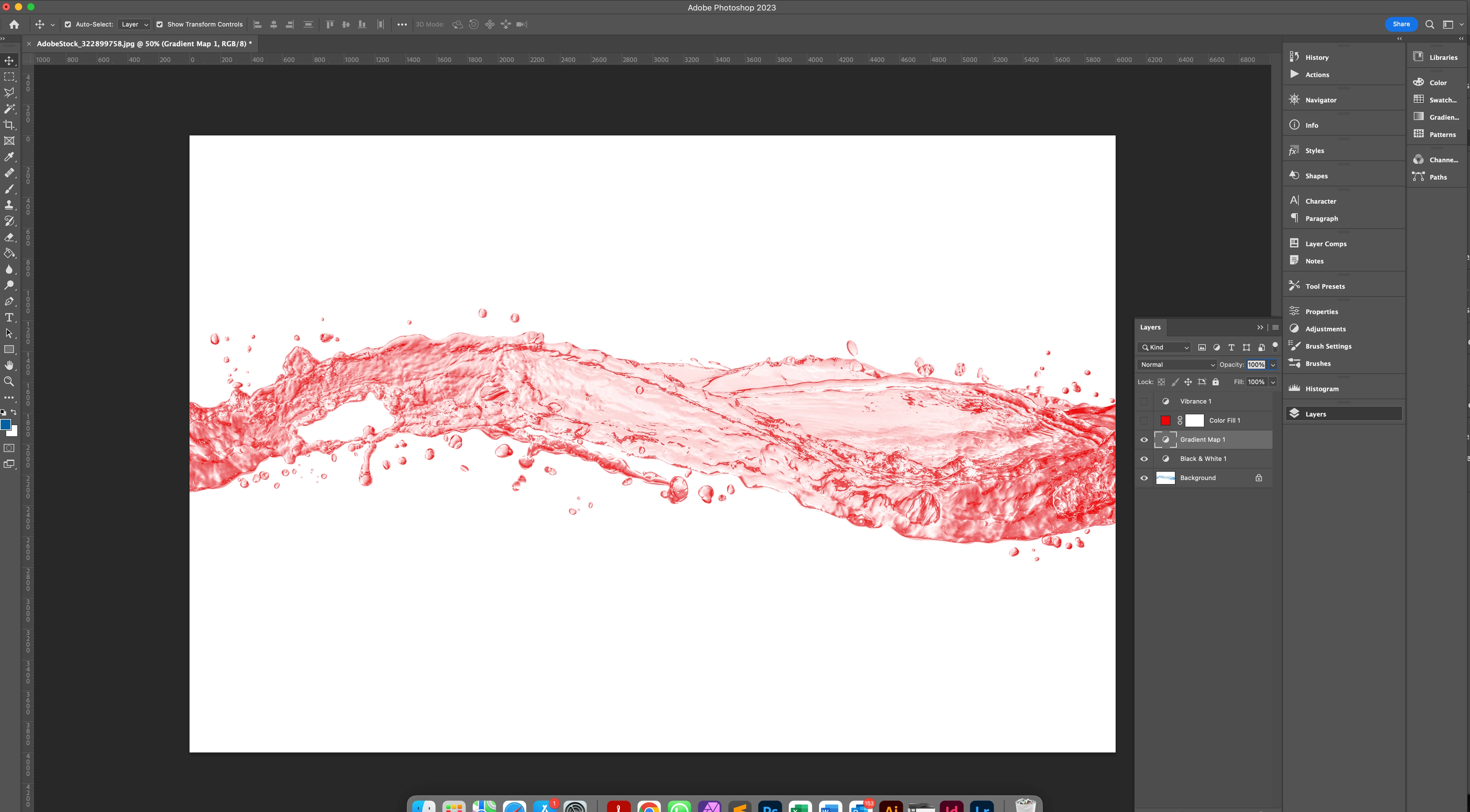


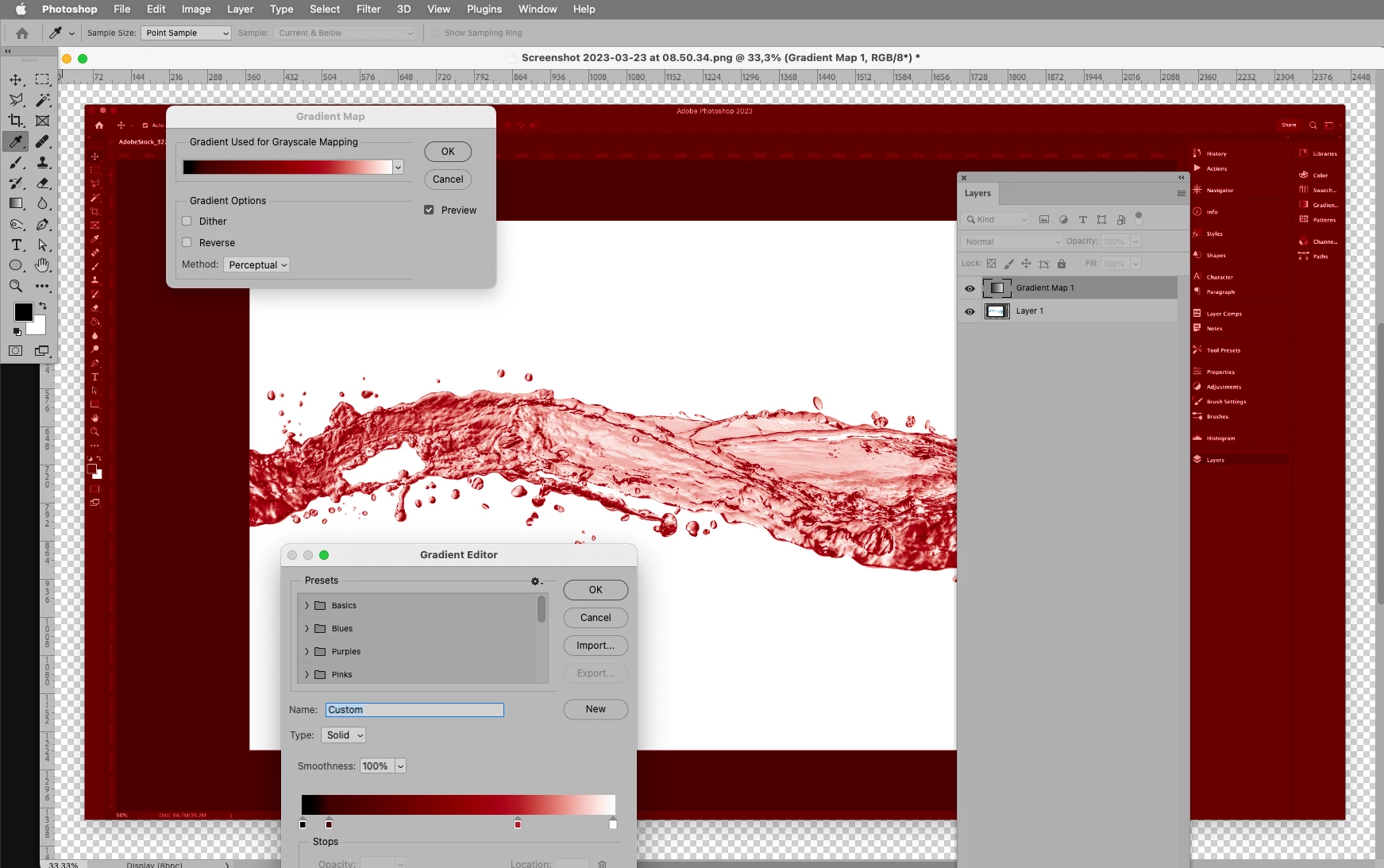
Thanks, yes on the screenshot, no on »Black & White«. 

Gradient Map works based on the »Luminance«, but the hue and sauration should not matter. 

If banding should become noticable try switching to 16bit. 
2 replies

c.pfaffenbichler
Community Expert
Community Expert
March 23, 2023

So far you have not explained what »purple color layer« is exactly, its Blend Mode etc.

Could you please post screenshots with the pertinent Panels (Toolbar, Layers, Options Bar, …) visible? 

Inspiring
March 23, 2023

Imaginerie
Community Expert
Community Expert
March 23, 2023

I am overly simplifying here but basically if you want to make your image more vivbrant you need to increase the saturation, so your purple is maybe not saturated enough.

see my screenshot


Also you're using a screen blending mode, by definition it washes out the colours (it only applies to the lighter parts of the layer below and multiplies this effect by the own lighter parts of that layer, so double washed out)
see an explanation on blending modes:
https://helpx.adobe.com/uk/photoshop/using/blending-modes.html
So my best bet to make it more saturated would be to use another blending mode (try Hue and scroll from there, as the effect depends both on the top layer and the one below)