

Answered
Make Initial Adjustment Layer on One Image, How to Apply to 100+ Similar Files?
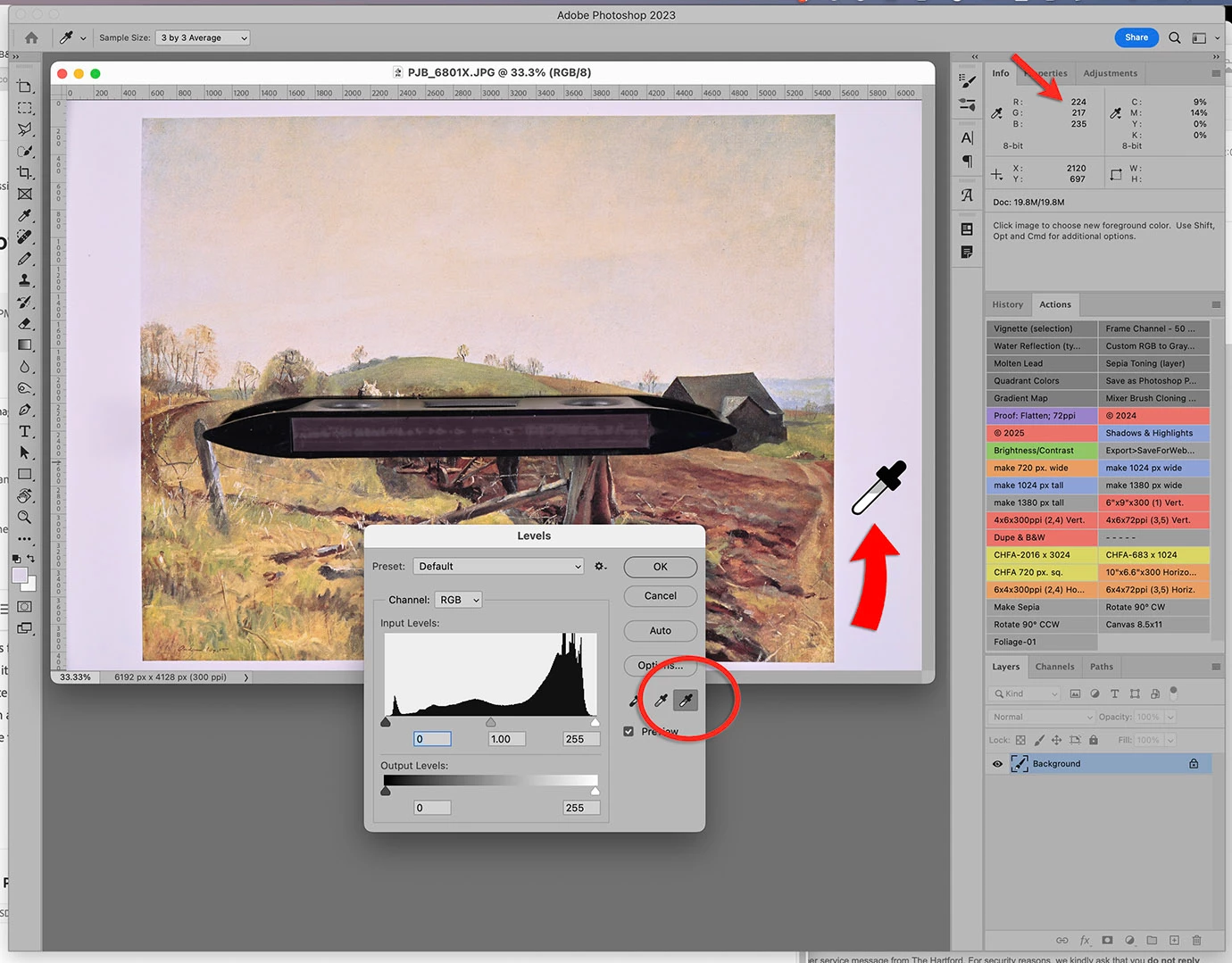 Hi! I photographed ~140 book pages for a client, all have white margins visible, but they all have a slightly magenta color cast visible in the white of the pages. Ordinarily for one or two images I use the Levels highlight eyedropper to set the white point value so the entire image is color corrected. Is there a way to create a mask or Action so that I can apply it to the remaining 139 files? I'd rather not do them all one by one if there are smarter people out there than me who know how to do this. Thank you!
 AdChoices