Inspiring
May 25, 2019
Question

make pure black

  • May 25, 2019
  • 5 replies
  • 1902 views

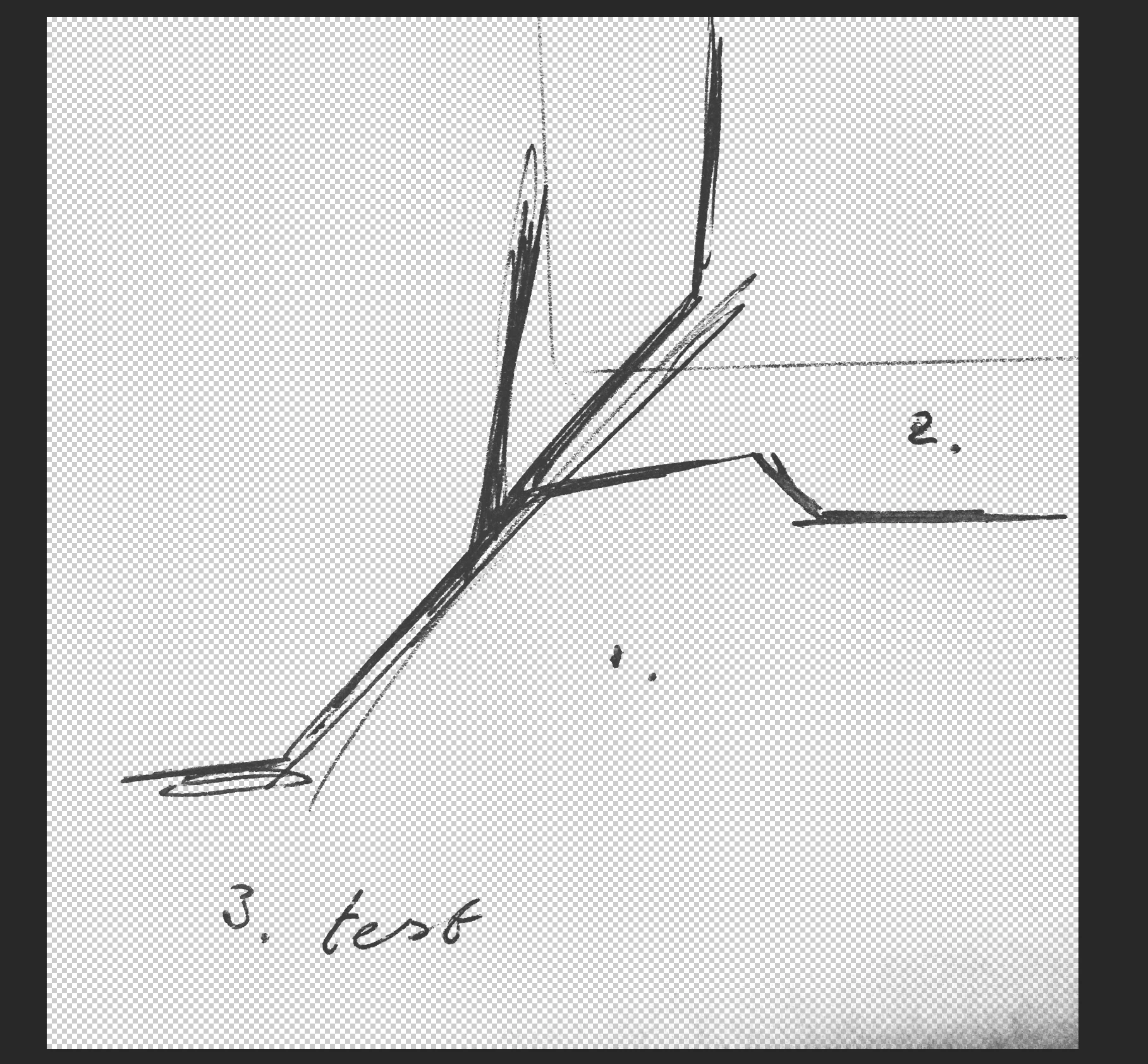
how to make an image pure black?

I found something before, but now want to ask the forum people of how they do it

smoothening the curves which now look like pen marks on paper (possible?)

thank you for your response

    This topic has been closed for replies.

    5 replies

    D Fosse
    Community Expert
    Community Expert
    May 25, 2019

    The very first thing to do in cases like this is always to correct uneven lighting (curves and layer mask painted in):

    Then set black and white endpoints to maximize the workable contrast range:

    So now you have a much better starting point to use any of the techniques outlined above, and the end result will be much better.

    Omar.Fathy
    Community Expert
    Community Expert
    May 25, 2019

    You can easily do that by using the Levels command  Image> Adjustment> Levels or Press Ctrl+L
    Adjust the Shadows stop till you get the black you need.

    jane-e
    Community Expert
    Community Expert
    May 25, 2019

    Does Threshold work?

    Inspiring
    May 25, 2019

    thank you Jane

    do you might also know a way to 'cluster the pixels together' to make it more 'icon-like' in photoshop?

    like image trace illustrator but than in photoshop?

    Inspiring
    May 25, 2019

    You’re welcome, Vanilla Vanilla,

    Maybe, except that I’ll need a definition for “icon-like”!

    ~ Jane


    but there is no blur tool or something like that which filters the dense pixels whereafter the pixels can be offset?

    D Fosse
    Community Expert
    Community Expert
    May 25, 2019

    I think he means 0-0-0 instead of the charcoal grays here. A simple levels adjustment will do that, just drag the black input slider to the right.

    Vanilla, I hope you're doing this with layer masks, which allows you to go back and readjust the mask later to get the perfect selection. It looks like you may have made the selection first, and then used it to permanently delete the background. That's a one way street and you can't fix mistakes later.

    Inspiring
    May 25, 2019

    thank you for your response

    how do you mean?

    c.pfaffenbichler
    Community Expert
    Community Expert
    May 25, 2019

    You mean pure black in the sense of »only printing in the K channel in CMYK output« or what else?

    Inspiring
    May 25, 2019

    yes, pure black

    fx color overlay makes it black

    not satisfying

    workflow from sketch to black icon possible?

    c.pfaffenbichler
    Community Expert
    Community Expert
    May 25, 2019

    How does the Color Overlay fall short?

    Could you post the unedited image?