bartonlew
Legend
January 27, 2021
Answered

Masking and adjustment layer not working after using Clone Stamp

  • January 27, 2021
  • 2 replies
  • 480 views

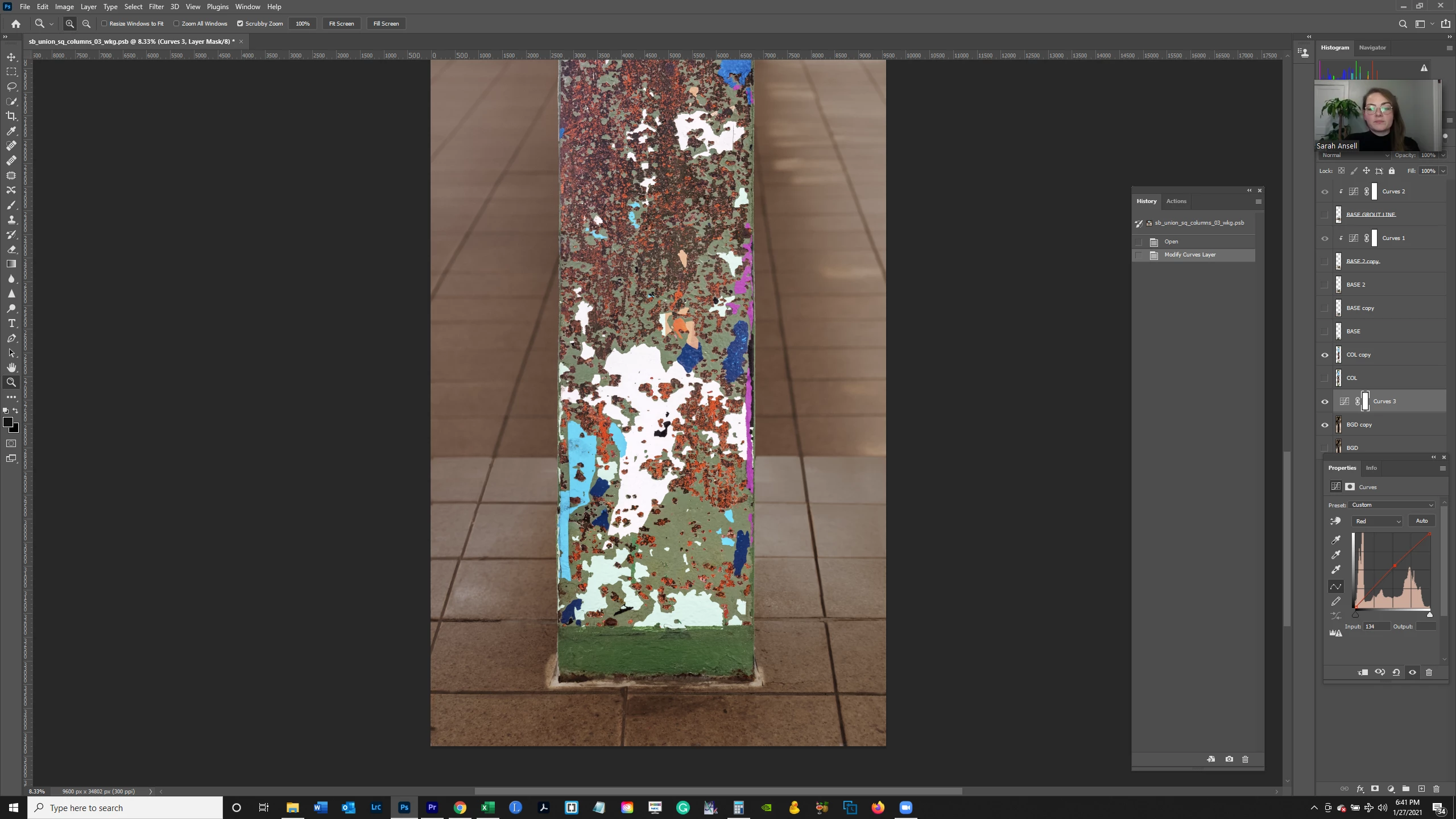
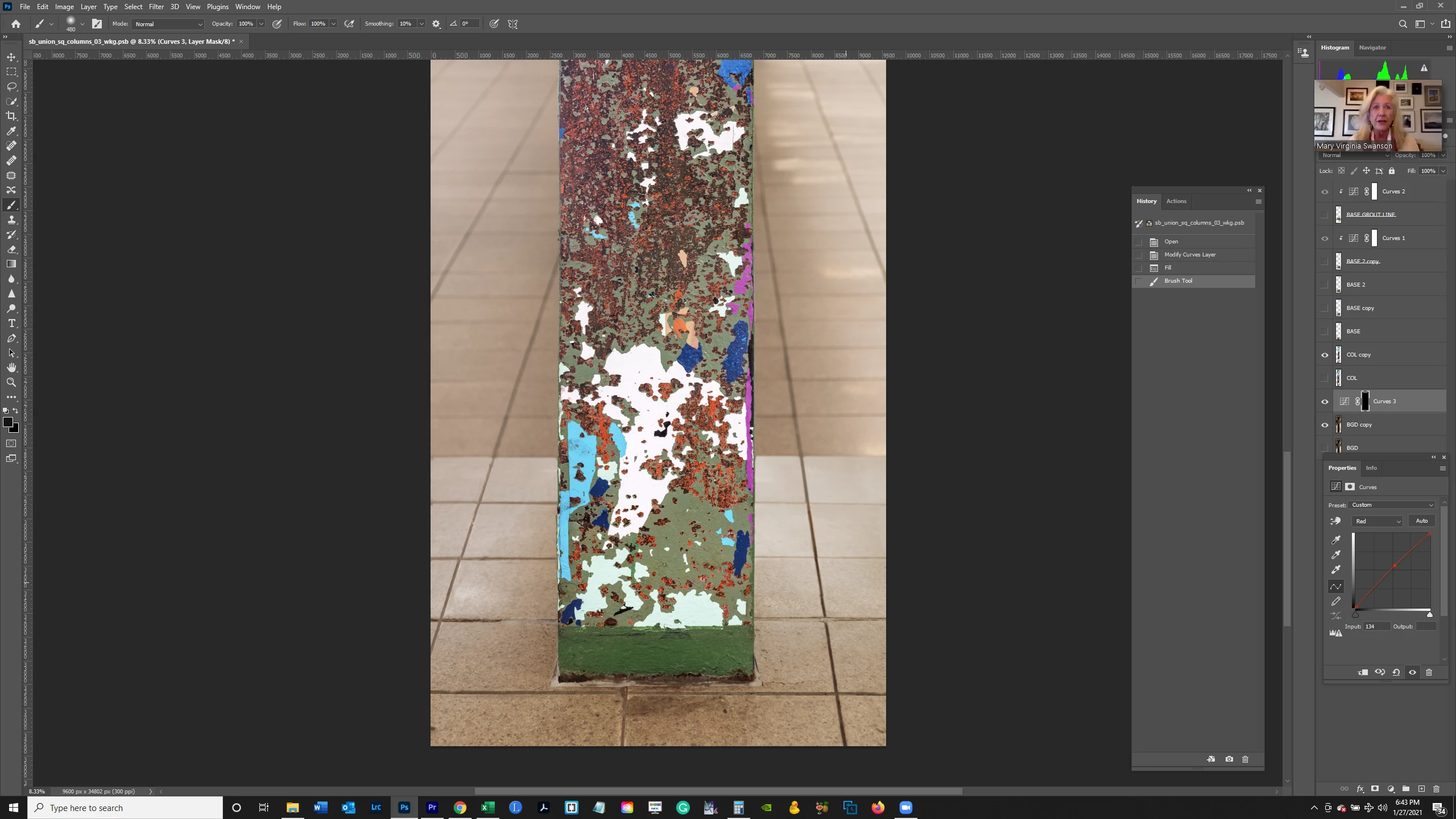
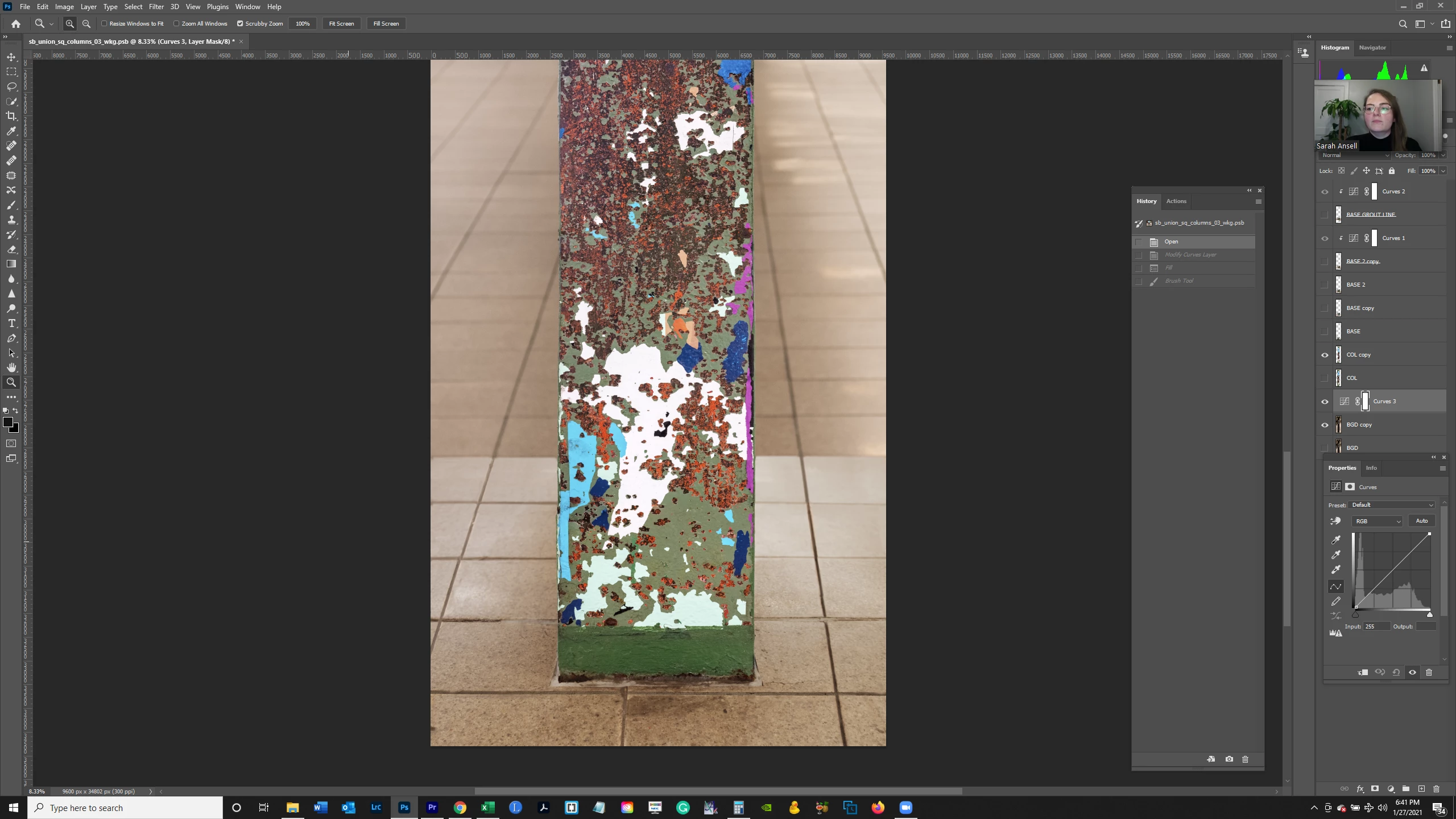
I was in the middle of masking my image and then applying an adjustment curves layer when I switched to the clone stamp and then back again (having been interrupted and forgetting what I was doing).  It did something which has prevented me from applying the adjustment.  Below in image 1 is the layer before the adjustment is applied; image 2 is after applying it; image 3 is after creating the mask with the Fill set to black, and then painting on the image.  You can't see the painted area which should come in darker based upon the adjsutment made in image 2; it looks identical to image 1.  Why is applying the brush tool not resulting in revealing the adjustment made in image 2?  Thank you.


This topic has been closed for replies.
Correct answer JJMack

You seem to have two Curve adjustment layers and a COL copy layer visible above the Curve adjustment layer you are trying to mask. The COL copy layer is covering the  lower layers the Your Adjusting with a curve adjustment layer  over layers that will be hidden by the COL copy layer

2 replies

bartonlew
bartonlewAuthor
Legend
January 28, 2021

I'm making the adjustment to the BGD copy layer which is not overlapping with the COL layer.  And I've never had problems with this before.  With that said, I reset my Preferences and the brush tool starting working correctly again, exposing the adjustment I had made when painting with black, whereas with the same stacking order as before it was not exposing the adjustments.  But thank you.  Maybe I'm missing something and I'll keep this as a reference in case it happens again.

JJMack
Community Expert
JJMackCommunity ExpertCorrect answer
Community Expert
January 28, 2021

You seem to have two Curve adjustment layers and a COL copy layer visible above the Curve adjustment layer you are trying to mask. The COL copy layer is covering the  lower layers the Your Adjusting with a curve adjustment layer  over layers that will be hidden by the COL copy layer

JJMack