


- Home
- Photoshop ecosystem
- Discussions
- Re: masking and halo around image
- Re: masking and halo around image
masking and halo around image

Copy link to clipboard
Copied
i watched the video on masking and followed it was masking a dog... when it loaded there was a lot of haloing or artifacting around the dog. ???help



Explore related tutorials & articles
 17
Replies
17
17
Replies
17




Copy link to clipboard
Copied
Based on the information and content you provided how is anybody supposed to be able to help you?
Please provide the image in question and your result or at least meaningful screenshots including the pertinent Panels (Layers, Options, Appearance, …).
Copy link to clipboard
Copied
pretty sarcastic reply isnt it. I didn t know i could attach the photo here.
Copy link to clipboard
Copied

Copy link to clipboard
Copied
What does your result look like and how exactly did you do the masking?
Copy link to clipboard
Copied


Copy link to clipboard
Copied
Hi Rocky,
There are various things you can do to remove a halo. I suppose the easiest is to go into Select and Mask and contract the selection by a few pixels. However, the method I would use would be to create a new empty layer above the masked layer of the dog. Now create a clipping mask by holding down the 'alt' or 'option' key and clicking the dividing line between the two layers. If you don't know how to do that just go to the Layer menu and click on 'Create Clipping Mask'
1) Once done select a small soft brush
2) Set the layer blend mode of the blank layer to color (sometimes Hue is better but it requires experimenting)
3) Set the flow for the brush to about 25%
4) Now you need to select a color in the dogs coat close to the edge near the halo. Just hold down the 'i' key and click and that will select the color quickly . On the blank layer paint over the halo with the brush . Because the layer is clipped it will only appear to paint over the non transparent regions of the dogs coat where the halo is and it will not extend outside into the cutout region. Make sure you only paint close to the halo otherwise you will start to paint into the dog itself and it will look fake. Don't try to paint out the entire halo with just one sampled color, instead move around the halo painting and re-sampling the color of the dogs coat as you go. If you make a mistake there is no problem because you are painting onto a blank layer and so can just use the eraser tool to remove anything that doesn't look right.
This is actually a pretty simple technique, but if you want an even simpler one just lock the transparency of the pixels on the dog layer and paint out the halo directly with the method above . This is just by-passing the clipping layer step but it is a permanent modification and not as flexible.
Terri
Copy link to clipboard
Copied
thank you very much I will give that a go.
Copy link to clipboard
Copied
Hi Rocky,
I'm English and love your name. If you have problems please come back and I'll try and find a free video tutorial for you as to be honest a picture is worth a thousand words
Terri
Copy link to clipboard
Copied
thats very sweet of you. thank you i will try it and post what i did. crossing fingers.
Copy link to clipboard
Copied
oh what would you do to remove redness from skin tone?
Copy link to clipboard
Copied
2) Set the layer blend mode of the blank layer to color (sometimes Hue is better but it requires experimenting)
In this case (the animals having been photographed against a very bright background) I would recommend considering using the Clone Stamp Tool (set to »Current & Below») and setting the edge correction Layer to the Blend Mode »Darken«.
Copy link to clipboard
Copied
yes Christoph that will work very well as well. I wasn't sure how experienced Rocky is and didn't want to confuse him.
Copy link to clipboard
Copied
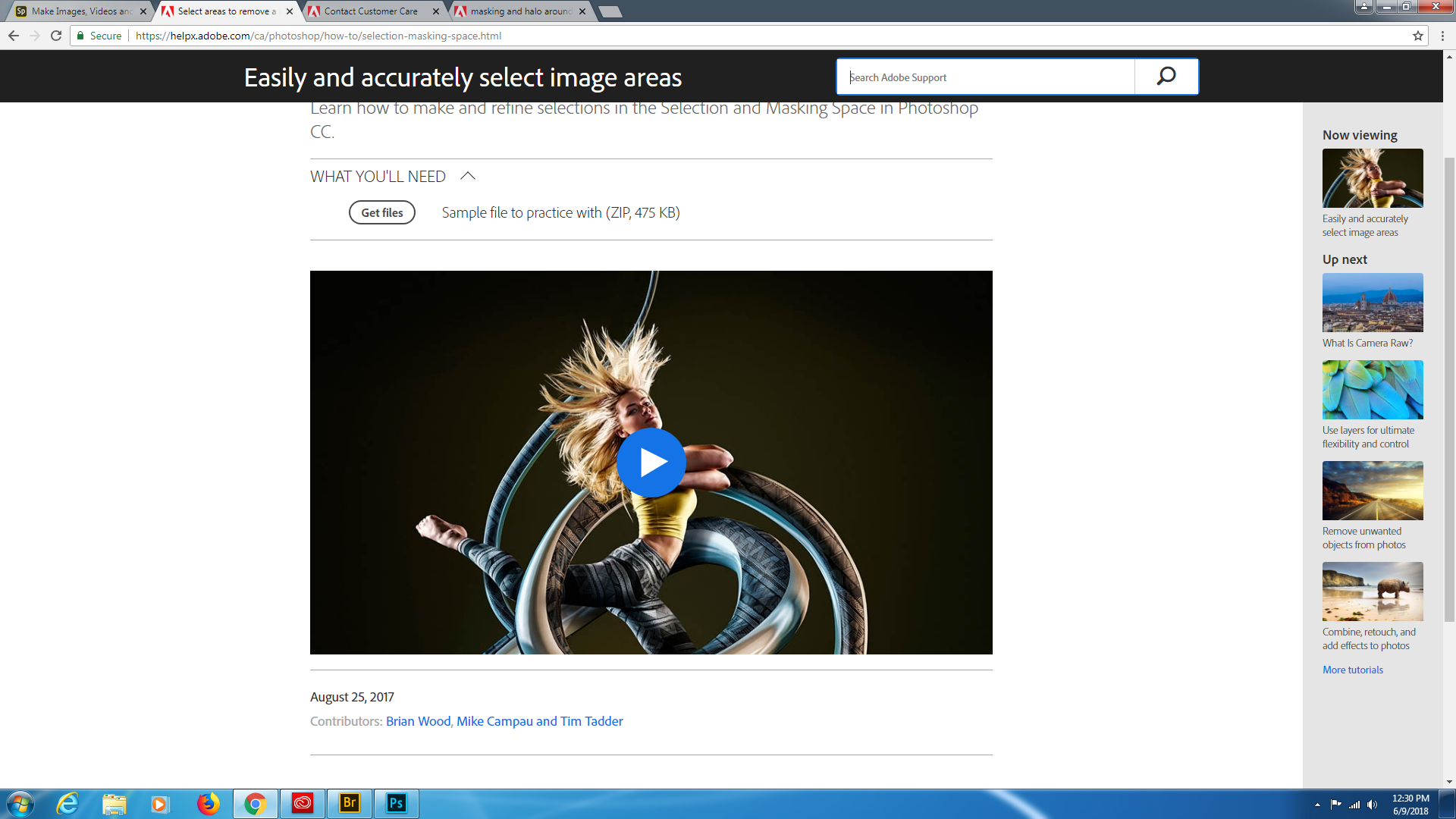
i followed the video tutorial online.
Copy link to clipboard
Copied
i followed the video tutorial online.
Which tutorial?
Copy link to clipboard
Copied
Copy link to clipboard
Copied
Did you use the »Decontaminate Colors« feature?
Copy link to clipboard
Copied
pretty sarcastic reply isnt it.
If there is a problem feel free to use the »Report Abuse« link (near the top right of the page).


Find more inspiration, events, and resources on the new Adobe Community
Explore Now
 AdChoices