/t5/photoshop-ecosystem-discussions/masking-issue/td-p/11365997Aug 17, 2020
Aug 17, 2020
Copy link to clipboard
Copied
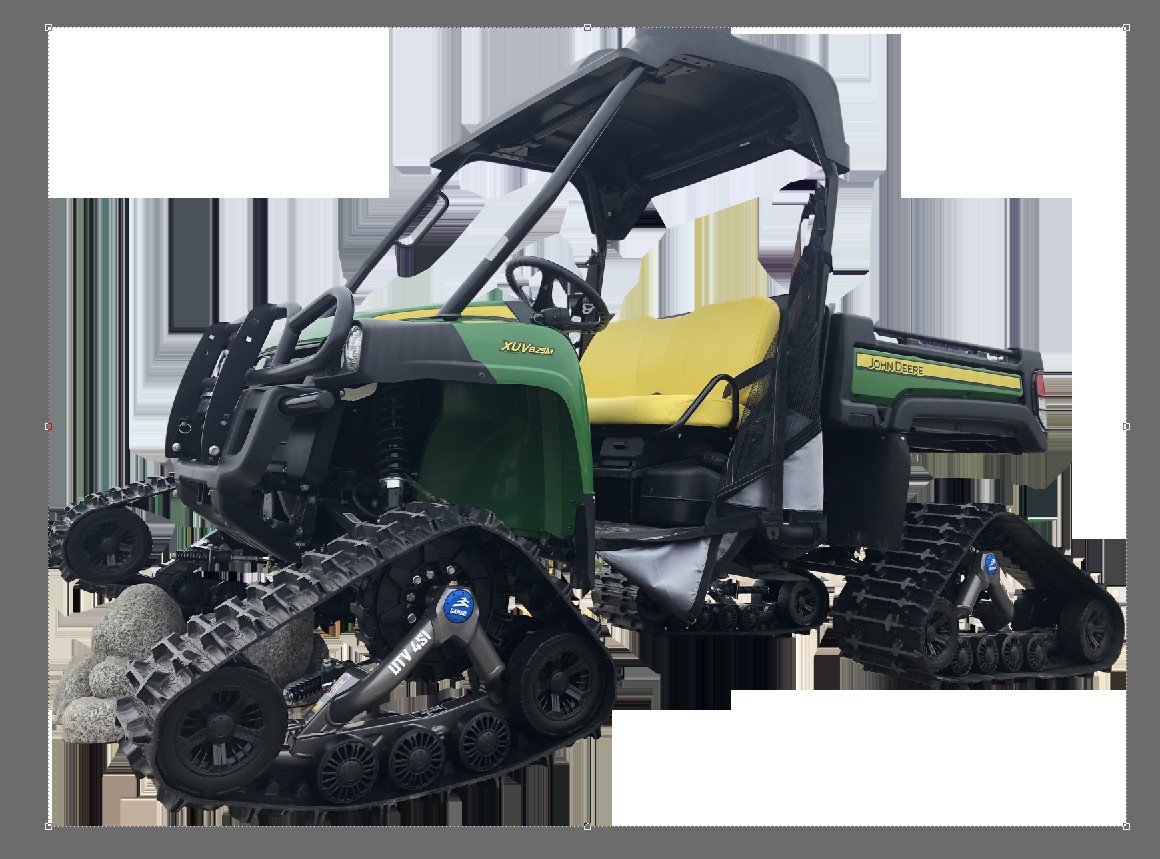
Hello! I'm having an odd issue after removing the background of a pic. After I use the mask and click remove, the background changes to these crazy colors. The file still works, but looks crazy. Any help would be much appreciated. Thanks!
/t5/photoshop-ecosystem-discussions/masking-issue/m-p/11366128#M355946Aug 17, 2020
Aug 17, 2020
Copy link to clipboard
Copied
We can not see Photoshop UI in what you posted. It looks like you may have a top layer the is a cutout or masked John Deere under that a bunch of strange layers and under them the target white layer the control points are around.
So, that's the single layer after I've used the mask. The crazy lines are what's still showing after I finish removing the background. I save the file as a .tif and it works, it just looks like this in photoshop.





 2
Replies
2
Replies


 AdChoices