
Masking Layers Leaving Tint when they should be Invisible
I'm fairly new to photoshop, and I seem to have run into a problem I'm not sure how to fix.
I was using Masks to paint over some lips, and when I went to load it into the program I was making it for, I noticed it was leaving a tinted remain. So I went through all my layers, I erased around them, thinking maybe I had something as far as opacity went that I just couldn't see. Re-upload. Same thing. I thought maybe it was just a problem with the program I was uploading it to. But, I found that it was also happening in photoshop, as it lightly was tinting a block in the top right of my picture, which I saw when I clicked the layers off and on.
I'll be honest, I'm getting a little frustrated, I even redid the layers and still have the same problem. I'm not sure what I'm doing wrong or how to fix this. Could someone please give me a hand?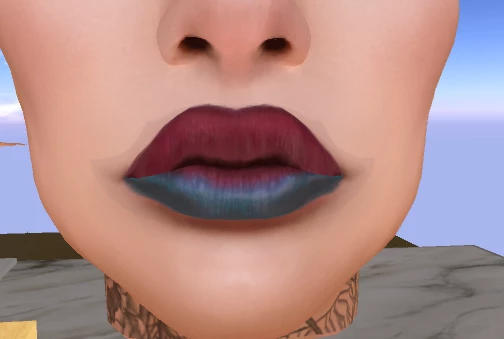
 AdChoices