Answered
Masking multiple objects on the same layer?
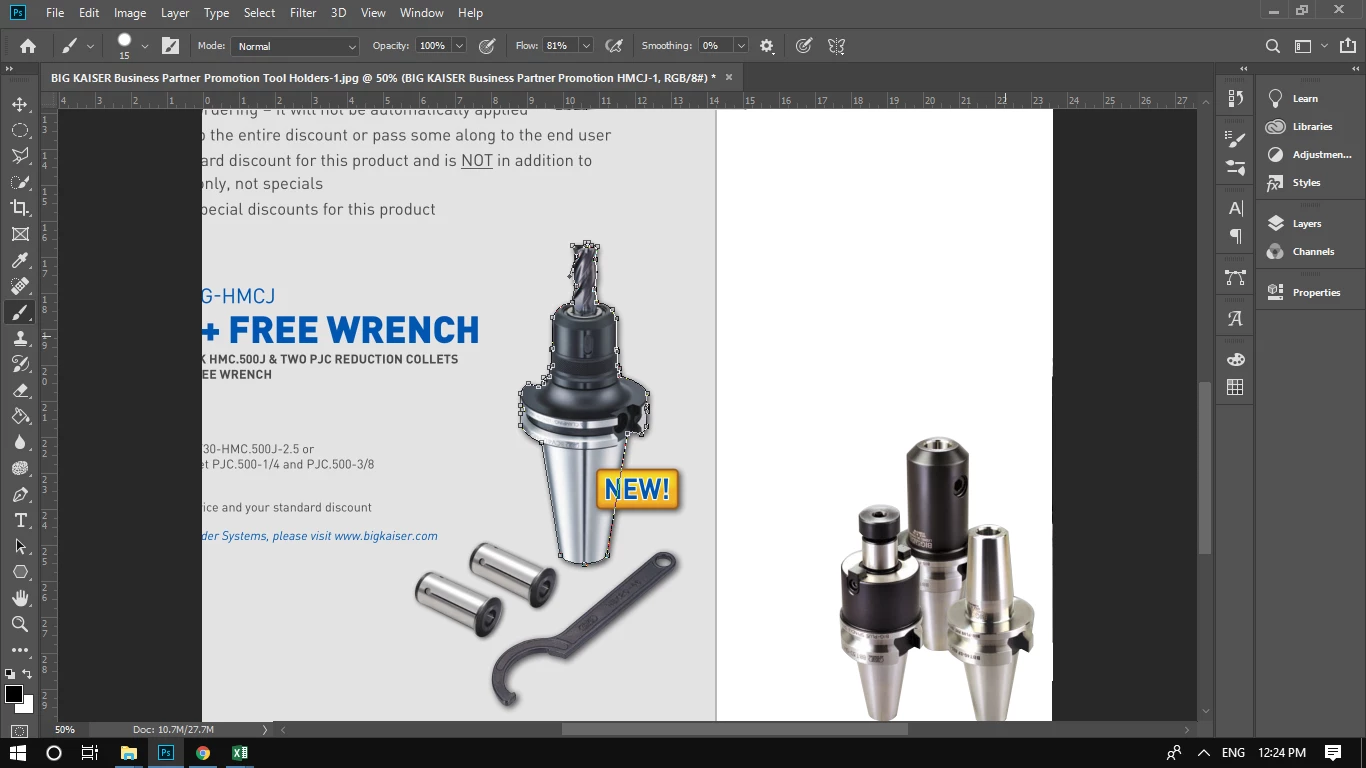
I have masked that big holder by using the pen tool. I would also like to mask those wrenches into the layer?
How can I do that?

I have masked that big holder by using the pen tool. I would also like to mask those wrenches into the layer?
How can I do that?
Hi
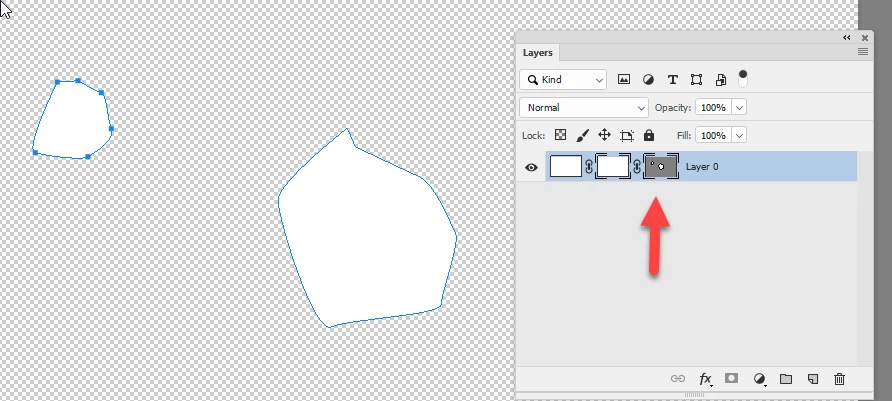
I can't see your layers panel but, assuming you have made a vector mask, click on the vector mask in the layers panel. Select the pen tool and make sure path operations is set to combine shapes. Then add your new path to the mask.

Dave
Already have an account? Login
Enter your E-mail address. We'll send you an e-mail with instructions to reset your password.
 AdChoices